Top Under $50 Smart AC Controllers for 2026: Best Deals to
Top Under $50 Smart AC Controllers for 2026: Best Deals to Consider Are you looking to transform your traditional window or mini-split air conditioner into a smart device? Smart AC controllers can help you monitor energy consumption, set schedules, and even control your AC with voice commands. In this budget guide, users will explore two top contenders under $50: the TP-Link Kasa KP125M and Anker Smart Plug. Overview of Products TP-Link Kasa KP125M (energy monitoring) Connectivity: Wi-Fi, Matter Features: Real-time and historical power consumption monitoring, compact design, compatible with Alexa, Google Assistant, Apple Siri, Samsung Smart Things Voice Assistants: Alexa, Google Assistant, Siri Anker Smart Plug Connectivity: Wi-Fi Features: Voice control via Alexa or Google Assistant, compact design, easy to install and use Voice Assistants: Alexa, Google Assistant Both products offer a range of features at an affordable price point.
Top Under $50 Smart AC Controllers for 2026: Best Deals to Consider
Are you looking to transform your traditional window or mini-split air conditioner into a smart device? Smart AC controllers can help you monitor energy consumption, set schedules, and even control your AC with voice commands. In this budget guide, users will explore two top contenders under $50: the TP-Link Kasa KP125M and Anker Smart Plug.
Overview of Products
TP-Link Kasa KP125M (energy monitoring)
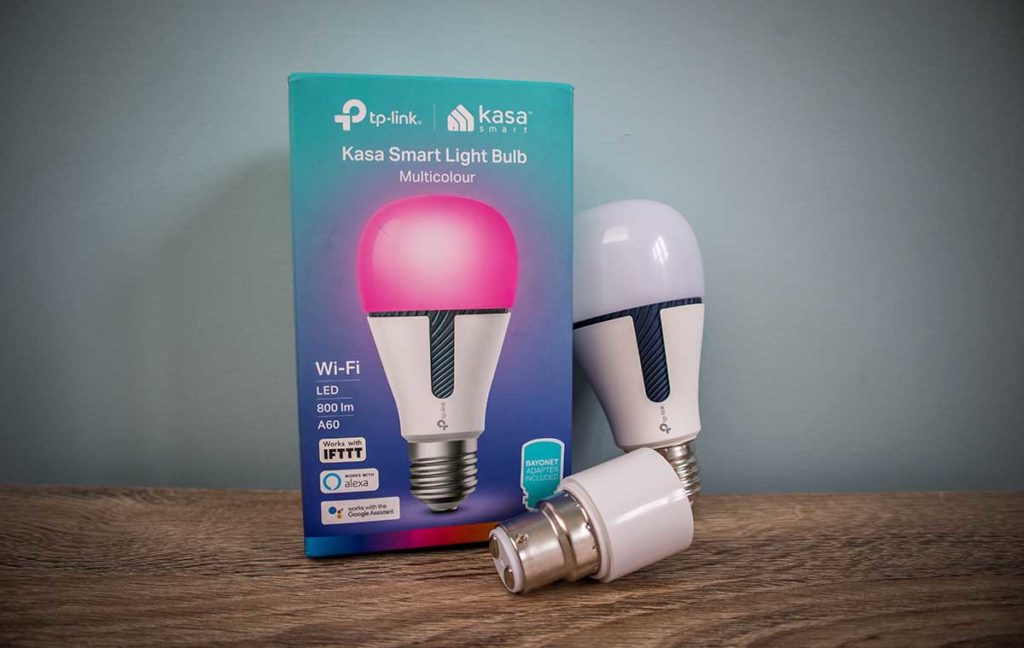
- Connectivity: Wi-Fi, Matter
- Features: Real-time and historical power consumption monitoring, compact design, compatible with Alexa, Google Assistant, Apple Siri, Samsung Smart Things
- Voice Assistants: Alexa, Google Assistant, Siri
Anker Smart Plug
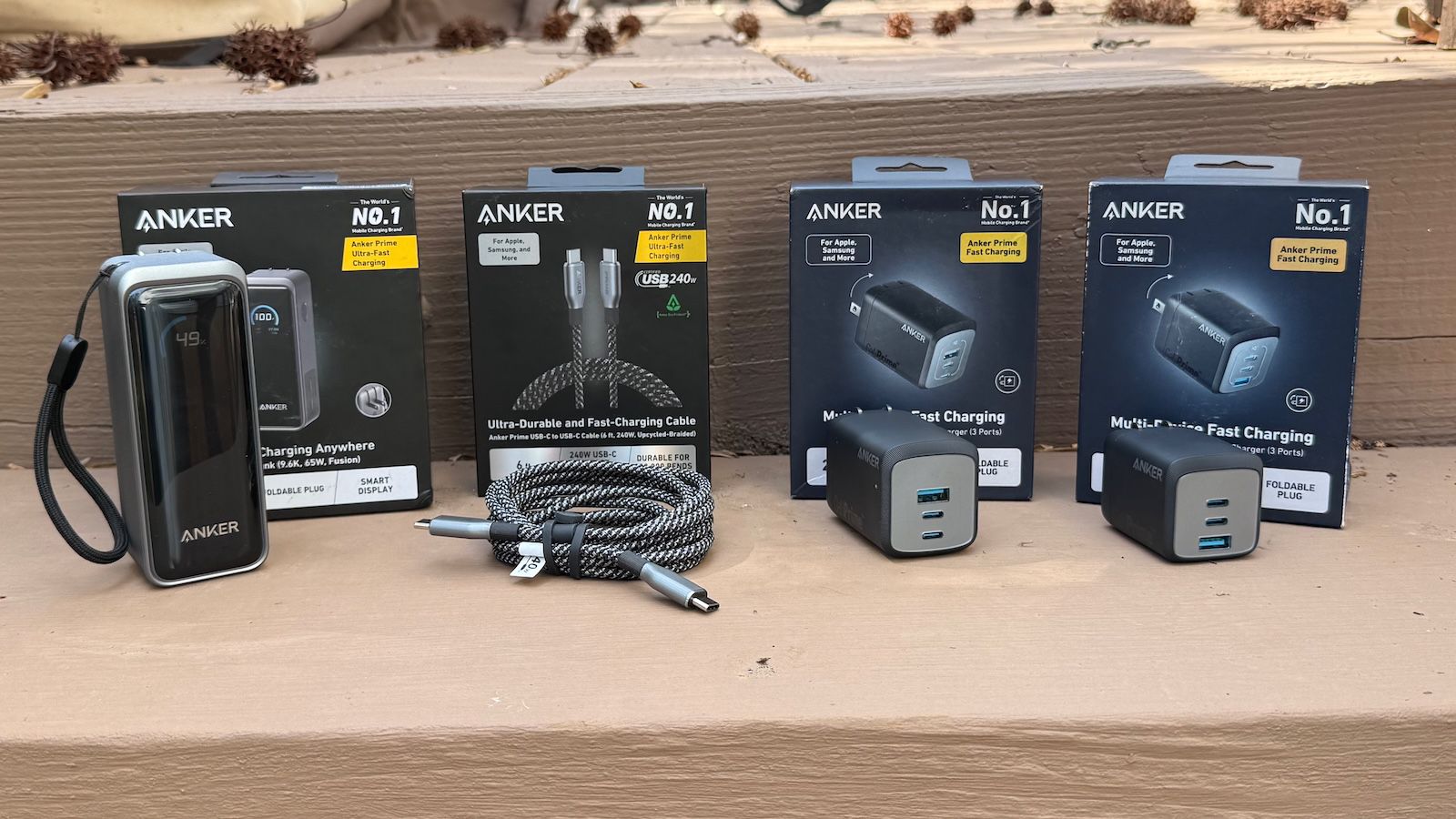
- Connectivity: Wi-Fi
- Features: Voice control via Alexa or Google Assistant, compact design, easy to install and use
- Voice Assistants: Alexa, Google Assistant
Both products offer a range of features at an affordable price point. However, they differ in key specifications that can impact your decision.
Setup Experience
TP-Link Kasa KP125M
Setting up the TP-Link Kasa KP125M is straightforward and quick. To get started:
- Plug it In: Connect the smart plug to a power source.
- Download the App: Install the TP-Link Kasa app on your smartphone or tablet.
- Pair with Wi-Fi: Follow the in-app instructions to connect the KP125M to your home network.
- Connect to Alexa/Google Assistant: Add the device to your account through the respective voice assistants companion app.
Once set up, you can monitor energy consumption and control the AC from anywhere using your smartphone or by voice commands.
Setting up the Anker Smart Plug is equally easy:
- Plug it In: Connect the smart plug to a power source.
- Download the App: Install the Anker app on your smartphone or tablet.
- Pair with Wi-Fi: Follow the in-app instructions to connect the smart plug to your home network.
- Connect to Alexa/Google Assistant: Add the device to your account through the respective voice assistants companion app.
The Anker Smart Plug also comes with a compact design that fits easily into any AC unit, making it a convenient addition to your smart home setup.
Daily Use Experience
Using the TP-Link Kasa KP125M on a daily basis is both efficient and user-friendly. You can monitor energy consumption in real-time or track historical data to see how much you’re saving. For example, you can say, “Alexa, turn on the AC,” and the KP125M will quickly connect to your voice assistant and ensure that your room is comfortable.
The Anker Smart Plug is equally intuitive when it comes to daily use. You can control the AC with ease through its app or by voice commands. For instance, you can say, “Alexa, turn off the AC,” and the smart plug will immediately disconnect power from your AC unit, conserving energy while keeping the room cool.
What Competitors Do Better
Ecobee Smart Plug (as a competitor)
The Ecobee Smart Plug is known for its advanced features such as geofencing and adaptive learning. While it offers more sophisticated functionality, it comes with a higher price tag, typically around $80 to $100. For those looking for a basic smart AC controller under $50, the TP-Link Kasa KP125M and Anker Smart Plug are excellent alternatives.
Pros and Cons
Pros:
- Real-time power consumption monitoring
- Compact design
- Works with multiple voice assistants (Alexa, Google Assistant, Siri)
Cons:
- Requires an additional app for full functionality
- No built-in display for quick status updates
Pros:
- Easy to install and use
- Compatible with Alexa and Google Assistant
Cons:
- Limited features compared to TP-Link Kasa KP125M (no real-time monitoring)
- May require an app for more advanced settings
Which One to Buy
Based on the evaluation, here’s which one usersrecommend:
TP-Link Kasa KP125M
- Best For: Those who prioritize real-time energy monitoring and detailed control over their AC.
- Price: ~$30
- Key Features: Real-time power consumption monitoring, compact design, compatibility with multiple voice assistants.
Anker Smart Plug
- Best For: Users seeking a simple and easy-to-use solution for basic smart home integration.
- Price: ~$25
- Key Features: Easy installation, compatibility with Alexa and Google Assistant.
FAQ
Q: Can you use the TP-Link Kasa KP125M with the existing AC unit?
A: Yes, the TP-Link Kasa KP125M is designed to work with both window and mini-split AC units. It plugs into your AC units power source and connects via Wi-Fi.
Q: Is the Anker Smart Plug compatible with all voice assistants?
A: The Anker Smart Plug works smoothly with both Alexa and Google Assistant, but it may require an additional app for advanced settings.
Q: How does the TP-Link Kasa KP125M monitor power consumption?
A: The TP-Link Kasa KP125M tracks real-time and historical power usage through its app, providing detailed insights into your energy consumption patterns.
The Verdict
If you need a smart AC controller that offers advanced features like real-time power monitoring and compatibility with multiple voice assistants, the TP-Link Kasa KP125M is the way to go. It provides comprehensive control over your energy usage while fitting neatly into any home setup.
However, if simplicity and ease of use are more important than detailed analytics, the Anker Smart Plug offers a straightforward solution that won’t break the bank.
Related Posts: