How to Read Your Website's SEO Score
Most SEO tools hand you a number and leave you to figure out the rest. A 64 out of 100 tells you something is wrong - it doesn’t tell you what to fix first or why it matters. Here are the six dimensions behind a typical SEO score, what each one measures, and one concrete thing you can do about each. Page Speed Page speed measures how quickly your site loads - specifically the time until the largest visible element appears on screen (Google calls this Largest Contentful Paint, or LCP).
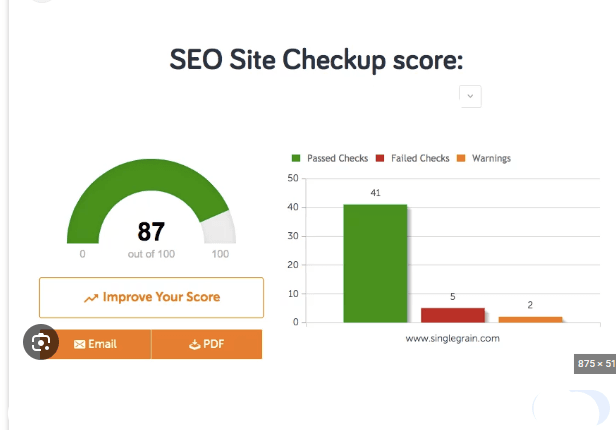
Most SEO tools hand you a number and leave you to figure out the rest. A 64 out of 100 tells you something is wrong - it doesn’t tell you what to fix first or why it matters.
Here are the six dimensions behind a typical SEO score, what each one measures, and one concrete thing you can do about each.
Page Speed
Page speed measures how quickly your site loads - specifically the time until the largest visible element appears on screen (Google calls this Largest Contentful Paint, or LCP). Google wants it under 2.5 seconds. Above that, your rankings take a hit on mobile searches, which are now the majority of all searches.
Fix: Compress your images before uploading. Large, uncompressed images are the single most common cause of slow load times. Use WebP format and run images through a tool like Squoosh or TinyPNG. This alone can cut load time in half.
Meta Tags
Meta tags are the title and description that appear in Google search results. The title tag is what Google shows as the clickable link. The meta description is the two lines of text underneath it.
Google uses both to understand what your page is about. More practically, they determine whether someone clicks your result or the one below it.
Fix: Write a unique title and description for every page. The title should be under 60 characters and name exactly what the page is about. The description should be 120-155 characters and give someone a reason to click.
Heading Structure
Headings (H1, H2, H3) organize your content for both readers and search engines. Your H1 is the main topic of the page. H2s are the major sections. H3s break those down further.
Google reads heading structure to understand what your page covers and how it’s organized. A page with one clear H1 and logical subheadings ranks better than a wall of unbroken text.
Fix: Every page should have exactly one H1 that matches the page’s main topic. Use H2s for each major section. If you’re using a CMS like WordPress, check that your post title is set as H1 and your section headers are H2.
Image Alt Text
Alt text is the description attached to each image in your HTML. Screen readers use it for visually impaired users. Google uses it to understand what the image shows, since it can’t see images the way humans do.
Missing alt text means Google ignores your images for indexing. It also means your site fails basic accessibility checks.
Fix: Add a short, descriptive alt text to every image. Describe what’s actually in the image. “red-ceramic-coffee-mug-on-wood-table” is useful. “image1.jpg” is not.
Internal Linking
Internal links connect your pages to each other. When you write about topic A and link to your page on related topic B, you help Google understand how your content is organized - and you pass ranking authority from stronger pages to weaker ones.
Sites with strong internal linking get more pages indexed and rank across a broader range of search terms.
Fix: Go through your five most-visited pages and add two or three links to other relevant pages on your site. Use descriptive anchor text that names what the linked page is about, not generic phrases like “click here.”
Mobile Friendliness
Google indexes the mobile version of your site first. If your site looks broken on a phone, your rankings suffer everywhere - including on desktop searches.
Mobile issues include text that’s too small to read, buttons too close together to tap, content wider than the screen, and pages that require horizontal scrolling.
Fix: Open your site on your phone and scroll through a few pages. If anything looks wrong, check whether your theme or template is set to “responsive.” Most modern themes handle this automatically. If yours doesn’t, it’s time for a new theme.
What to Do Next
Start with page speed and meta tags - they have the highest impact and the most direct fixes. Then work through the rest in order.
Tools like PageGrader (pagegrader.app) check all six of these automatically and grade each one, so you can see exactly where your site stands before you start fixing things.
Shop on Amazon: