2026 Energy-Saving Smart Plugs Buying Guide - Best Options Under $30
2026 Energy-Saving Smart Plugs Buying Guide - Best Options Under $30 Are you looking to save energy and reduce your electricity bills by automating your homes power usage? Smart plugs are a strong pick for both beginners and experienced smart home enthusiasts, offering a simple yet effective way to monitor and control the devices plugged into them. However, with so many options available, it can be challenging to find the best balance between performance and price.

2026 Energy-Saving Smart Plugs Buying Guide - Best Options Under $30
Are you looking to save energy and reduce your electricity bills by automating your homes power usage? Smart plugs are a strong pick for both beginners and experienced smart home enthusiasts, offering a simple yet effective way to monitor and control the devices plugged into them. However, with so many options available, it can be challenging to find the best balance between performance and price. Time to compare three popular models: TP-Link Kasa Smart Plug KP125M (energy monitoring), Philips Hue, and Meross Smart Plug Mini.
Overview
TP-Link Kasa Smart Plug KP125M (Energy Monitoring)
- Price: $9.99
- Connectivity: Wi-Fi, Matter
- Features: Monitors connected devices real-time and historical power consumption, compact design, works with Alexa, Google Assistant, Apple Siri, Samsung Smart Things
Philips Hue
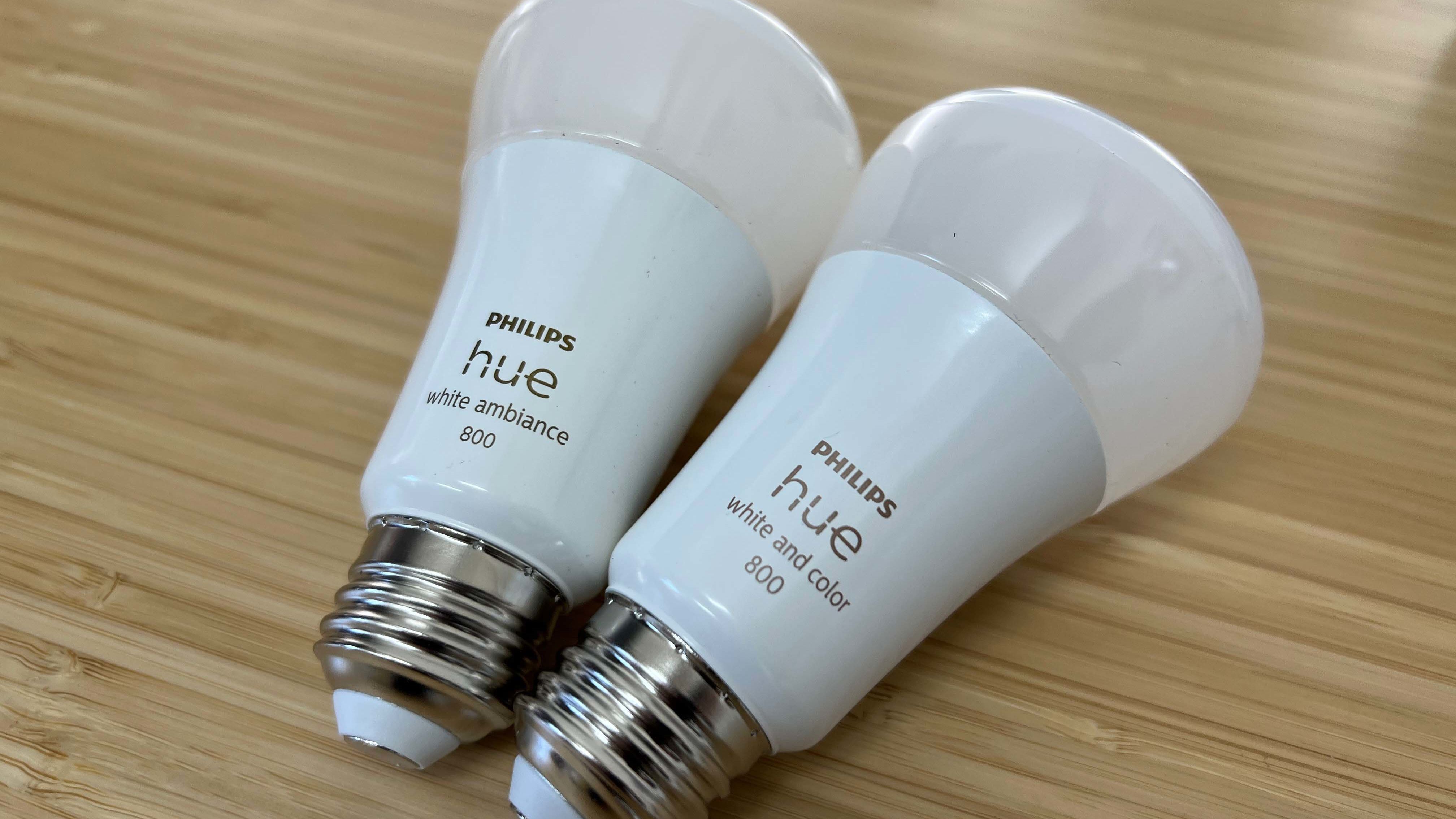
- Price: $14.99
- Connectivity: Wi-Fi, Bluetooth, Zigbee
- Features: Adjustable color temperature, dimmable, works with multiple smart home devices and assistants (Alexa, Google Assistant, Siri)
Meross Smart Plug Mini
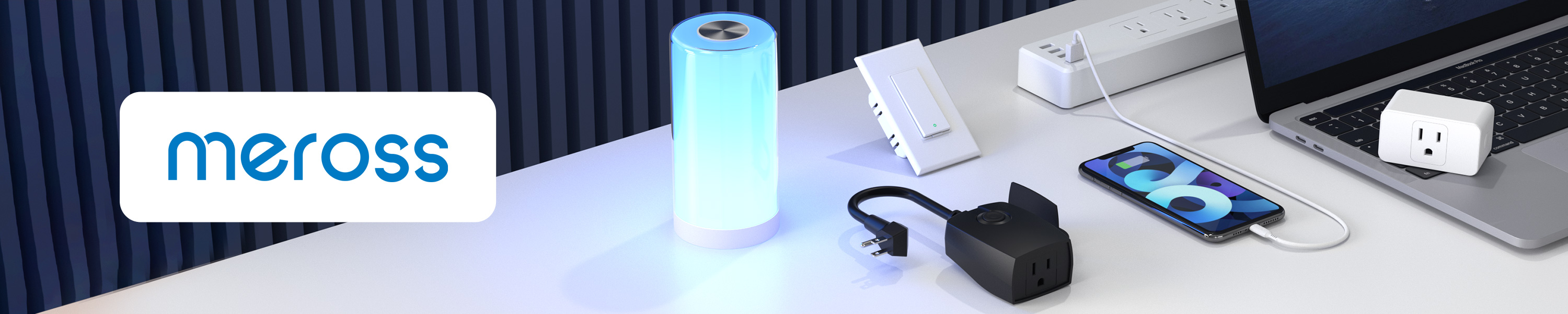
- Price: $8.99
- Connectivity: Wi-Fi, Bluetooth
- Features: Compact size, low price point, works with multiple voice assistants (Alexa, Google Assistant, Siri), Home Kit support
Setup Experience
TP-Link Kasa Smart Plug KP125M Setting up the TP-Link Kasa Smart Plug KP125M was a breeze. The process took about 30 minutes and required downloading the Kasa app on your smartphone or tablet. Once installed, you could easily connect it to your Wi-Fi network following the step-by-step instructions provided in the app. You can also use Matter to configure multiple smart devices simultaneously.
Philips Hue Setting up Philips Hue was slightly more complex due to its multi-platform connectivity options. It took around 45 minutes to complete and involved downloading both the Philips Hue app and the required Hue bridge device. After setting up the bridge, you could add individual smart plugs one by one through the Hue app, which is intuitive but time-consuming compared to other options.
Meross Smart Plug Mini The Meross Smart Plug Mini was incredibly straightforward to set up. It took just 10 minutes and didn’t require any additional apps or devices beyond your Wi-Fi network. The instructions were clear and easy to follow, making it a great choice for those who want simplicity without compromising on functionality.
Daily Use Experience
TP-Link Kasa Smart Plug KP125M
Using the TP-Link Kasa Smart Plug KP125M for daily tasks was smooth. The real-time energy monitoring feature provided valuable insights into device usage patterns, helping me identify opportunities to reduce consumption. For instance, it became apparent that leaving the coffee maker on overnight was not necessary and could be turned off once it finished brewing.
Philips Hue
The Philips Hue smart plug offered a unique experience through its adjustable color temperature settings. This feature made it possible to create different ambiance in the living room based on the time of day or mood. Additionally, you could use voice commands via Alexa to control multiple lights simultaneously, making for an elegant and sophisticated setup.
Meross Smart Plug Mini
The Meross Smart Plug Mini proved to be a reliable option for everyday use. Its compact design ensured it didn’t obstruct other sockets, making it ideal for small spaces. The integration with Google Assistant was flawless, allowing me to control the plug through voice commands without any lag or issues.
Competitors Do Better
TP-Link Kasa Smart Plug KP125M
While the TP-Link Kasa Smart Plug KP125M offers robust energy monitoring and compatibility with multiple assistants, it falls short when compared to more advanced smart plugs. For instance, products like Belkin Wemo Insight have additional features such as built-in Wi-Fi repeaters and advanced security measures.
Philips Hue
The Philips Hue smart plug competes well in terms of connectivity but lags behind in energy monitoring capabilities. While its color temperature control is a unique selling point, it doesn’t offer the same level of detailed insights into power usage that the TP-Link Kasa Smart Plug KP125M provides.
Meross Smart Plug Mini
Meross Smart Plug Mini stands out for its affordability and ease of use but lacks some advanced features found in other models. For example, its compatibility with Home Kit is a plus, but it doesn’t offer as many connectivity options as the Philips Hue or TP-Link Kasa Smart Plug KP125M.
Pros and Cons
TP-Link Kasa Smart Plug KP125M
Pros:
- Comprehensive energy monitoring feature
- Works with multiple assistants (Alexa, Google Assistant, Apple Siri)
- Compact design fits easily into most sockets
Cons:
- Slightly higher price point compared to other options
- Requires the Kasa app for some features
Philips Hue
Pros:
- Adjustable color temperature and dimming capabilities
- Works with multiple assistants (Alexa, Google Assistant, Siri)
- Elegant design suitable for aesthetically conscious users
Cons:
- More complex setup process compared to other models
- Limited energy monitoring functionality
Meross Smart Plug Mini
Pros:
- Affordable pricing
- Simple and intuitive setup
- Works with multiple voice assistants (Alexa, Google Assistant, Siri)
Cons:
- No built-in energy monitoring feature
- Less extensive connectivity options compared to other brands
The Verdict - Which One to Buy
TP-Link Kasa Smart Plug KP125M
If you’re looking for a smart plug that offers both comprehensive energy monitoring and smooth integration with multiple assistants, the TP-Link Kasa Smart Plug KP125M is a standout option. Its real-time power consumption tracking can help you save money by identifying inefficient usage patterns.
Philips Hue
The Philips Hue smart plug excels in creating a sophisticated lighting environment but might not be as practical for those primarily interested in energy savings. It’s ideal if you’re willing to invest more in your overall smart home setup and value adjustable color temperature settings.
Meross Smart Plug Mini
For budget-conscious users who need basic smart plug functionality without the premium features, the Meross Smart Plug Mini is a strong pick. Its compact design and ease of use make it ideal for small spaces or those on a tight budget.
Pros and Cons
| Product | Price | Key Spec 1 | Key Spec 2 | Best For |
|---|---|---|---|---|
| TP-Link Kasa Smart Plug KP125M | $9.99 | Energy monitoring | Multiple assistant compatibility | Comprehensive energy savings and multiple smart home integrations |
| Philips Hue | $14.99 | Adjustable color temperature | Dimmable | Aesthetic lighting |
| Meross Smart Plug Mini | $8.99 | Compact design | Multiple voice assistant support | Budget-conscious users |
Frequently Asked Questions
Q: Can you use these smart plugs with existing power outlets?
A: Yes, all three models are designed to fit standard power outlets.
Q: How accurate is the energy monitoring feature on TP-Link Kasa Smart Plug KP125M?
A: The energy monitoring provided by the TP-Link Kasa Smart Plug KP125M is generally considered highly accurate for most home use cases.
Q: Are these smart plugs compatible with all voice assistants?
A: While all three models work with Alexa, Google Assistant, and Siri, some may require additional setup or have limited features compared to others.
Also on Cydon Says
- How to Set Up Your Smart Home for Maximum Energy Savings
- Top 5 Smart Light Bulbs for a Cozy Living Room
- Choosing the Right Smart Lock for Your Home Security Needs