Top Kitchen Gadgets Under $500: Best Buys in 2026
Top Kitchen Gadgets Under $500: Best Buys in 2026 Discover the best value smart kitchen gadgets for every budget. From lighting to plug management, these devices will elevate your kitchen experience while staying within your financial limits. Product Overview with Full Specs Philips Hue Smart Bulbs Connectivity: Wi-Fi, Bluetooth Features: Adjustable Color Temperature, Dimmable, Works with multiple smart home devices and assistants Voice Assistants: Google Assistant, Siri Price: $30 - $75 per bulb
Top Kitchen Gadgets Under $500: Best Buys in 2026
Discover the best value smart kitchen gadgets for every budget. From lighting to plug management, these devices will elevate your kitchen experience while staying within your financial limits.
Product Overview with Full Specs
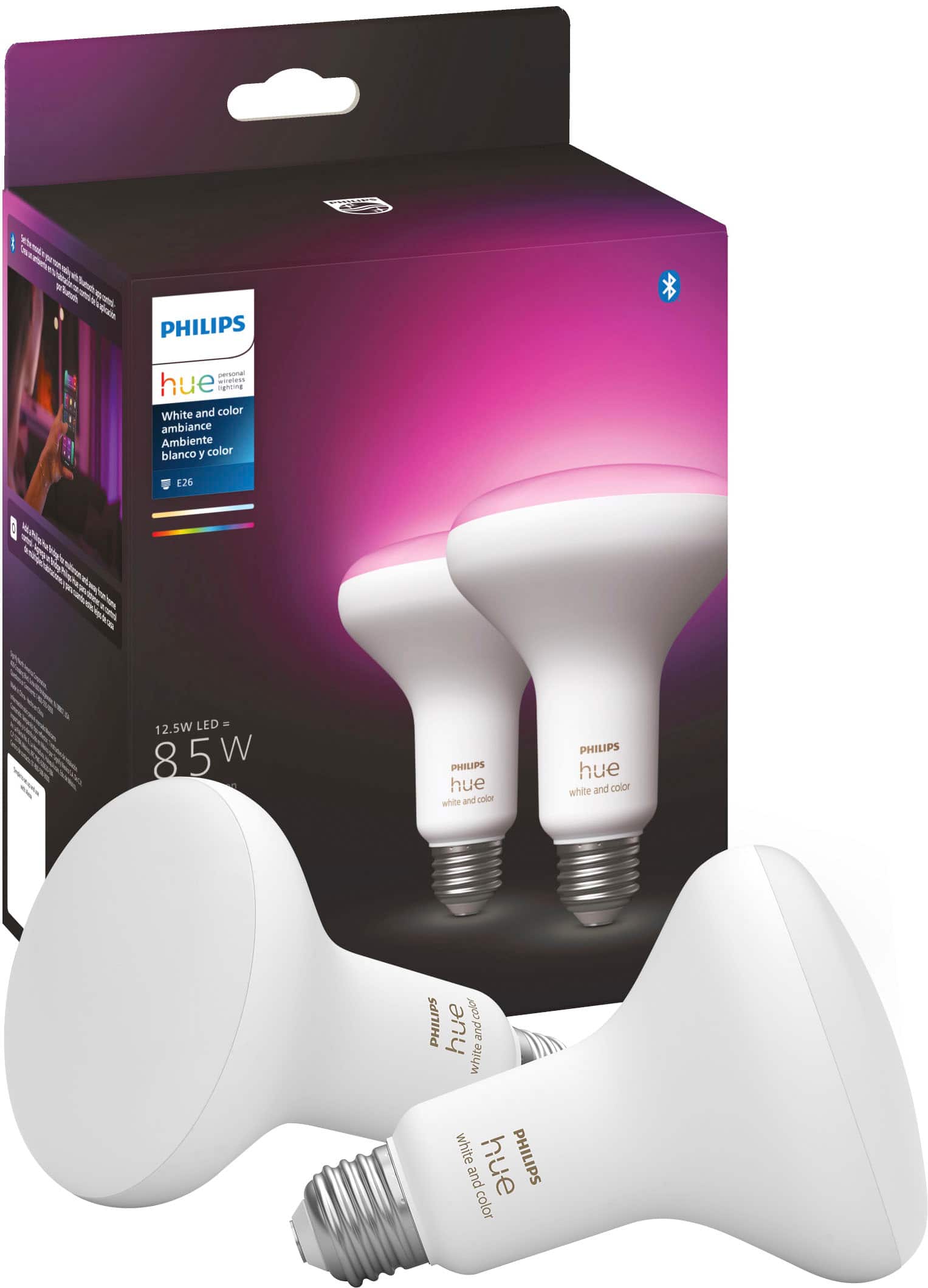
Philips Hue Smart Bulbs
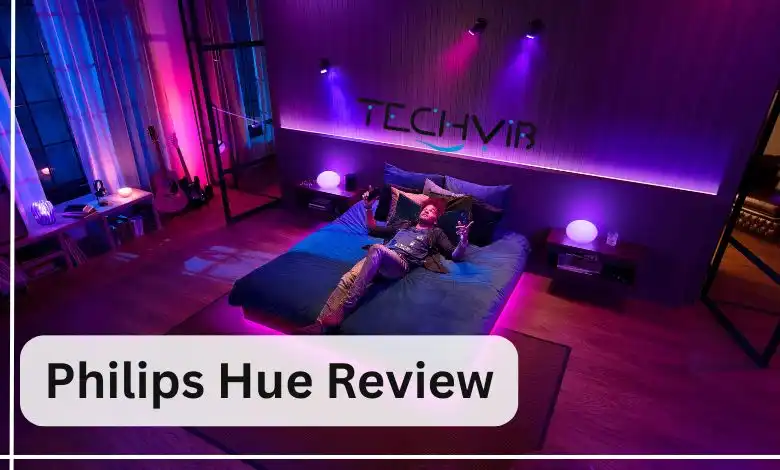
Connectivity: Wi-Fi, Bluetooth Features: Adjustable Color Temperature, Dimmable, Works with multiple smart home devices and assistants Voice Assistants: Google Assistant, Siri Price: $30 - $75 per bulb
TP-Link Kasa Smart Plug KP125M (Energy Monitoring)
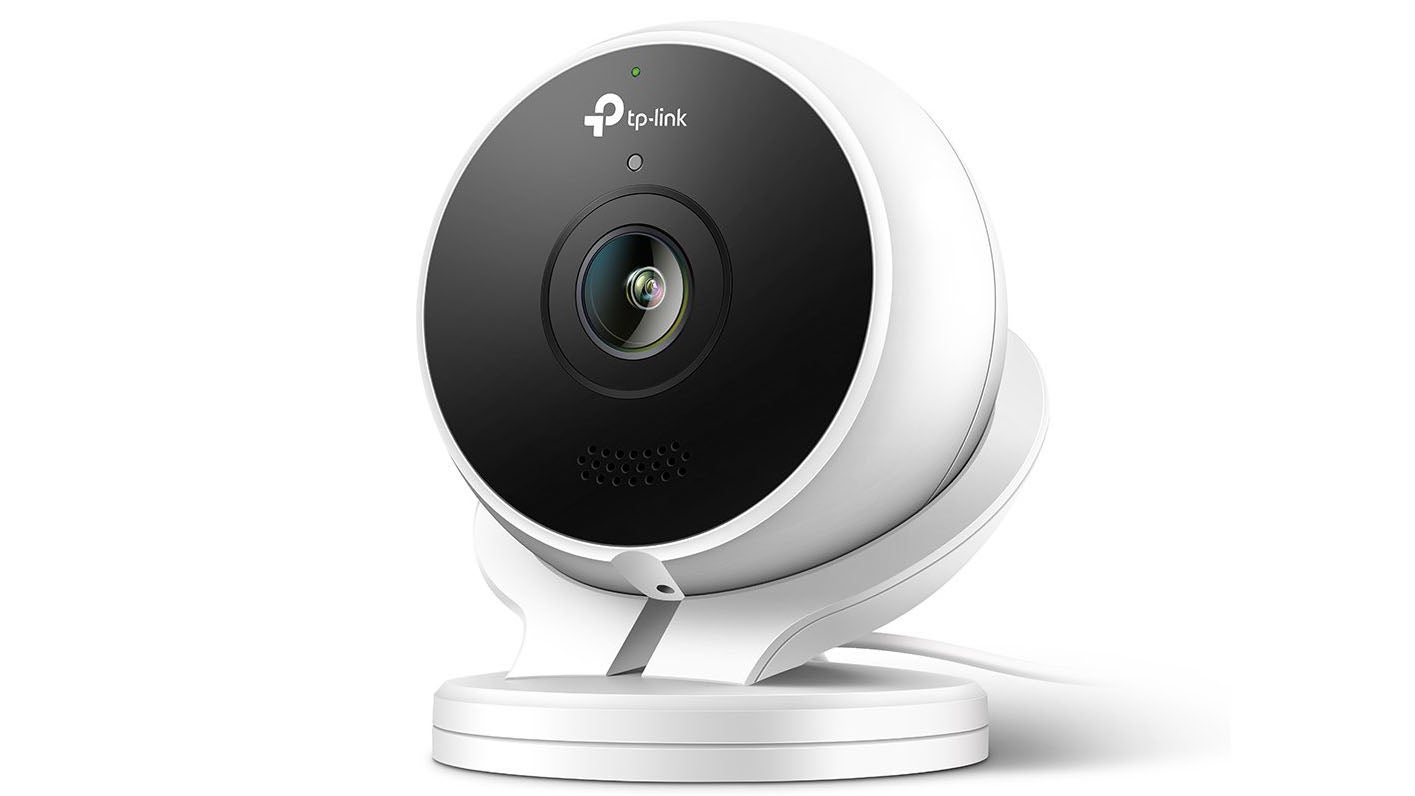
Connectivity: Wi-Fi, Matter Features: Monitor connected devices real-time and historical power consumption, Compact Design, Works with Alexa, Google Assistant, Apple Siri, Samsung Smart Things Price: $30
Govee RGBIC LED Strip Lights

Connectivity: Wi-Fi, Bluetooth Features: Controllable via Bluetooth and a handy app, bring color and life to your space, multi-color effects seen with other RGBIC kits Voice Assistants: Alexa, Google Assistant, Smart Things Price: $25 - $60 per meter
Setup Experience
Setting up these devices is straightforward but varies slightly depending on the product.
Philips Hue Smart Bulbs
Setup Time: 10 minutes Apps Needed: Hue app (iOS/Android) Process Summary:
- Install the Hue app.
- Connect your bulbs to Wi-Fi.
- Pair with other smart home devices via the app.
Friction Points:
- The process can be slightly complicated if you have multiple bulbs, as each needs a unique name and configuration in the Hue app.
TP-Link Kasa Smart Plug KP125M
Setup Time: 5 minutes Apps Needed: Kasa app (iOS/Android) or Amazon Alexa Process Summary:
- Install the Kasa app.
- Connect to Wi-Fi.
- Add devices through the app, or use voice commands with Alexa.
Friction Points:
- The physical size of the plug means it might not fit in every socket, especially if you have older, smaller ones.
Govee RGBIC LED Strip Lights
Setup Time: 15 minutes Apps Needed: Govee app (iOS/Android) or Smart Things Hub Process Summary:
- Install the Govee app.
- Pair with Bluetooth or through the Smart Things hub.
- Configure strip settings, including colors and animations.
Friction Points:
- The installation process might be a bit time-consuming due to measuring and securing the strips correctly.
Daily Use Experience
Each of these devices has unique daily use scenarios that make them indispensable in your kitchen.
Philips Hue Smart Bulbs
- Scenario 1: You wake up at 6 AM, dimming the lights as you prepare coffee.
- Scenario 2: As the sun sets and dinner time approaches, you change the color temperature to warm, creating a cozy atmosphere for cooking.
Pros:
- Brightness can be adjusted precisely to create different moods.
- Works smoothly with other smart home devices.
Cons:
- Battery usage limits bulb lifespan.
- The app usage might become cumbersome if you have many bulbs configured.
TP-Link Kasa Smart Plug KP125M
- Scenario 1: You forget to turn off the coffee maker, and it stays on overnight. With Kasa, you can easily monitor its power consumption in real-time.
- Scenario 2: You want to limit your energy usage during peak hours by scheduling when devices are turned on or off.
Pros:
- Easy to use with voice assistants like Alexa or Google Assistant.
- Real-time monitoring helps manage energy consumption effectively.
Cons:
- The energy monitoring feature might not be as granular compared to dedicated smart meters.
- Some users find the matter protocol less common and therefore less supported by devices.
Govee RGBIC LED Strip Lights
- Scenario 1: You want to add a fun, festive touch to your kitchen at holiday time. Setting up the lights takes just a few minutes.
- Scenario 2: You can use them as nightlights or for creating ambient lighting during evening gatherings.
Pros:
- Multi-color effects make it versatile for different occasions and moods.
- Easy to control with both Bluetooth and Smart Things Hub, offering flexibility in integration.
Cons:
- The strip lights are limited by their length; longer runs might not fit every kitchen layout.
- Compatibility with other RGBIC kits can vary depending on the brand.
What Competitors Do Better
While these products excel in many areas, some may offer better features for certain use cases.
Philips Hue Smart Bulbs vs. LIFX A19 Smart Bulb
LIFX A19 offers a wider color spectrum and brighter output, making it a strong pick for those who want more vivid colors and higher brightness levels.
TP-Link Kasa Smart Plug KP125M vs. Wemo Mini 2
Wemo Mini 2 provides more comprehensive power monitoring and integration with Home Kit, which can be advantageous if you have a Home Kit ecosystem.
Govee RGBIC LED Strip Lights vs. Cree Connected LED Strips
Cree offers higher luminous efficacy, meaning their strips are brighter for less energy consumption, making them a better choice if energy efficiency is your top priority.
Pros and Cons
Philips Hue Smart Bulbs
Pros:
- Excellent color temperature adjustment.
- Smooth integration with other smart home devices.
- High-quality dimming functionality.
Cons:
- Battery usage limits bulb lifespan.
- Setup process can be complex for multiple bulbs.
- The app might feel cluttered with many bulbs configured.
TP-Link Kasa Smart Plug KP125M
Pros:
- Real-time and historical power monitoring.
- Compact design ensures minimal visual impact.
- Works well with a wide range of smart home assistants.
Cons:
- Energy monitoring feature is less granular compared to dedicated smart meters.
- The matter protocol might not be as widely supported.
Govee RGBIC LED Strip Lights
Pros:
- Multi-color effects and vibrant lighting options.
- Easy integration through both Bluetooth and Smart Things Hub.
- Versatile for different kitchen setups and occasions.
Cons:
- Limited by length, making longer runs more challenging to install.
- Compatibility with other RGBIC kits can vary depending on the brand.
The Verdict
Which One to Buy
- Philips Hue Smart Bulbs: Ideal for those looking to create a smooth smart home ecosystem and have the flexibility of color temperature adjustment.
- TP-Link Kasa Smart Plug KP125M: Built for power monitoring enthusiasts who value compact design and wide compatibility with voice assistants.
- Govee RGBIC LED Strip Lights: The best choice if you want vibrant lighting options and easy integration, though it may not fit every kitchen layout perfectly.
Ultimately, the decision comes down to your specific needs and preferences. If you prioritize color flexibility and smooth integration, Philips Hue is the way to go. For energy-conscious users who need real-time monitoring, TP-Link Kasa Smart Plug KP125M shines. And for those seeking vibrant lighting effects with ease of setup, Govee RGBIC LED Strip Lights are hard to beat.
FAQ
Q: Can’these gadgets be used together in one smart home?
A: Yes, all three products integrate well with other smart home devices and assistants, making them part of a cohesive ecosystem.
Q: Are the TP-Link Kasa Smart Plugs suitable for outdoor use?
A: The KP125M is designed for indoor use only. Outdoor use could damage the device due to moisture exposure.
Q: How to replace bulbs in Philips Hue smart lights?
A: You can replace standard bulbs without needing any special tools, but smart bulbs require unboxing and configuration through the Hue app.
Also on Cydon Says
- Top Home Automation Gadgets Under $500
- Best Smart Kitchen Devices for 2026
- Smart Lighting Options in the Kitchen