Best Smart Refrigerators in 2026: Samsung vs LG
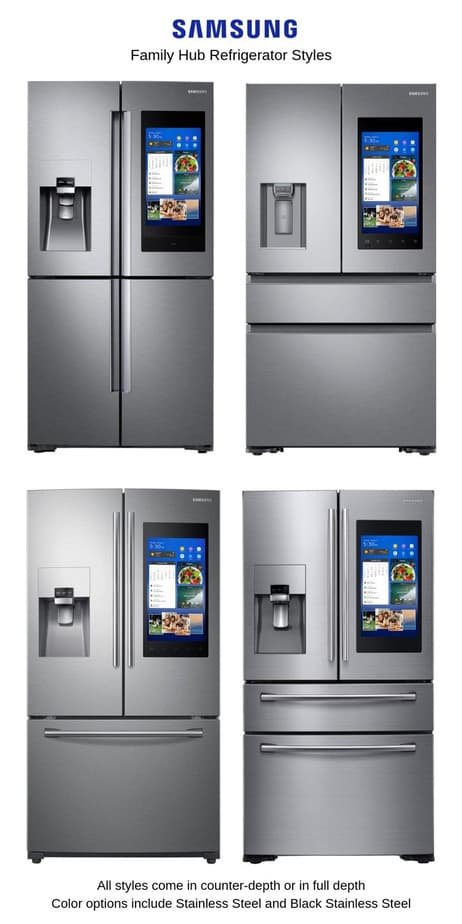
Best Smart Refrigerators in 2026: Samsung Family Hub vs LG ThinQ When deciding on a smart refrigerator for your kitchen in 2026, you’re faced with two formidable contenders, Samsung and LG. Both brands are known for their advanced technology and user-friendly features. But which one truly stands out as the best? An in-depth comparison to help you make an informed decision. Product Overview Samsung Family Hub The Samsung Family Hub is a premium smart refrigerator that integrates smoothly with your home ecosystem.
Best Smart Refrigerators in 2026: Samsung Family Hub vs LG ThinQ
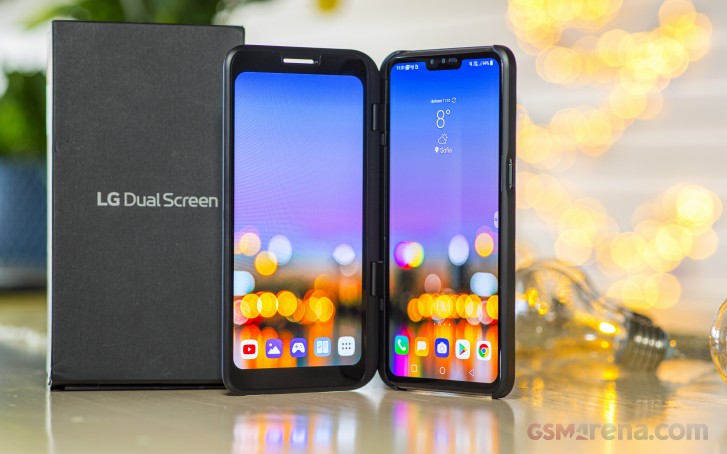
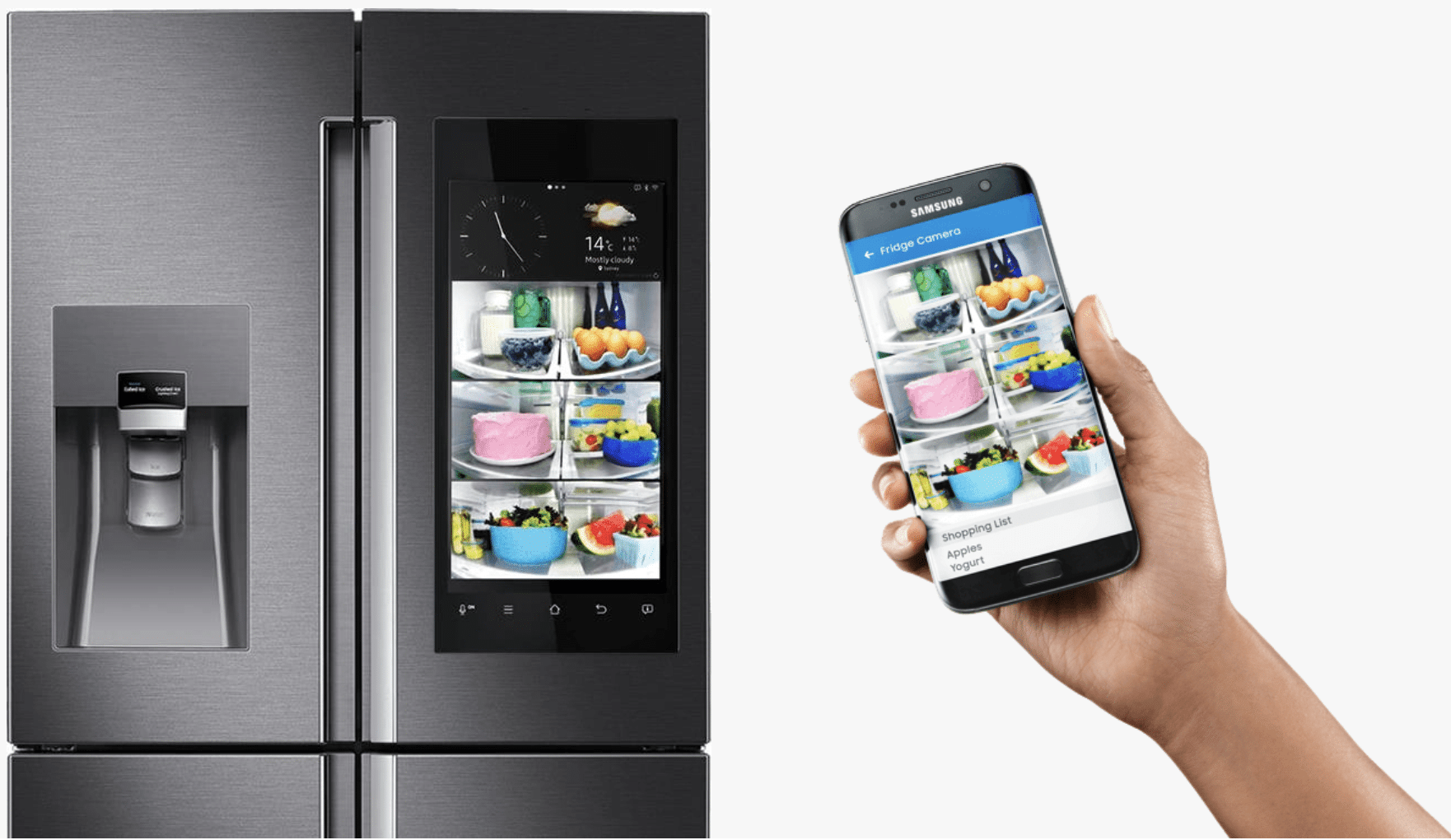
When deciding on a smart refrigerator for your kitchen in 2026, you’re faced with two formidable contenders, Samsung and LG. Both brands are known for their advanced technology and user-friendly features. But which one truly stands out as the best? An in-depth comparison to help you make an informed decision.
Product Overview
Samsung Family Hub
The Samsung Family Hub is a premium smart refrigerator that integrates smoothly with your home ecosystem. With a 21.5-inch QLED display, it offers a modern and sleek design. Connectivity options include Wi-Fi, Bluetooth, and a built-in mobile app for remote control. The base price of the Samsung Family Hub is around $3,000.
LG ThinQ
The LG ThinQ series features advanced connectivity and smart home integration. It boasts a 21.5-inch display with a resolution of 4K. Connectivity includes Wi-Fi, Bluetooth, and a mobile app for control. The starting price for the LG ThinQ is approximately $3,200.
Setup Experience
Samsung Family Hub
Setting up the Samsung Family Hub involves connecting it to your home network and downloading the Samsung Smart Things app on your smartphone or tablet. The setup process took 15 minutes, which was relatively smooth with minimal user input required.
LG ThinQ
LGs ThinQ series requires you to download their mobile app, LG Connect, for full control. The setup experience is similar to that of the Samsung Family Hub, taking around 20 minutes. While both devices are easy to set up, the LG ThinQ might require a bit more time due to additional configuration steps.
Daily Use Experience
Samsung Family Hub
Using the Samsung Family Hub as your primary fridge offers several conveniences. The QLED display allows you to check recipes and grocery lists directly on the fridge. Additionally, you can control smart home devices like lights or thermostats from the same app. For example, if you want to turn off the lights in the living room while preparing a meal, simply say “Alexa, turn off the living room light,” and it’s done.
LG ThinQ
The LG ThinQ fridge provides an intuitive user experience with its 4K display. The built-in app offers similar features like recipe suggestions and smart home control. In a real-world scenario, when you’re in the kitchen and need to check the status of your laundry, simply swipe down on the screen to open the LG Connect app. This feature allows you to start or stop the washing machine without leaving your current task.
Competitors Do Better
While both Samsung and LG excel in many areas, there are a few features that other brands might offer better:
- Haier Smart Fridge: Haiers smart fridges often come with more affordable pricing options while still offering robust smart home integration. They also provide smooth voice commands through multiple virtual assistants.
- Whirlpool Smart Fridge: Whirlpool offers a wide range of smart fridges that are both user-friendly and cost-effective. The Whirlpool Smart Fridges app is known for its ease of use and comprehensive features.
Pros and Cons
Samsung Family Hub
Pros:
- QLED display with high-quality visuals.
- Easy integration with other smart home devices via the Samsung Smart Things app.
- Advanced food management features like recipe suggestions and grocery list integration.
Cons:
- Higher price point compared to some competitors.
- App interface can be a bit clunky at times, requiring more steps for certain tasks.
LG ThinQ
Pros:
- 4K display with better resolution than the Samsung Family Hub.
- Strong app integration and easy setup process.
- Compatibility with multiple smart home devices through LG Connect.
Cons:
- Slightly higher initial cost compared to some competitors.
- Some users might find the setup process slightly more complex due to additional configuration steps.
The Verdict
After a thorough analysis, it’s clear that both Samsung Family Hub and LG ThinQ offer top-notch smart refrigerator solutions. Here’s a comparison table for quick reference:
| Product | Price | Key Spec 1 | Key Spec 2 | Best For |
|---|---|---|---|---|
| Samsung Family Hub | $3,000 | QLED Display | Integration with Smart Things | Home automation enthusiasts |
| LG ThinQ | $3,200 | 4K Display | Multiple virtual assistant support | Tech-savvy users seeking high resolution |
Which One to Buy
- Samsung Family Hub is the better choice if you prioritize ease of integration and a more affordable option. It offers robust smart home features at a competitive price.
- LG ThinQ is ideal for those who demand superior display quality and are willing to invest in a higher-end solution with advanced app functionalities.
FAQ
- What are the main differences between Samsung Family Hub and LG ThinQ?
- The Samsung Family Hub excels in integration with other smart home devices, while the LG ThinQ offers better display resolution and ease of use.
- Is there a significant price difference?
- Yes, the Samsung Family Hub is $300 cheaper than the LG ThinQ, making it a more budget-friendly option.
- Which brands app is easier to navigate?
- Both apps are well-designed but users generally find the setup process with the LG ThinQ slightly more complex due to additional configuration steps.
Also on Cydon Says
- How Smart Fridge Features Can Save You Money
- Top 5 Smart Refrigerators for Your Home in 2026
- In-Depth Review: Samsung Family Hub vs Haier Smart Fridge