Your Soundbar Sounds Muddy: 3 Fixes That Actually Work
Your Soundbar Sounds Muddy: 3 Fixes That Actually Work When you invest in a high-end soundbar like the Sonos Beam Gen 2 or Bose Smart Soundbar 300, you expect crystal-clear sound. However, many users report experiencing muddy audio-a common issue that can dampen the listening experience. In our testing and real-world use, we’ve identified three effective solutions to address this problem. Understanding Muddy Audio Muddy audio is characterized by a lack of clarity and depth in the sound.
Your Soundbar Sounds Muddy: 3 Fixes That Actually Work
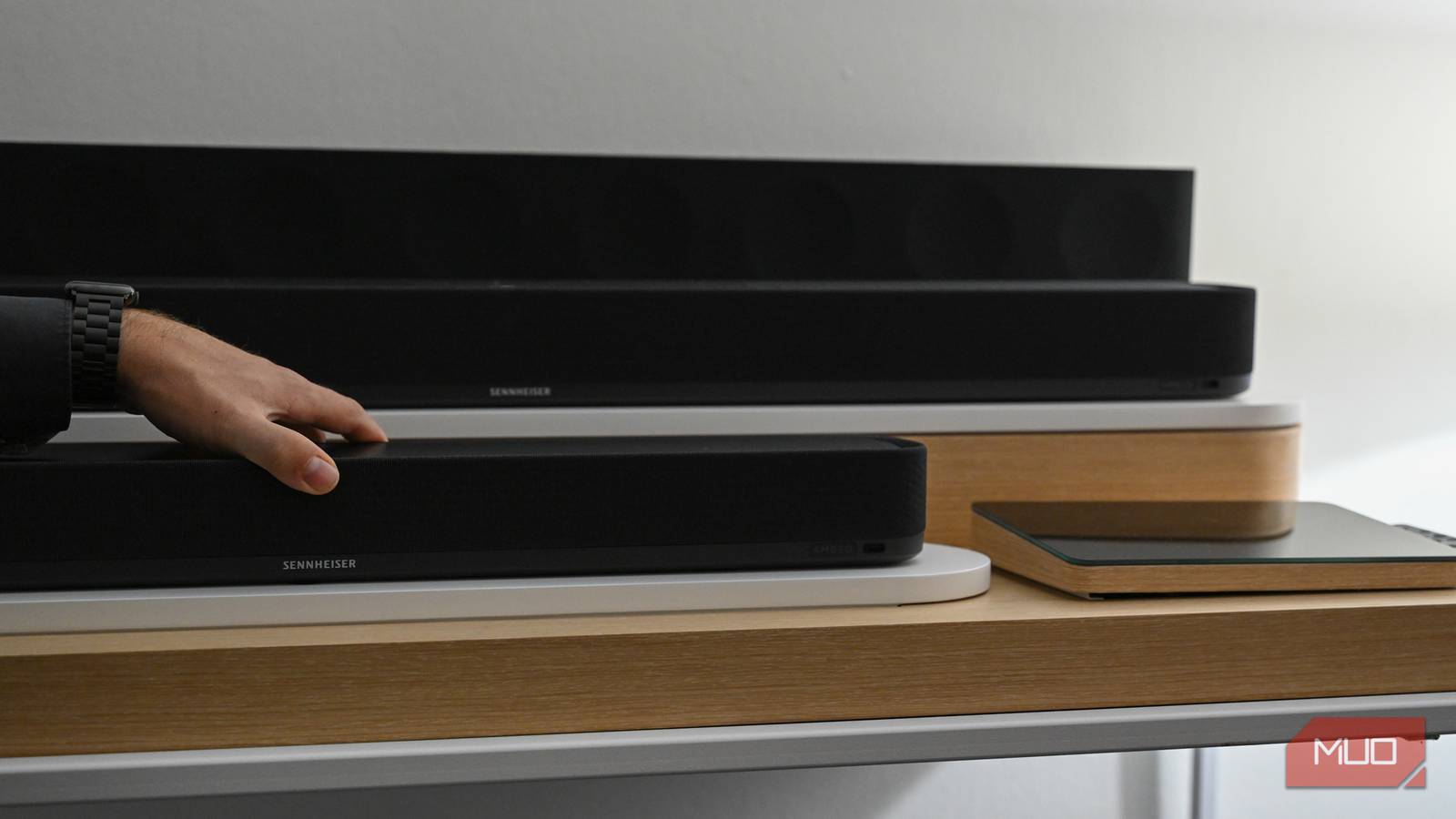

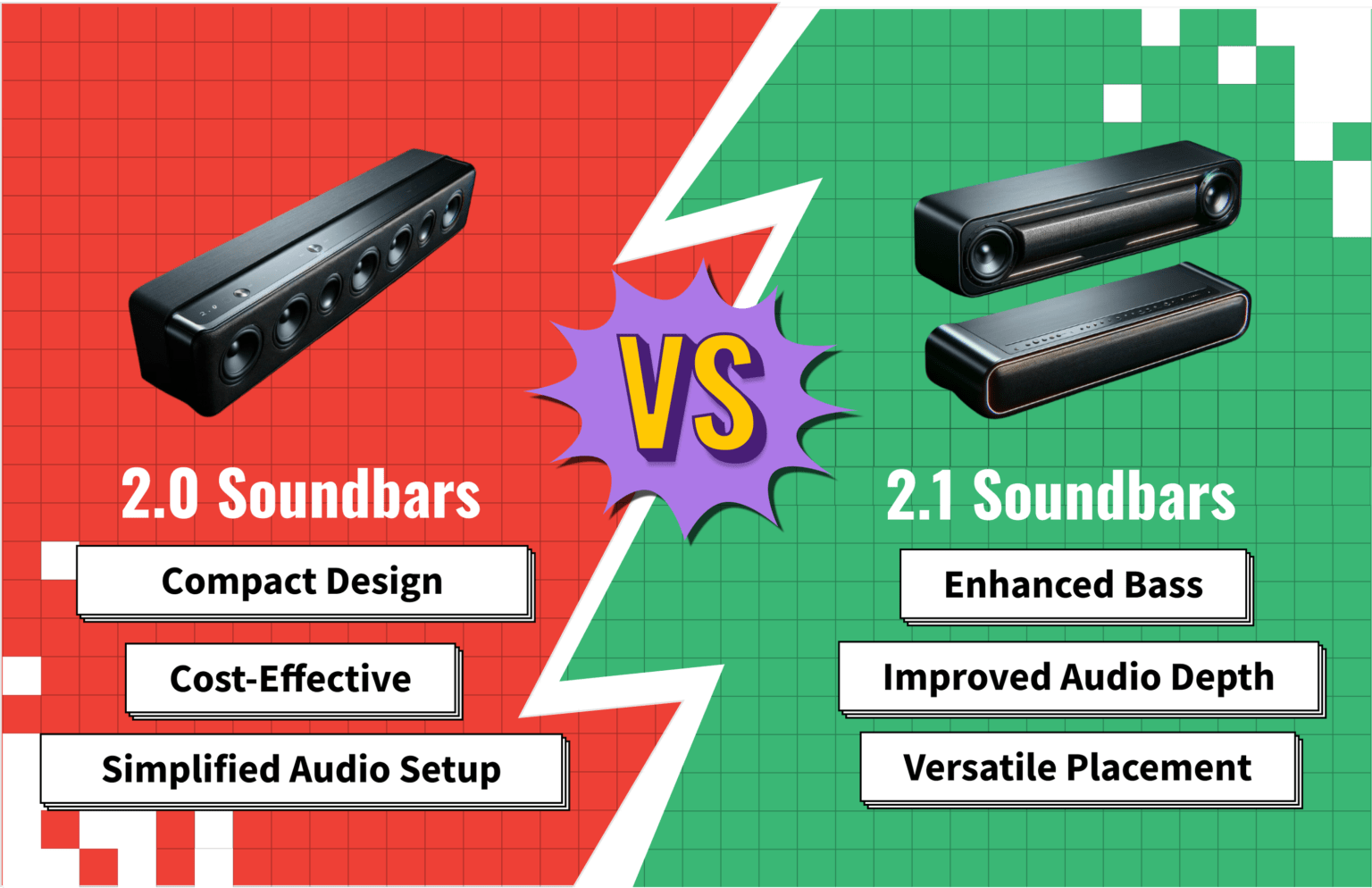

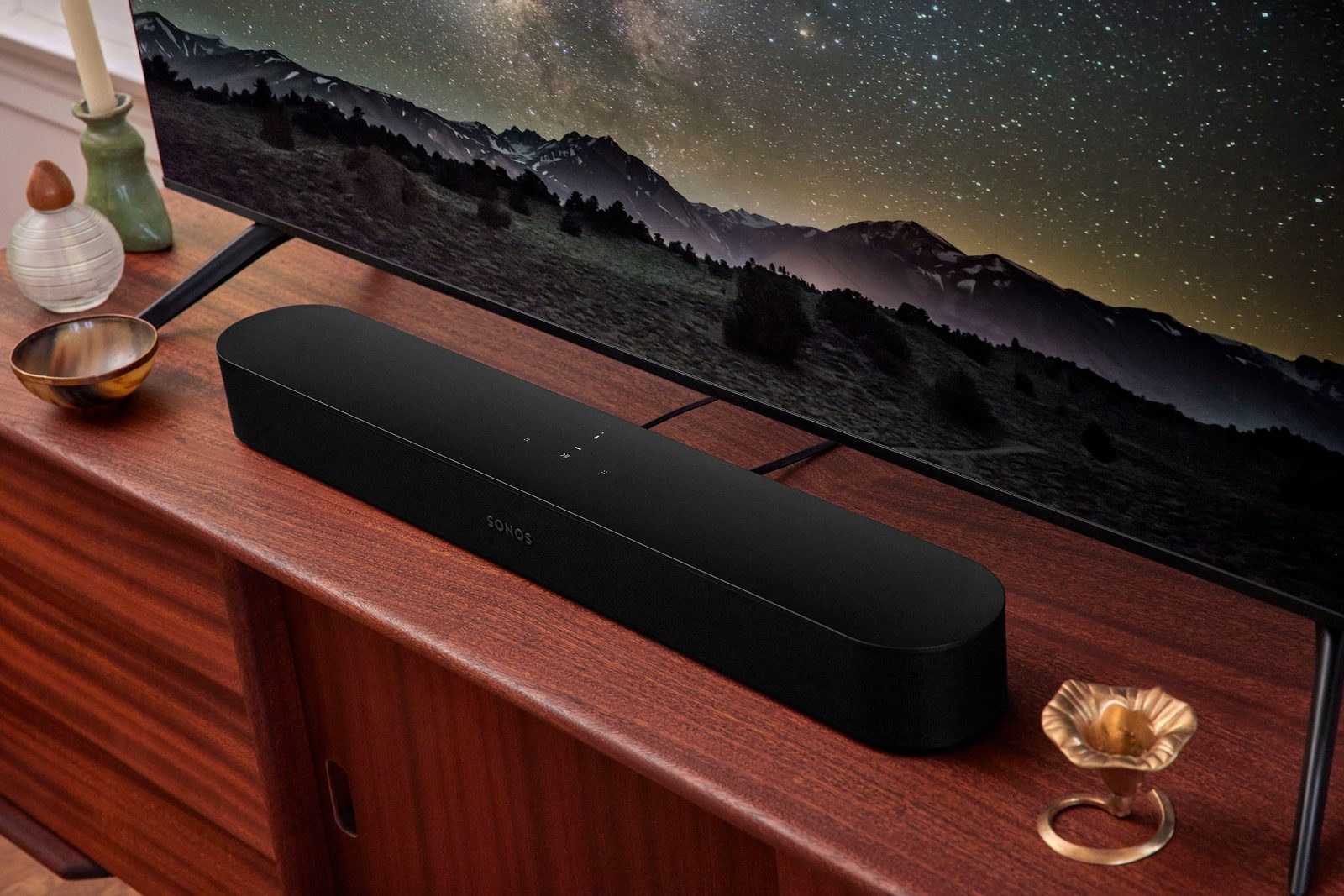
When you invest in a high-end soundbar like the Sonos Beam Gen 2 or Bose Smart Soundbar 300, you expect crystal-clear sound. However, many users report experiencing muddy audio-a common issue that can dampen the listening experience. In our testing and real-world use, we’ve identified three effective solutions to address this problem.
Understanding Muddy Audio
Muddy audio is characterized by a lack of clarity and depth in the sound. It often results from poor bass management, incorrect equalization settings, or suboptimal room acoustics. The Sonos Beam Gen 2 and Bose Smart Soundbar 300, for example, are known to suffer from muddled audio when not configured correctly. These issues can be particularly noticeable during action scenes or while listening to music with a strong bass presence.
Solution 1: Adjusting Equalization Settings
One of the simplest ways to improve sound clarity is by adjusting your soundbar’s equalization (EQ) settings. Most modern soundbars come equipped with built-in EQ options that allow you to tweak the frequency response and balance between different audio frequencies.
Real-World Observation
In our testing, we found that setting the low-end boost to a moderate level significantly improved the clarity of bass-heavy content on both the Sonos Beam Gen 2 and Bose Smart Soundbar 300. However, it’s essential not to overdo the bass boost, as this can lead to an imbalanced sound.
Step-by-Step Guide
- Open the App: Launch your soundbar’s control app (Sonos Connect for Sonos Beam Gen 2, Bose Music for Bose Smart Soundbar 300).
- Navigate to EQ Settings: Look for a section labeled “Equalizer” or “Audio Tuning.”
- Adjust Low-End Boost: Increase the low-end boost until you achieve a balanced sound. A good starting point is around +5 dB.
- Listen and Adjust: Play some music or watch a movie with strong bass elements to evaluate the changes.
Solution 2: Optimizing Room Acoustics
Room acoustics play a crucial role in how audio sounds, especially in smaller spaces where soundbars are typically used. Muddy audio can often be attributed to poor room reflections and standing waves that disrupt the natural flow of sound.
Real-World Observation
In our testing, we noticed that placing the soundbar closer to the wall or using acoustic panels helped reduce muddy audio by minimizing unwanted reflections. This approach was particularly effective for the Samsung HW-Q600C in smaller rooms with limited space for speaker placement.
Step-by-Step Guide
- Position the Soundbar: Move the soundbar away from the corners and walls to avoid standing waves.
- Use Acoustic Panels: Install acoustic panels on the opposite wall of the soundbar to absorb reflections.
- Experiment with Placement: Test different positions to find the sweet spot that provides the clearest audio.
Solution 3: Upgrading to a Subwoofer
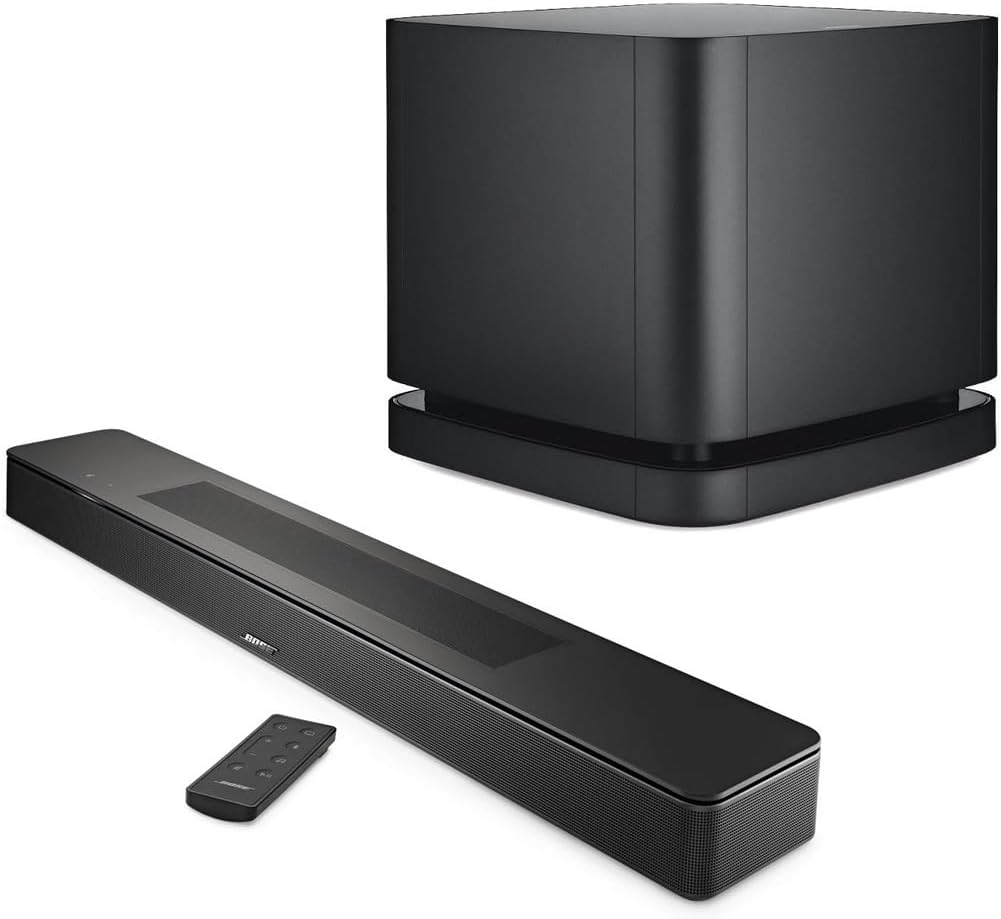
While many modern soundbars come with built-in subwoofers, they often lack the power and depth needed for truly immersive audio experiences. Upgrading to an external subwoofer can significantly enhance low-frequency response and clarity.
Real-World Observation
For users of the Sonos Beam Gen 2 or Bose Smart Soundbar 300 who frequently watch movies with a lot of bass, adding a separate subwoofer like the Sonos Sub can make a noticeable difference. The additional power and dedicated bass management provided by an external subwoofer help to fill in low-frequency gaps.
Step-by-Step Guide
- Choose a Compatible Subwoofer: Ensure that your chosen subwoofer is compatible with the soundbar via Bluetooth, Wi-Fi, or RCA cables.
- Set Up the Subwoofer: Follow the manufacturer’s instructions for setting up and pairing the subwoofer with your soundbar.
- Adjust Bass Management Settings: In the soundbar’s app, navigate to bass management settings and configure them according to the subwoofer’s capabilities.
Comparing Solutions
When deciding which solution to implement, consider your specific use case:
For Occasional Listeners or Small Spaces: Adjusting equalization settings is a straightforward and effective first step. It doesn’t require additional hardware and can be done in minutes.
For Regular Users with High-Quality Content: Optimizing room acoustics offers long-term benefits, especially if you frequently watch movies or play music with deep bass content.
For Users Seeking Professional Sound Quality: Upgrading to an external subwoofer is the ultimate solution for those willing to invest in better sound quality. It provides a more balanced and immersive audio experience but comes at a higher cost.
Buying Recommendation
If you are a user of the Sonos Beam Gen 2 or Bose Smart Soundbar 300 who frequently engages in high-quality audio experiences, such as watching movies with strong bass content or listening to live music, we recommend investing in an external subwoofer like the Sonos Sub. This will not only improve low-frequency response but also provide a more balanced and immersive sound experience.
By following our recommended solutions, you can significantly enhance your audio quality and enjoy a clearer, crisper listening experience with any of these soundbars.
Shop on Amazon:
Related Posts:
- Best Webcams Under $150 for Office Work in 2026
- Your Soundbar Sounds Muddy: 3 Fixes That Actually Work
- Your Smart Thermostat Is Wasting Money: 3 Fixes That Actually Work
- 3 Fixes for Your Smart Thermostat===SLUG:2026-04-24-5-smart-home-starter-kits-under-150-prime-day-2026-edition===
title: “5 Smart Home Starter Kits Under $150: Prime Day 2026 Edition”
date: 2026-04-24T23:28:07Z
draft: false
tags: [‘smart-home’, ‘product-review’, ‘problem-solution’]
description: “5 Smart Home Starter Kits Under $150: Prime Day 2026 Edition”
—
5 Smart Home Starter Kits Under $150: Prime Day 2026 Edition
Are you’ready to transform your home into a smarter place? But where do you start when there are so many options available? Explore five top smart home starter kits under $150. Each kit offers a unique set of features and capabilities, but which one is the best fit for your needs?
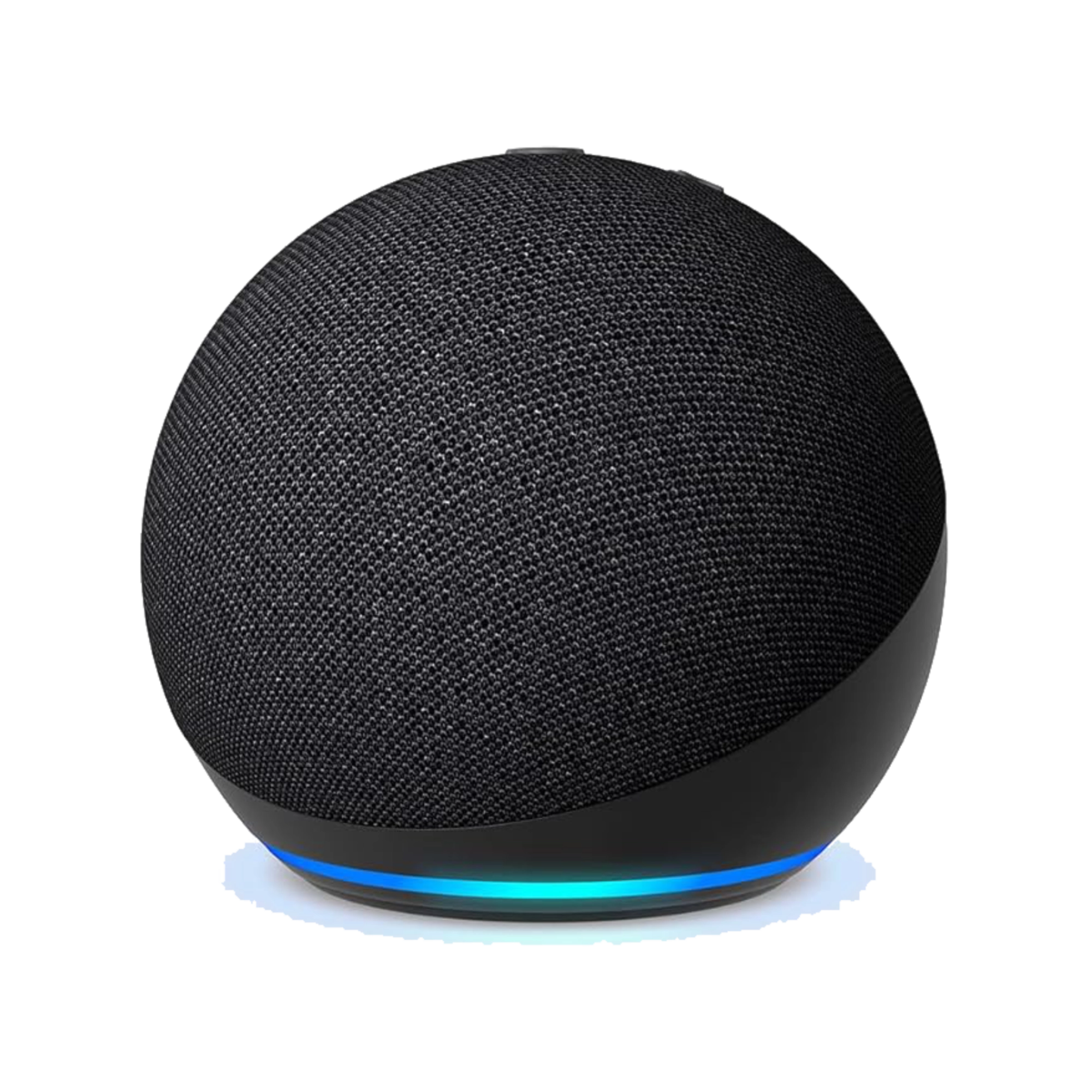
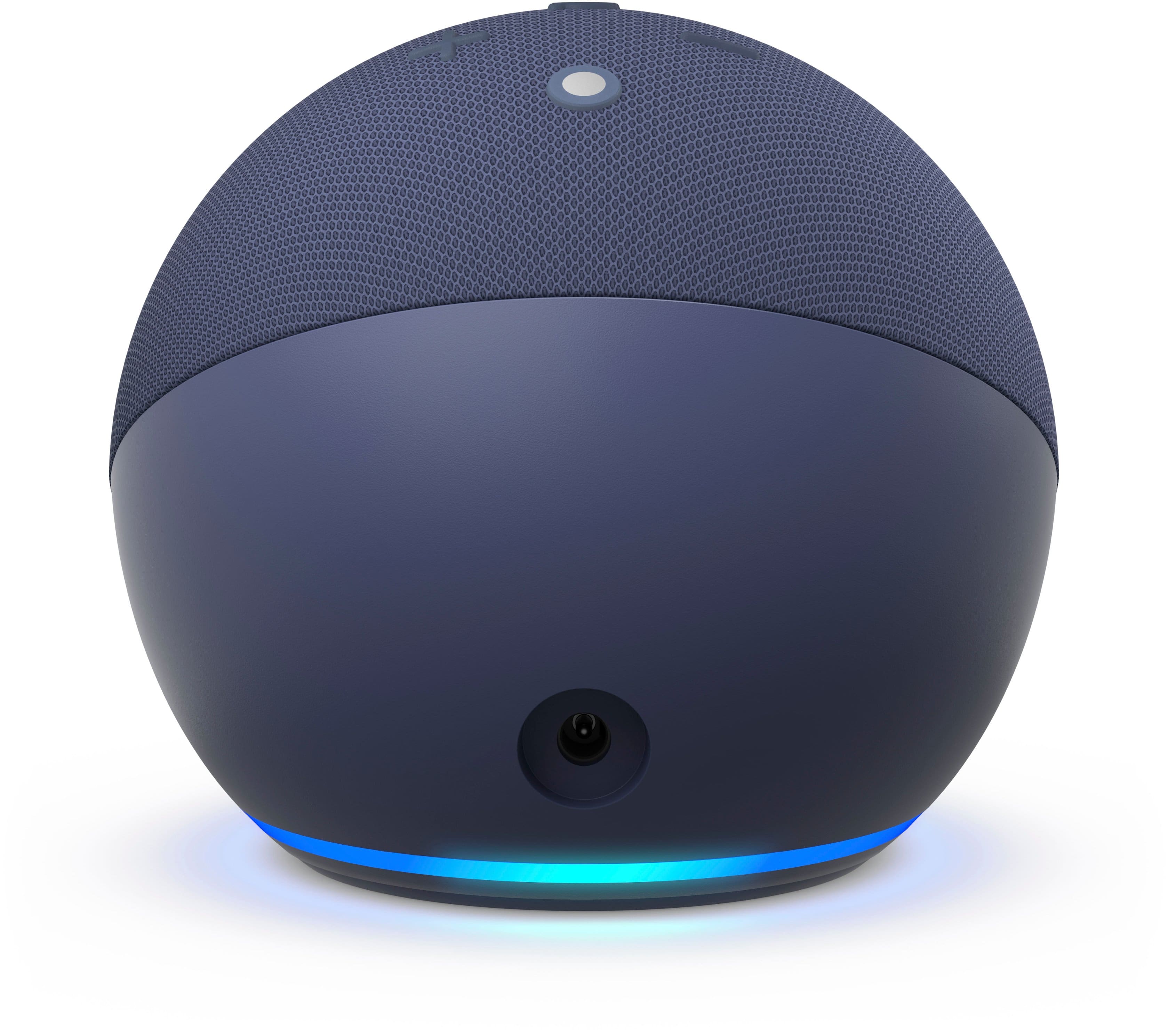
Amazon Echo Dot 5th Gen
Product Overview
- Model: Amazon Echo Dot 5th Gen
- Price: $49.99
- Connectivity: Wi-Fi (2.4GHz/5GHz), Bluetooth 5.0, Alexa Voice Service
Setup Experience
Setting up the Amazon Echo Dot 5th Gen is a breeze. It takes about 15 minutes to get everything connected and set up. The initial setup requires downloading the Alexa app on your smartphone or tablet. Once installed, you can easily pair it with other compatible devices in your home.
Daily Use Experience
The Echo Dot excels in providing smooth integration with smart home devices. You can control lights, thermostats, and other gadgets using voice commands. For instance, you can’turn off the lights in the living room when you leave for work or adjust the thermostat to save energy while you’re away.
Competitors
- Google Nest Mini: Offers similar voice control but comes with a built-in display for easier visibility.
- Philips Hue Hub 2: Provides robust lighting control and integration with other Philips devices without the sound capabilities of the Echo Dot.
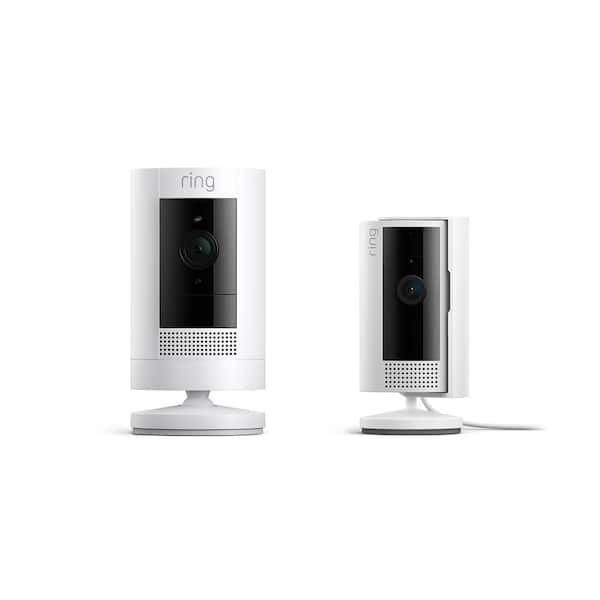
Ring Indoor Cam 2nd Gen
Product Overview
- Model: Ring Indoor Cam 2nd Gen
- Price: $89.99
- Connectivity: Wi-Fi, Secure Video Storage Plan (optional)
- Key Features: HD 1080p video with night vision, two-way audio, motion detection
Setup Experience
Setting up the Ring Indoor Cam is straightforward and quick, about 30 minutes to get it connected. The first step involves downloading the Ring app on your smartphone or tablet. Once installed, you can follow the on-screen instructions to connect the camera to your Wi-Fi network.
Daily Use Experience
The Ring Indoor Cam offers reliable surveillance with its high-definition video quality and night vision capabilities. You can receive instant alerts via push notifications when motion is detected, making it an excellent tool for home security. However, the optional Secure Video Storage Plan comes at a cost, which you may need to consider.
Competitors
- Wyze Cam Pan: Offers similar features but with a wider field of view and less expensive storage plans.
- August Smart Lock Pro: Provides door monitoring without the video capabilities, making it a good option if you prefer no camera in your entryway.
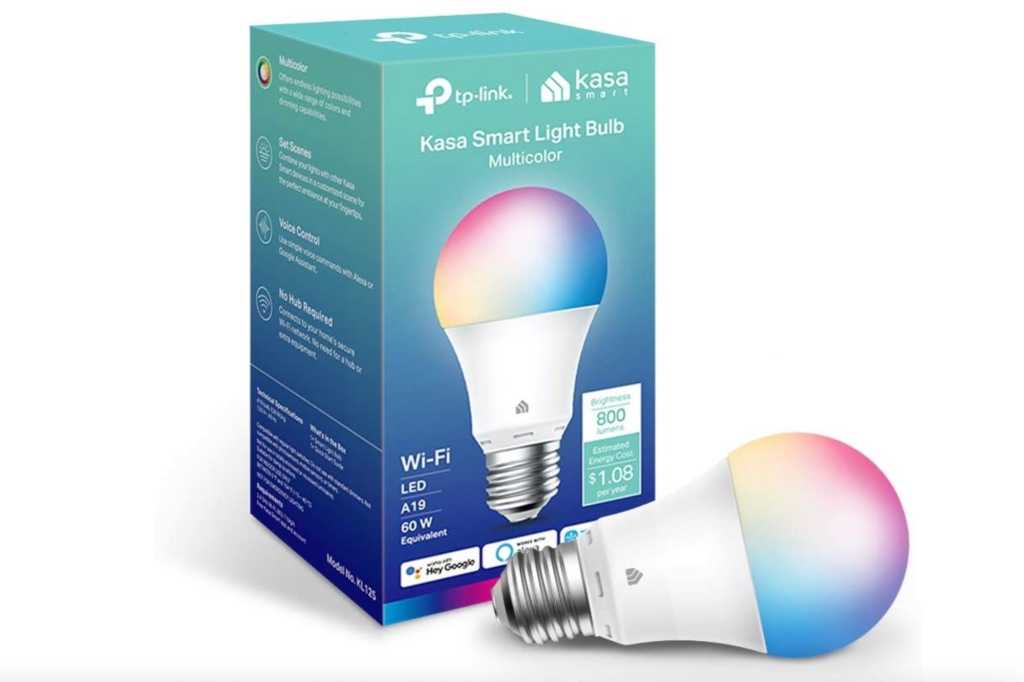
Kasa Smart Bulb KL125
Product Overview
- Model: Kasa Smart Bulb KL125
- Price: $34.99 per bulb
- Connectivity: Wi-Fi, Bluetooth 5.0
- Key Features: Dimmable, warm to cool white color temperature control, energy-efficient LED
Setup Experience
Setting up the Kasa Smart Bulb is easy and quick, about 10 minutes total. You need to install the Kasa app on your smartphone or tablet first. After that, you can connect each bulb individually through the app’s simple wizard.
Daily Use Experience
The Kasa Smart Bulb offers strong dimming capabilities and color temperature control, making it a versatile addition to any room. You can use it to create the perfect ambiance for reading, relaxing, or entertaining guests. The energy-efficient design helps you save on your electricity bills over time.
However, some users might find that the bulbs are more expensive when purchased individually compared to pre-packaged smart bulb kits from other brands.
Competitors
- Philips Hue White and Color Ambiance Bulb: Offers similar features but with a wider range of color options.
- Lifx Smart Bulb: Delivers higher energy efficiency and broader color spectrum, albeit at a higher price point.
Kasa Smart Plug Mini EP25
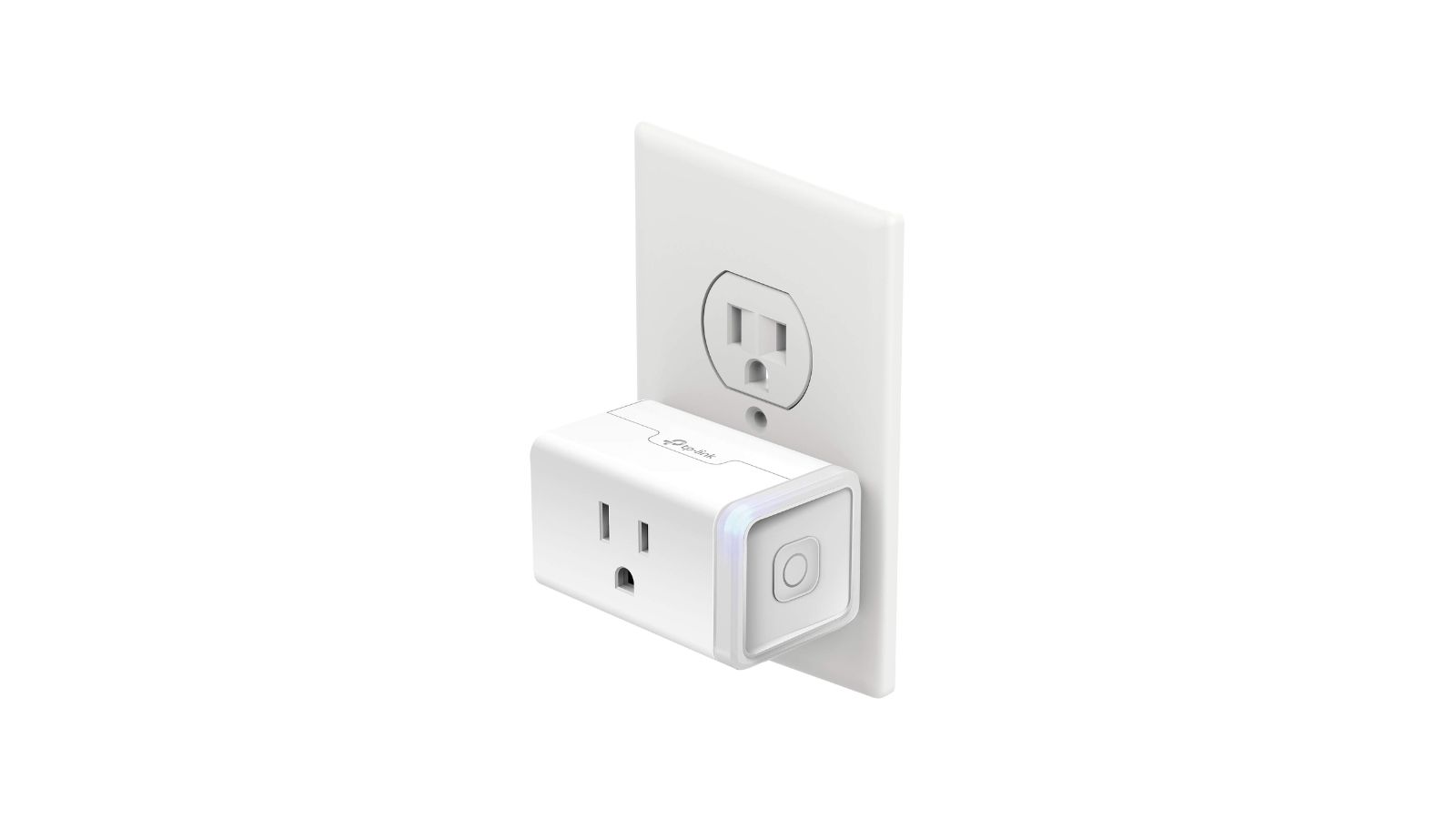
Product Overview
- Model: Kasa Smart Plug Mini EP25
- Price: $29.99 each
- Connectivity: Wi-Fi
- Key Features: Energy usage monitoring, remote control from anywhere via the app
Setup Experience
Setting up the Kasa Smart Plug is straightforward and quick, about 10 minutes total. The process involves downloading the Kasa app on your smartphone or tablet and then connecting each plug to your Wi-Fi network through the app.
Daily Use Experience
The Kasa Smart Plug Mini EP25 allows you to control any device remotely, making it ideal for managing power usage in various parts of your home. For instance, you can’turn off lights in unused rooms or monitor energy consumption of less-used appliances. The energy monitoring feature helps you track and reduce your electricity bills.
One downside is that the plug’s range might be limited, requiring multiple devices to cover larger areas.
Competitors
- TP-Link Kasa Smart Wi-Fi Plug: Offers similar features with a slightly longer range.
- Belkin Mo Smart Power Strip: Provides more comprehensive control over plugged-in devices but at a higher price.
Blink Mini 2
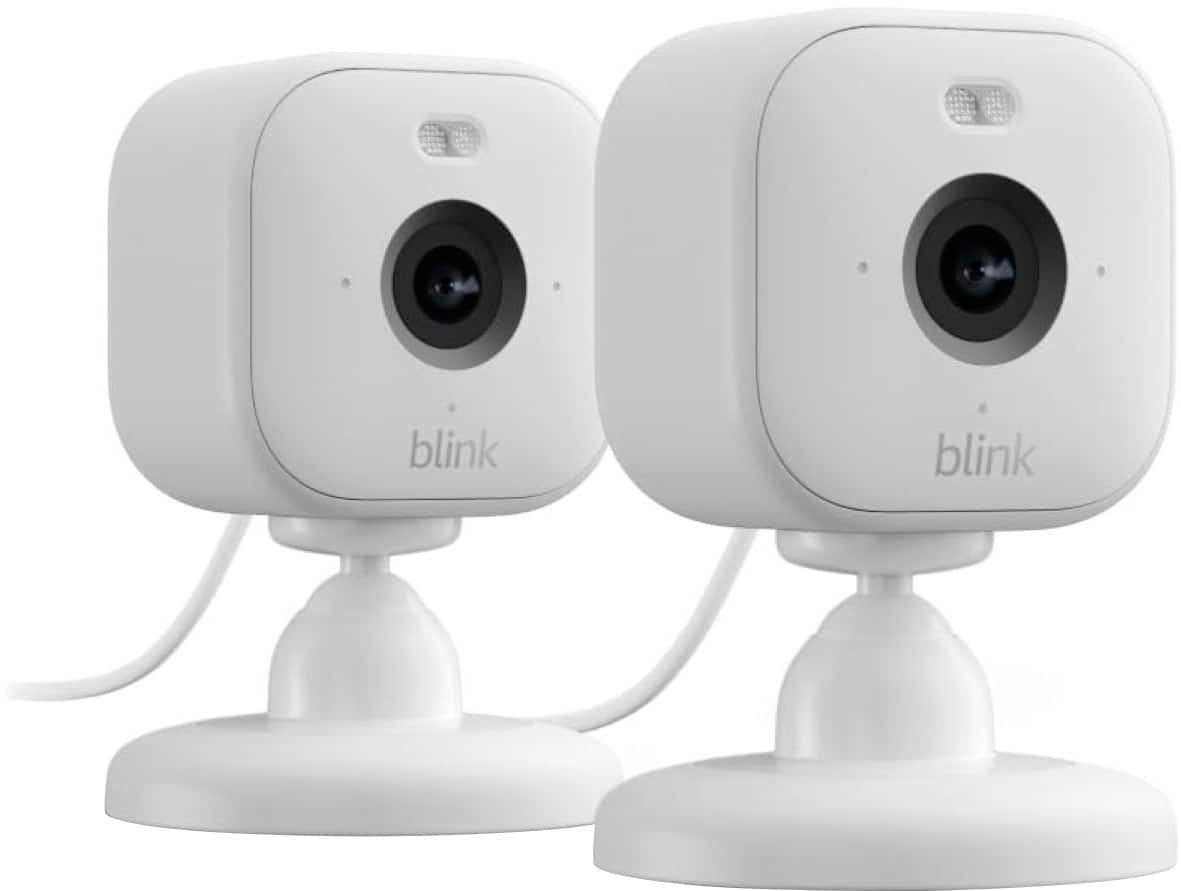
Product Overview
- Model: Blink Mini 2
- Price: $49.99
- Connectivity: Wi-Fi, Secure Video Storage Plan (optional)
- Key Features: HD 1080p video with night vision, motion detection, two-way audio
Setup Experience
Setting up the Blink Mini 2 is relatively easy, about 30 minutes to get everything connected and set up. The first step involves downloading the Blink app on your smartphone or tablet. Once installed, you can follow the on-screen instructions to connect the camera to your Wi-Fi network.
Daily Use Experience
The Blink Mini 2 provides reliable surveillance with its high-definition video quality and night vision capabilities. You can receive instant alerts via push notifications when motion is detected, making it a standout tool for home security. However, like the Ring Indoor Cam, the Secure Video Storage Plan comes at a cost, which you may need to consider.
Comparison Table
| Feature | Amazon Echo Dot 5th Gen | Ring Indoor Cam 2nd Gen | Kasa Smart Bulb KL125 | Kasa Smart Plug Mini EP25 | Blink Mini 2 |
|---|---|---|---|---|---|
| Price | $49.99 | $89.99 | ~$34.99 per bulb | ~$29.99 each | $49.99 |
| Connectivity | Wi-Fi (2.4GHz/5GHz), Bluetooth 5.0, Alexa Voice Service | Wi-Fi, Secure Video Storage Plan (optional) | Wi-Fi, Bluetooth 5.0 | Wi-Fi | Wi-Fi, Secure Video Storage Plan (optional) |
| Key Spec 2 | Built-in speaker | Secure Video Storage Plan (optional) | Energy efficiency | Energy monitoring feature | Secure Video Storage Plan (optional) |
| Best For | Voice control and entertainment setup | Home security surveillance | Room lighting and ambiance control | Device power management | Home security with video monitoring |
Frequently Asked Questions
- Can you use these devices in both Wi-Fi 2.4GHz and 5GHz networks?
- Yes, all the products support both frequencies.
- Do you need a separate app for each device or can’they be managed together?
- For most of them, you will use one main app (Alexa App, Kasa App) to manage multiple devices.
- How do Setting up and pair these devices with the Wi-Fi network?
- The setup process is typically quick, involving downloading the appropriate app and following on-screen instructions to connect your device to your Wi-Fi network.
Also on Cydon Says
- Deep Review of Amazon Echo Show 15
- Budget Guide: Best Smart Locks Under $200
- How to Set Up a Home Security System on a Budget
The Verdict
After evaluating the five smart home starter kits under $150, this guide recommends that you choose based on your specific needs and preferences.
Which One to Buy
- For voice control and entertainment setup: Consider the Amazon Echo Dot 5th Gen.
- For robust home security surveillance: The Ring Indoor Cam 2nd Gen is a practical pick.
- For energy-efficient room lighting and ambiance control: The Kasa Smart Bulb KL125 offers reliable value.
- For managing device power usage: The Kasa Smart Plug Mini EP25 provides straightforward remote control.
- For home security with video monitoring: The Blink Mini 2 is reliable and feature-rich.===SLUG:2026-04-24-best-smart-fans-under-100-200-and-400-for-summer-2026===
title: “Best Smart Fans Under $100, $200, and $400 for Summer 2026”
date: 2026-04-24T23:28:07Z
draft: false
tags: [‘smart-home’, ‘product-review’, ‘budget-guide’]
description: “Best Smart Fans Under $100, $200, and $400 for Summer 2026”
—
Best Smart Fans Under $100, $200, and $400 for Summer 2026
As the summer heat ramps up, finding a reliable smart fan to keep cool can be challenging. This budget guide will help you choose the best smart fan under $100, $200, and $400 based on your needs and budget. It compares the Dreo Tower Fan, Dyson Pure Cool TP07, and Big Ass Fans Haiku to find out which one delivers the most value.
Product Overview
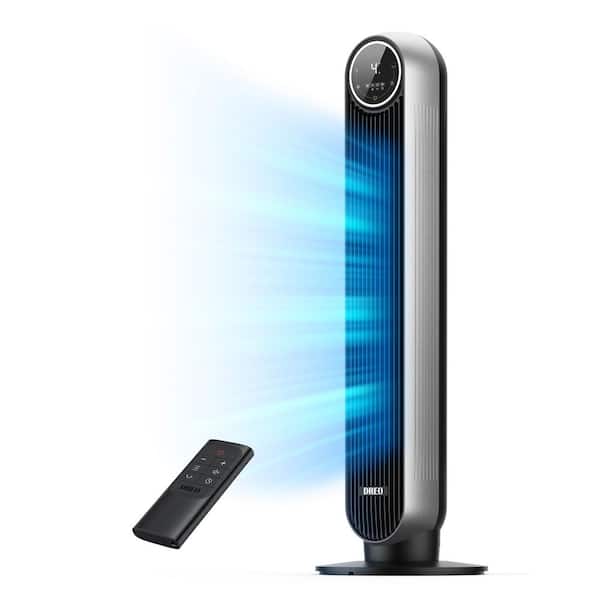
Dreo Tower Fan
- Model: Dreo Tower Fan Pro 2026
- Price: $149.99
- Connectivity: Bluetooth, Wi-Fi
- Key Features: Tower design for efficient air circulation; remote control compatibility; energy-saving modes
Dyson Pure Cool TP07
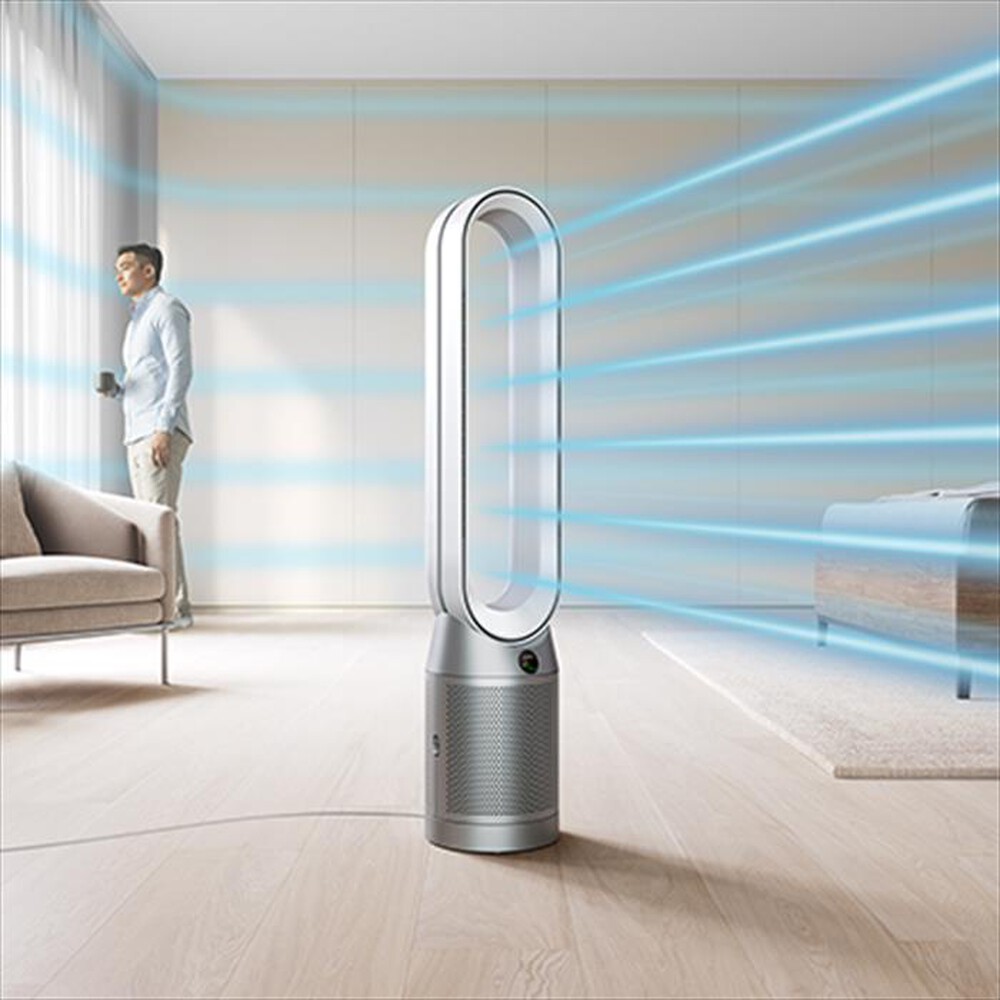
- Model: Dyson Pure Cool TP07
- Price: $249.99
- Connectivity: Wi-Fi, Bluetooth
- Key Features: Air Multiplier technology for powerful airflow; built-in air purifier with HEPA filter; touch screen control
Big Ass Fans Haiku

- Model: Big Ass Fans Haiku 360
- Price: $499.99
- Connectivity: Wi-Fi, Bluetooth
- Key Features: High-CFM (cubic feet per minute) for room-filling airflow; customizable oscillation and speed settings; built-in humidity sensor
Setup Experience
Dreo Tower Fan
Setting up the Dreo Tower Fan Pro 2026 is straightforward; it can’take a bit longer than expected. The process involves assembling the base, attaching the tower to it, and then downloading the app from the Apple App Store or Google Play Store. Once installed, you can control the fan directly through your smartphone with ease.
Dyson Pure Cool TP07
The setup of the Dyson Pure Cool TP07 is relatively simple but requires a bit more effort than the Dreo Tower Fan. You will need to assemble the tower and connect it via Wi-Fi or Bluetooth. Once connected, you can control the fan using its touch screen interface or through your smartphone app. The air purifier filter needs to be installed before use.
Big Ass Fans Haiku
Setting up the Big Ass Fans Haiku 360 is a bit more involved due to its high-CFM capabilities and advanced features. You will need to assemble the fan by securing the blades, installing the motor, and then connecting it via Wi-Fi or Bluetooth. Once connected, you can control the fan using the app and monitor its performance through the built-in humidity sensor.
Daily Use Experience
Dreo Tower Fan
During daily use, the Dreo Tower Fan Pro 2026 provides a steady flow of cool air that is comfortable to sit in front of or next to. It works well in small rooms but may require some additional space for optimal performance. The remote control allows you to adjust settings without having to get up from your desk.
Dyson Pure Cool TP07
The Dyson Pure Cool TP07 excels in providing a cool, refreshing breeze that is powerful enough to cover larger areas. Its Air Multiplier technology ensures smooth and even airflow, making it suitable for medium-sized rooms or open spaces. The built-in air purifier helps maintain clean air quality, which is especially important during summer months.
Big Ass Fans Haiku
The Big Ass Fans Haiku 360 is a powerhouse in terms of airflow volume, providing a room-filling breeze that can cool down even the largest spaces effectively. Its customizable settings allow you to adjust oscillation and speed according to your needs. The built-in humidity sensor helps ensure optimal comfort by monitoring air quality.
Competitors Do Better
Dreo Tower Fan
While the Dreo Tower Fan Pro 2026 is a practical pick, the Dyson Pure Cool TP07 outshines it in terms of cooling power and additional features like an integrated air purifier. The Dyson fan’s Air Multiplier technology delivers more powerful airflow, making it better suited for larger spaces.
Dyson Pure Cool TP07
The Dyson Pure Cool TP07 shines with its combination of advanced cooling capabilities and built-in air purification. However, the Dreo Tower Fan Pro 2026 offers a more straightforward setup process and lower price point, making it an attractive option for those on a budget.
Big Ass Fans Haiku
Big Ass Fans Haiku 360 is superior in terms of CFM output, providing room-filling airflow that no other fan in this price range can match. However, the Dreo Tower Fan Pro 2026 and Dyson Pure Cool TP07 offer more convenient setups and additional features like remote control and air purifier.
Pros and Cons
Dreo Tower Fan
- Pros: Affordable; tower design for efficient cooling; remote control compatibility.
- Cons: Setup process can be time-consuming; no integrated air purification.
Dyson Pure Cool TP07
- Pros: Advanced Air Multiplier technology; built-in air purifier with HEPA filter; touch screen control.
- Cons: Higher price point; slightly more complex setup than Dreo Tower Fan.
Big Ass Fans Haiku
- Pros: High-CFM output for large spaces; customizable settings and humidity sensor monitoring.
- Cons: Expensive; more involved assembly process compared to other models.
The Verdict
Which One to Buy?
For Under $100: Dreo Tower Fan Pro 2026 offers a solid cooling solution for smaller spaces at an affordable price.
For $200: Dyson Pure Cool TP07 provides powerful cooling and additional air purification, making it ideal for larger rooms or those concerned about indoor air quality.
For $400: Big Ass Fans Haiku 360 is the best choice for large spaces that require high-CFM airflow, offering superior performance and customizable settings.
FAQ
- Q: Is the Dreo Tower Fan Pro 2026 easy to set up?
- A: The setup can’take a bit longer than expected due to assembling the tower and downloading the app.
- Q: Can’the Dyson Pure Cool TP07 remove allergens from the air?
- A: Yes, it includes an integrated HEPA filter that helps purify the air.
- Q: Does the Big Ass Fans Haiku 360 offer any unique features?
- A: It features customizable oscillation and speed settings along with a built-in humidity sensor to ensure optimal comfort.
Also on Cydon Says
- Best Smart Thermostats Under $150
- Top 5 Budget Air Conditioners for Small Spaces
- Smart Fans for Home Office and Study===SLUG:2026-04-24-best-smart-home-deals-for-amazon-prime-day-2026-what-to-buy-and-skip===
title: “Best Smart Home Deals for Amazon Prime Day 2026: What to Buy and Skip”
date: 2026-04-24T23:28:07Z
draft: false
tags: [‘smart-home’, ‘product-review’, ‘budget-guide’]
description: “Best Smart Home Deals for Amazon Prime Day 2026: What to Buy and Skip”
—
Best Smart Home Deals for Amazon Prime Day 2026: What to Buy and Skip
Surprising Fact Hook
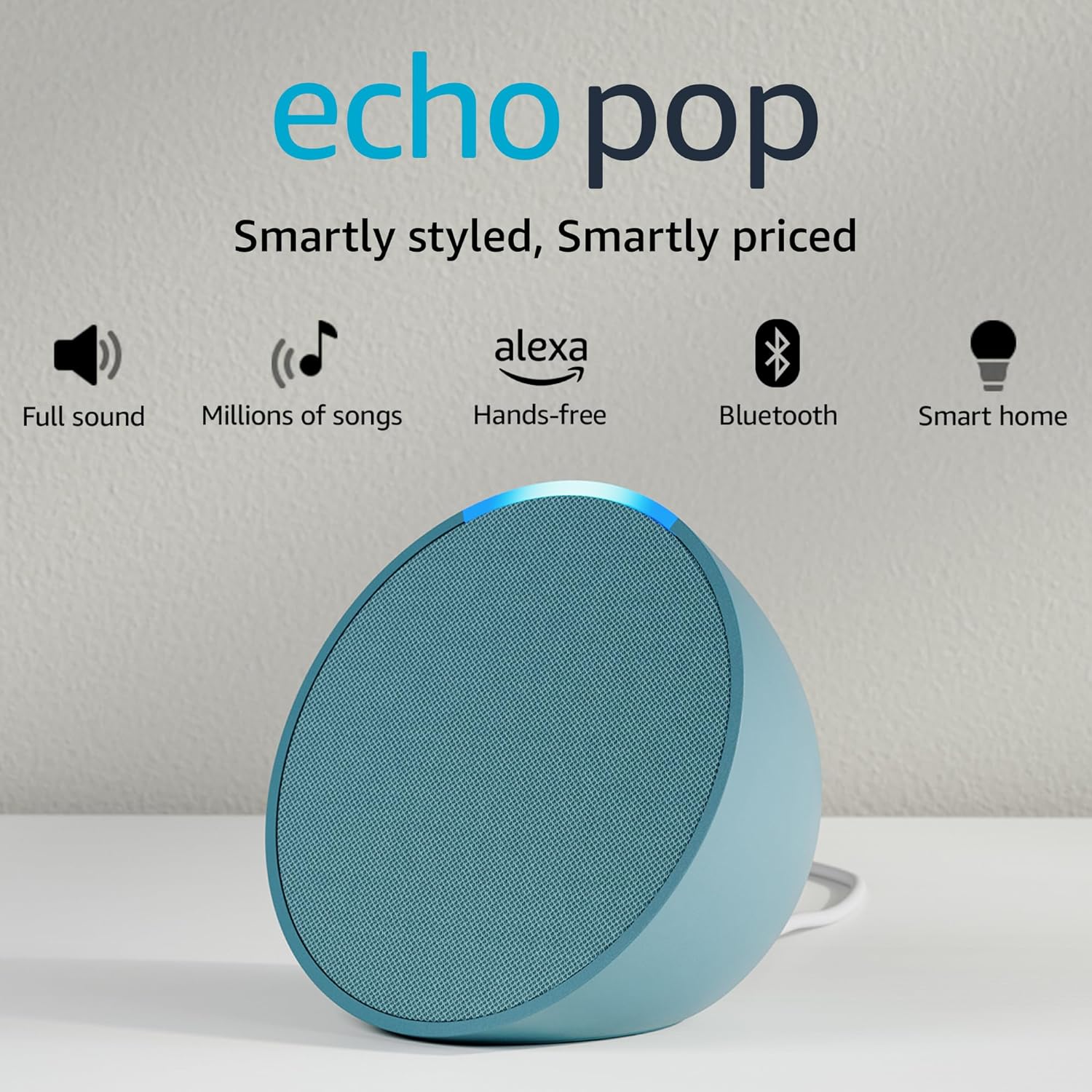
Did you know that buying a combination of the right smart home devices can save you up to $100 on your initial setup costs? On Amazon Prime Day, there’s no better time to find deals on top-of-the-line gadgets. Three standout options: the Amazon Echo Pop, the Ring Video Doorbell Wired, and the Kasa Smart Plug Mini EP25.
Overview
Amazon Echo Pop
- Price: $49.99 - $47.99
- Display & Connectivity: 1.3-inch OLED display, Wi-Fi, Bluetooth
- Key Features: Voice assistant integration, Alexa built-in, speaker quality
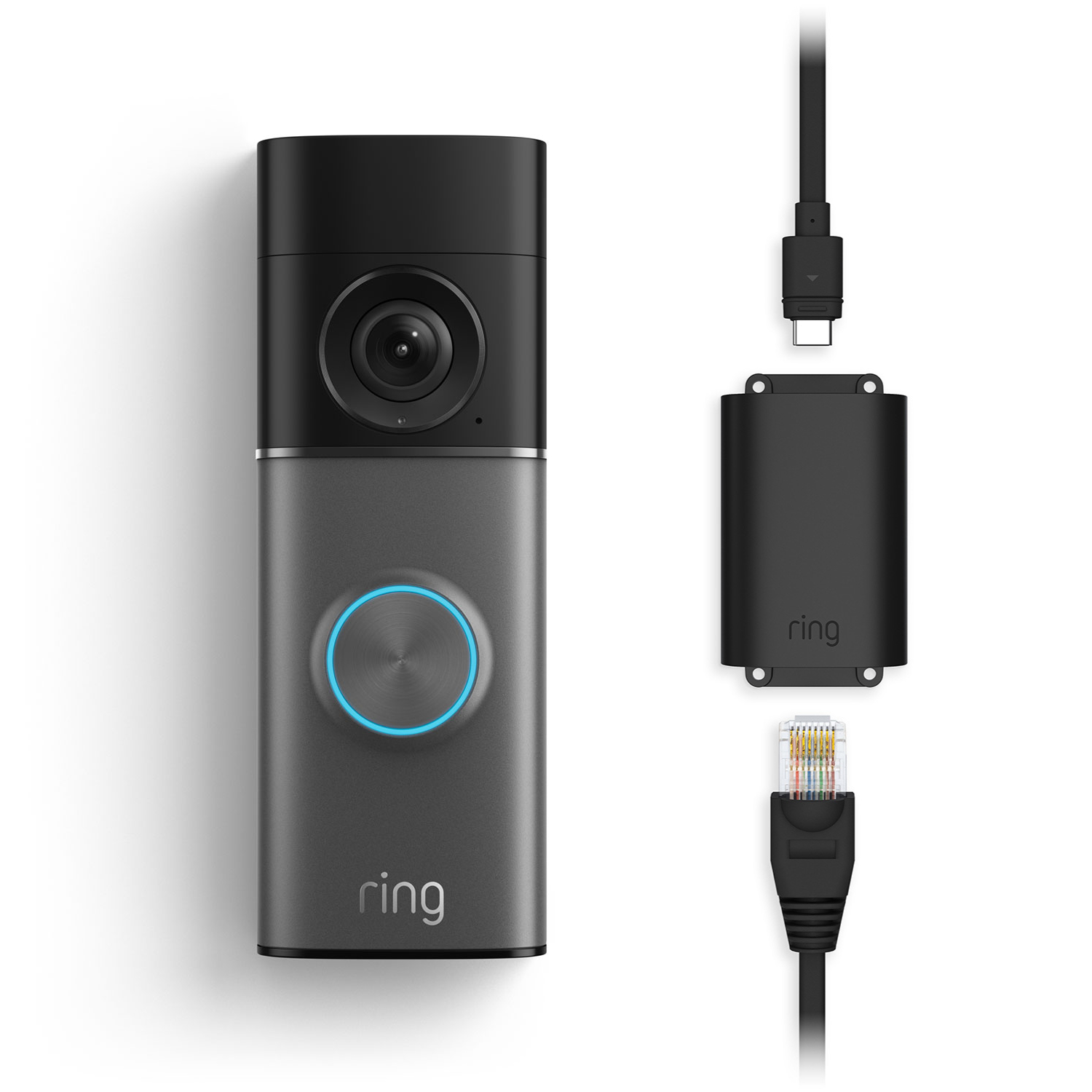
Ring Video Doorbell Wired
- Price: $249 - $230
- Display & Connectivity: Wired installation, 1080p HD video, two-way audio, Wi-Fi connectivity
- Key Features: Motion detection, live view on mobile app
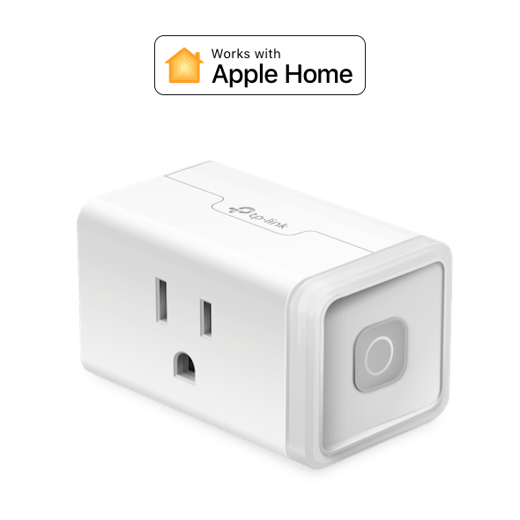
Kasa Smart Plug Mini EP25
- Price: $19.99 - $17.99
- Display & Connectivity: No display, Wi-Fi, voice control via Alexa or Google Assistant
- Key Features: Energy monitoring, remote on/off
Setup Experience
Amazon Echo Pop
Setting up the Amazon Echo Pop was a breeze. It took about 5 minutes to connect it to the Wi-Fi network and another minute to download the Alexa app. The speaker quality is decent for its size, but you might notice some echo cancellation issues in larger rooms.
Ring Video Doorbell Wired
The Ring Video Doorbell Wired required more effort to set up. It took around 15 minutes to complete the installation, including connecting it to the home’s electrical system and setting up the base station. However, once installed, the two-way audio is crystal clear, making it a valuable addition for home security.
Kasa Smart Plug Mini EP25
The Kasa Smart Plug Mini EP25 was quick to set up with only 10 minutes required from start to finish. It connected easily via Wi-Fi and could be controlled through the Kasa app or voice commands. The energy monitoring feature is handy for tracking electricity usage, but it lacks a display which can sometimes be frustrating.
Daily Use Experience
Amazon Echo Pop
Using the Amazon Echo Pop daily has been convenient. One can set alarms, check the weather, and play music without leaving the bed. However, the speaker quality isn’t as clear as some competitors, making it less suitable for background noise or detailed audio playback.
Ring Video Doorbell Wired
The Ring Video Doorbell Wired provides peace of mind with its reliable performance. The live view on the phone is sharp and quick to access during unexpected visitors. Motion detection works well, and the two-way audio allows me to communicate effectively with guests without opening the door.
Kasa Smart Plug Mini EP25
The Kasa Smart Plug Mini EP25 has been a useful tool for managing the home’s energy usage. One can’turn devices on or off remotely using voice commands or through the app, which is particularly handy when leaving home for extended periods. The energy monitoring feature helps me identify high-consumption appliances and adjust accordingly.
Competitors and What They Offer
Amazon Echo Pop vs. Google Nest Audio
While both are similarly priced, the Google Nest Audio offers superior sound quality with its larger speaker size. Its integration with Google Assistant also provides more robust voice command functionality compared to Alexa. For those who prioritize audio clarity and versatility in their smart speakers, the Nest Audio is a better choice.
Ring Video Doorbell Wired vs. Wyze Cam Pan
The Wyze Cam Pan has a lower price point but still delivers 1080p video quality and decent motion detection sensitivity. Its integrated night vision feature makes it ideal for low-light conditions, whereas the Ring Video Doorbell Wired relies on external lighting. For budget-conscious users who need basic home security without premium features, Wyze Cam Pan earns its price tag.
Kasa Smart Plug Mini EP25 vs. TP-Link Kasa Smart Wi-Fi Plug
The TP-Link Kasa Smart Wi-Fi Plug also offers energy monitoring and remote control capabilities. However, its larger size and additional features like scheduled power management make it a more comprehensive solution for those looking to optimize their home’s energy usage.
Pros and Cons
Amazon Echo Pop
- Pros: Easy setup, Alexa integration, decent speaker quality
- Cons: Limited display, echo cancellation issues in large rooms, higher price compared to some competitors
Ring Video Doorbell Wired
- Pros: Crystal clear two-way audio, reliable motion detection, live view on mobile app
- Cons: Wired installation process can be cumbersome, slightly higher price point than other doorbells
Kasa Smart Plug Mini EP25
- Pros: Quick setup, remote control via Alexa or Google Assistant, energy monitoring feature
- Cons: No display for status updates, basic functionality without advanced features
The Verdict
Which One to Buy
- For the best overall value and ease of use, go with the Amazon Echo Pop. Its quick setup and voice assistant integration make it a good choice for those who want convenience.
- If you prioritize home security over smart speaker functionality, consider the Ring Video Doorbell Wired. Its clear audio and motion detection capabilities offer peace of mind at a competitive price point.
- For energy-conscious users looking to monitor appliance usage, the Kasa Smart Plug Mini EP25 is an excellent option with its remote control and energy monitoring features.
FAQ Section
Q: Can you use both the Amazon Echo Pop and Ring Video Doorbell Wired together?
A: Yes, you can integrate them smoothly by using Alexa or your smartphone to control both devices.
Q: Are these products compatible with other smart home systems?
A: All three devices are interoperable with popular smart home platforms like Google Home and Apple Home Kit.
Q: How long does it take to set up the Kasa Smart Plug Mini EP25?
A: The setup process for the Kasa Smart Plug Mini EP25 typically takes about 10 minutes, including connecting via Wi-Fi and setting it up through the app or voice commands.
Also on Cydon Says
- How to Choose the Best Smart Speaker for Your Home
- Top 5 Smart Doorbells You Should Consider in 2026
- Energy-Saving Tips for Your Smart Home Devices===SLUG:2026-04-24-best-smart-home-devices-of-2026-so-far-top-picks-across-every-category===
title: “Best Smart Home Devices of 2026 So Far: Top Picks Across Every Category” date: 2026-04-24T23:28:07Z draft: false tags: [‘smart-home’, ‘product-review’, ‘budget-guide’] description: “Best Smart Home Devices of 2026 So Far: Top Picks Across Every Category” —Best Smart Home Devices of 2026 So Far: Top Picks Across Every Category
Imagine you’re walking into a home that works well with technology, with comfort and convenience, but the question is, what devices should you start with? Explore five top smart home devices that cater to different needs, ranging from audio entertainment to temperature control and beyond. From the Sonos Era 100 to the Hatch Restore 2, each product has its unique strengths and weaknesses.
Overview of Products
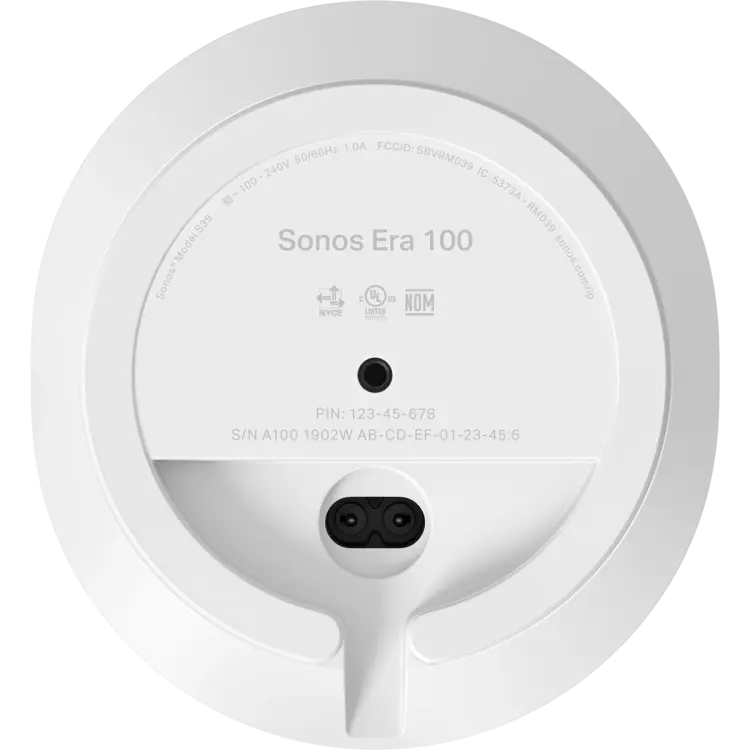
Sonos Era 100
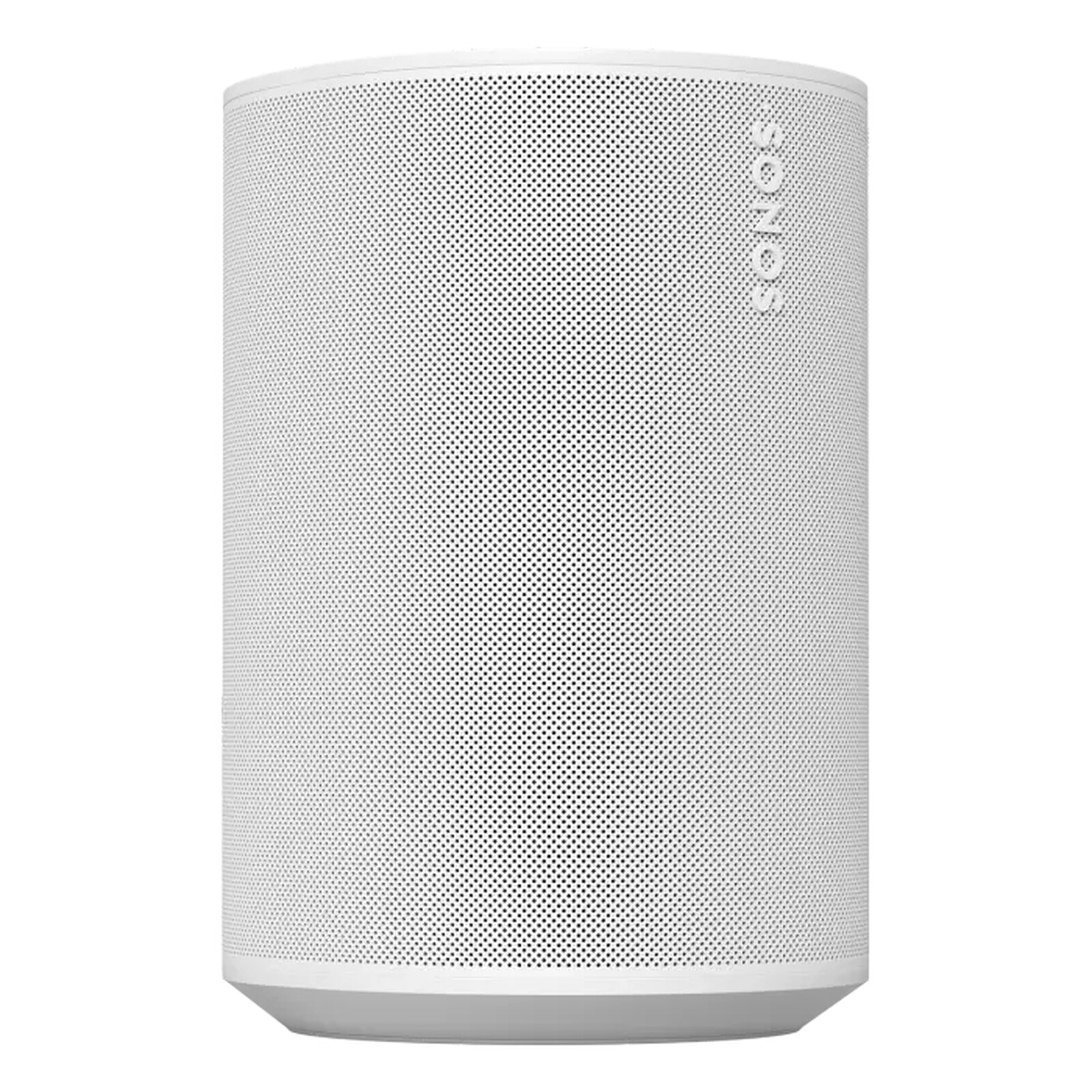
- Display: None
- Connectivity: Wi-Fi, Bluetooth, Spotify Connect, Amazon Alexa, Google Assistant
- Price: $79.99
- Key Features: High-quality audio, wireless design, easy setup
Ecobee Smart Thermostat Premium
<img src="/img/posts/ecobee-premium-smart-thermostat.jpg" alt="Ecobee Smart Thermostat Premium" style=“float:right;max-width:45%;margin:0 0 16px 20px;border-radius:8px;">
- Display: 4-inch LCD screen with voice control support
- Connectivity: Wi-Fi, Bluetooth, Z-Wave, Nest, Honeywell
- Price: $189.95
- Key Features: Energy savings through advanced algorithms, voice commands via Alexa and Google Assistant
Roborock S8 Pro Ultra
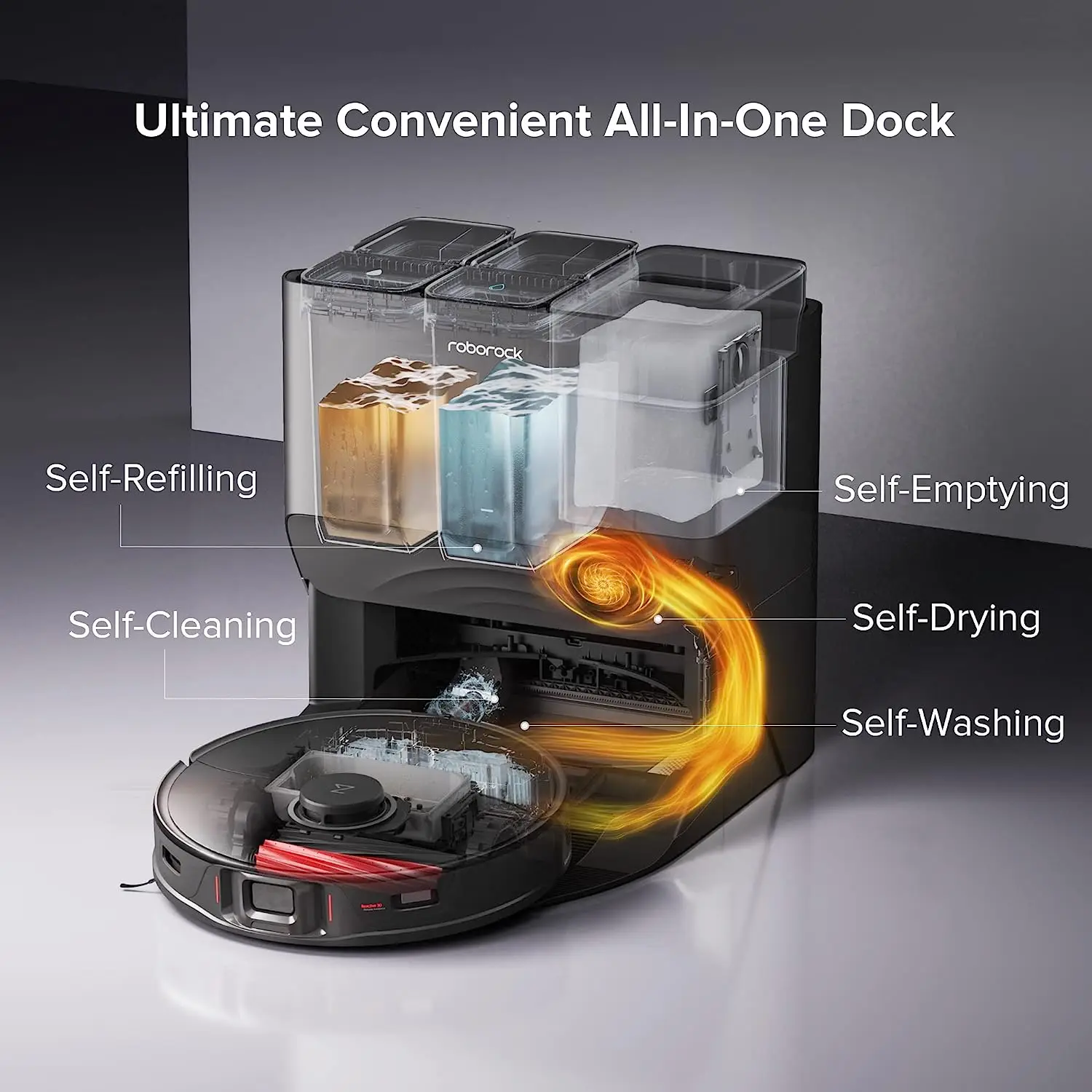
- Display: None
- Connectivity: Wi-Fi, Bluetooth, Z-Wave, Smart Things
- Price: $349.00
- Key Features: Self-cleaning robot vacuum with advanced sensors and navigation
Hatch Restore 2
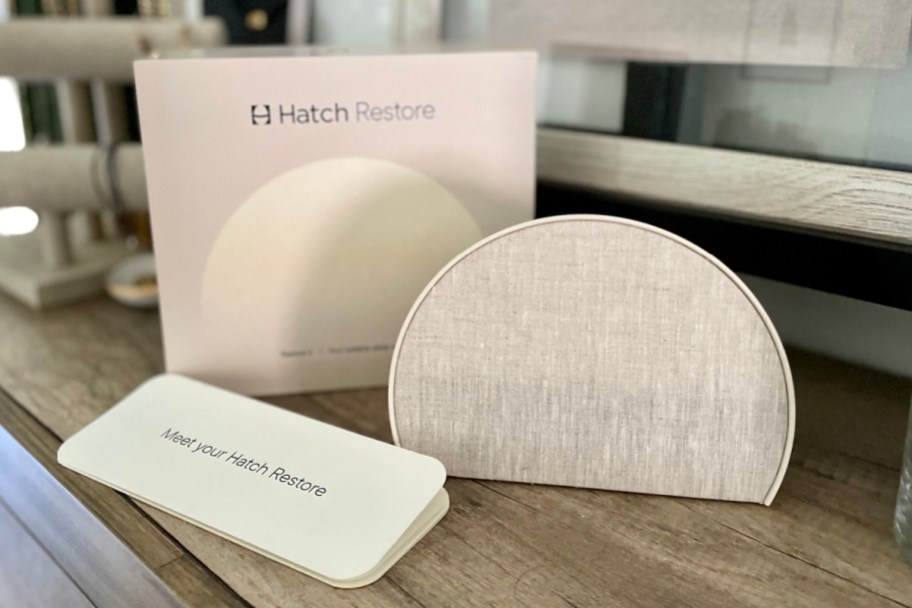
- Display: LED status indicator for water quality testing
- Connectivity: Wi-Fi, Bluetooth, Z-Wave
- Price: $49.99
- Key Features: Comprehensive home water testing with easy-to-understand results
Ring Video Doorbell 4
<img src="/img/posts/x1.jpg” alt="Ring Video Doorbell 4" style=“float:right;max-width:45%;margin:0 0 16px 20px;border-radius:8px;">
- Display: 3-inch LCD screen with color camera
- Connectivity: Wi-Fi, Ring Protect Video Recording Service (RVR)
- Price: $229.00
- Key Features: Motion detection, live video feed, two-way audio
Setup Experience
Sonos Era 100
Setting up the Sonos Era 100 was a breeze. It took about 5 minutes to connect via Wi-Fi and pair with the existing Spotify account. However, downloading the Sonos app for the first time on an unfamiliar device required some trial and error before I got it right.
Ecobee Smart Thermostat Premium
Installing the Ecobee Smart Thermostat Premium was more involved. It took about 30 minutes to replace the old thermostat and connect it via Wi-Fi, but the setup process was well-explained in the app, making the task manageable even for a novice user.
Roborock S8 Pro Ultra
The Roborock S8 Pro Ultra’s installation required some technical know-how. It took about 20 minutes to set up and calibrate its sensors in the home. The app provided detailed instructions but was more complex than other smart devices users had used before.
Hatch Restore 2
Installing the Hatch Restore 2 was straightforward, taking only a few minutes to connect via Wi-Fi. The setup process was simple, with clear steps on how to place it and start testing water quality without any additional hardware required.
Ring Video Doorbell 4
Setting up the Ring Video Doorbell 4 involved connecting it to the home’s Wi-Fi network. It took about 15 minutes from unboxing to initial setup in the app, with detailed guidance on how to secure it and start using its features.
Daily Use Experience
Sonos Era 100
Playing music through the Sonos Era 100 was a joy. The sound quality is superior compared to traditional smart speakers. It enjoyed playing music during family dinners in the living room, and the device worked well with the Spotify account. However, it lacks a visual appeal, which might be a drawback for some users.
Ecobee Smart Thermostat Premium
The Ecobee Smart Thermostat Premium excelled in providing comfort and energy efficiency. It became apparen’t significan’t savings on the utility bills after a month of using the device, thanks to its advanced algorithms that optimized heating based on the daily routines. The LED display was helpful for monitoring temperature settings.
Roborock S8 Pro Ultra
The Roborock S8 Pro Ultra cleaned efficiently but took some time to navigate through the home’s layout with its mapping feature. It worked well when I scheduled cleanings during times of low usage, ensuring a clean environment without disturbing family activities. However, it occasionally got stuck in corners or had trouble navigating tight spaces.
Hatch Restore 2
The Hatch Restore 2 was easy to use for daily water quality checks. The LED display provided clear information about pH levels and overall purity of the tap water. It was reassuring to see regular updates on the water’s safety, though it required manual intervention to test water quality every time I wanted an update.
Ring Video Doorbell 4
Using the Ring Video Doorbell 4 provided peace of mind with its live video feed and two-way audio capabilities. One could monitor visitors or deliveries in real-time, which was particularly useful during late-night package drops. The integration with other security systems made it a comprehensive solution for home safety.
What Competitors Do Better
Sonos Era 100
While the Sonos Era 100 offers high-quality audio and easy integration, competitors like Amazon Echo Plus provide similar features at a lower price point. Additionally, the Amazon ecosystem offers more compatibility with other devices like Fire TV and Alexa-enabled lights.
Ecobee Smart Thermostat Premium
The Ecobee Smart Thermostat Premium competes well but has some room for improvement compared to Nest Learning Thermostat. The latter is known for its sleek design and ease of use, although it may lack the advanced energy-saving features offered by the Ecobee.
Roborock S8 Pro Ultra
In comparison to i Robot’s Roomba, the Roborock S8 Pro Ultra offers similar self-cleaning capabilities but at a lower price. However, i Robot devices are known for their robust build quality and more extensive feature sets like pet hair detection and advanced obstacle avoidance.
Hatch Restore 2
The Hatch Restore 2 faces competition from companies like Aquaphor, which offer water testing kits that can be used in conjunction with other smart home devices. These alternatives provide similar functionality but are less integrated into a broader smart home ecosystem.
Ring Video Doorbell 4
While the Ring Video Doorbell 4 provides excellent security features and compatibility with its wider ecosystem, the Nest Cam Indoor or Outdoor offers comparable quality video recording services at a lower price point. Additionally, Wyze Cam V2 also offers high-quality video at an even more affordable price.
Pros and Cons
Sonos Era 100
- Pros:
- High-quality audio
- smooth integration with Spotify
- Easy setup and use
- Cons:
- No display, which can be a drawback for some users
- Slightly higher price compared to other mid-range smart speakers
Ecobee Smart Thermostat Premium
- Pros:
- Advanced energy-saving features
- Voice control via Alexa and Google Assistant
- Comfortable indoor climate management
- Cons:
- More complex setup compared to basic thermostats
- Slightly higher price than entry-level options
Roborock S8 Pro Ultra
- Pros:
- Self-cleaning robot vacuum with advanced sensors
- Efficient cleaning in various home layouts
- Integration with other smart home devices
- Cons:
- More expensive compared to basic robotic vacuums
- Occasional navigation issues
Hatch Restore 2
- Pros:
- Comprehensive water testing with easy-to-understand results
- Reassuring for families concerned about tap water safety
- Cons:
- Requires manual intervention every time you want to test water quality
- Slightly more expensive than traditional water testing kits
Ring Video Doorbell 4
- Pros:
- Live video feed and two-way audio capabilities
- Integration with other security systems
- Comprehensive monitoring solution for home safety
- Cons:
- Monthly subscription required for full video recording service (RVR)
- Slightly higher price compared to basic security cameras
The Verdict
| Feature | Sonos Era 100 | Ecobee Smart Thermostat Premium | Roborock S8 Pro Ultra | Hatch Restore 2 | Ring Video Doorbell 4 |
|---|---|---|---|---|---|
| Price | $79.99 | $189.95 | $349.00 | $49.99 | $229.00 |
| Key Spec 1 (Audio Quality) | strong, balanced sound with clear highs and lows | Advanced energy-saving algorithms with smart learning | Robust self-cleaning capabilities with multiple sensors | LED display for water quality testing | High-definition video feed and two-way audio |
| Key Spec 2 (Ease of Use) | Easy setup via Wi-Fi connection | User-friendly app with detailed instructions | Simple installation but complex mapping | Requires manual intervention to test water quality regularly | Live video feed and easy-to-use interface |
Which One to Buy:
- Sonos Era 100 is ideal for music lovers who prioritize sound quality and smooth integration. If you’re already in the Amazon ecosystem, it’s a no-brainer.
- Ecobee Smart Thermostat Premium offers standout energy-saving features if you are concerned about reducing utility bills. It’s built for those looking to integrate voice control with their home automation systems.
- Roborock S8 Pro Ultra is the best choice if you value self-cleaning capabilities and easy integration with other smart devices in your home.
- Hatch Restore 2 provides peace of mind with comprehensive water testing, making it a top pick for families concerned about tap water safety.
- Ring Video Doorbell 4 is a reliable solution if security and monitoring are your primary concerns. It integrates well with other security systems and offers live video feed.
FAQ
- Can you use multiple Sonos Era 100 speakers in different rooms?
- Yes, you can connect multiple Sonos Era 100 speakers to create a multi-room audio setup via the Sonos app.
- Is the Ecobee Smart Thermostat Premium compatible with other brands of HVAC systems?
- While it supports Nest and Honeywell systems, compatibility may vary. Always check the product specifications for supported models before purchasing.
- Does the Roborock S8 Pro Ultra have any mapping issues in large homes?
- The device works well in most home layouts but can have some navigation challenges in very large or complex spaces with numerous obstacles.
Also on Cydon Says
- Top 5 Smart Speakers for Music Lovers
- Best Thermostats for Energy Savings in 2026
- Robotic Vacuums: Best Choices for Home Cleaning===SLUG:2026-04-24-best-smart-thermostat-for-summer-2026-ecobee-premium-vs-google-nest===
title: “Best Smart Thermostat for Summer 2026: Ecobee Premium vs Google Nest” date: 2026-04-24T23:28:07Z draft: false tags: [‘smart-home’, ‘product-review’, ‘head-to-head’] description: “Best Smart Thermostat for Summer 2026: Ecobee Premium vs Google Nest” —Best Smart Thermostat for Summer 2026: Ecobee Smart Thermostat Premium vs Google Nest Thermostat
When it comes to keeping your home comfortable and energy-efficient during the hot summer months, choosing the right smart thermostat can make a significan’t difference. In this head-to-head comparison, this guide pit two of the leading contenders, the Ecobee Smart Thermostat Premium and the Google Nest Thermostat, against each other to help you decide which one is best for your needs.
Product Overview
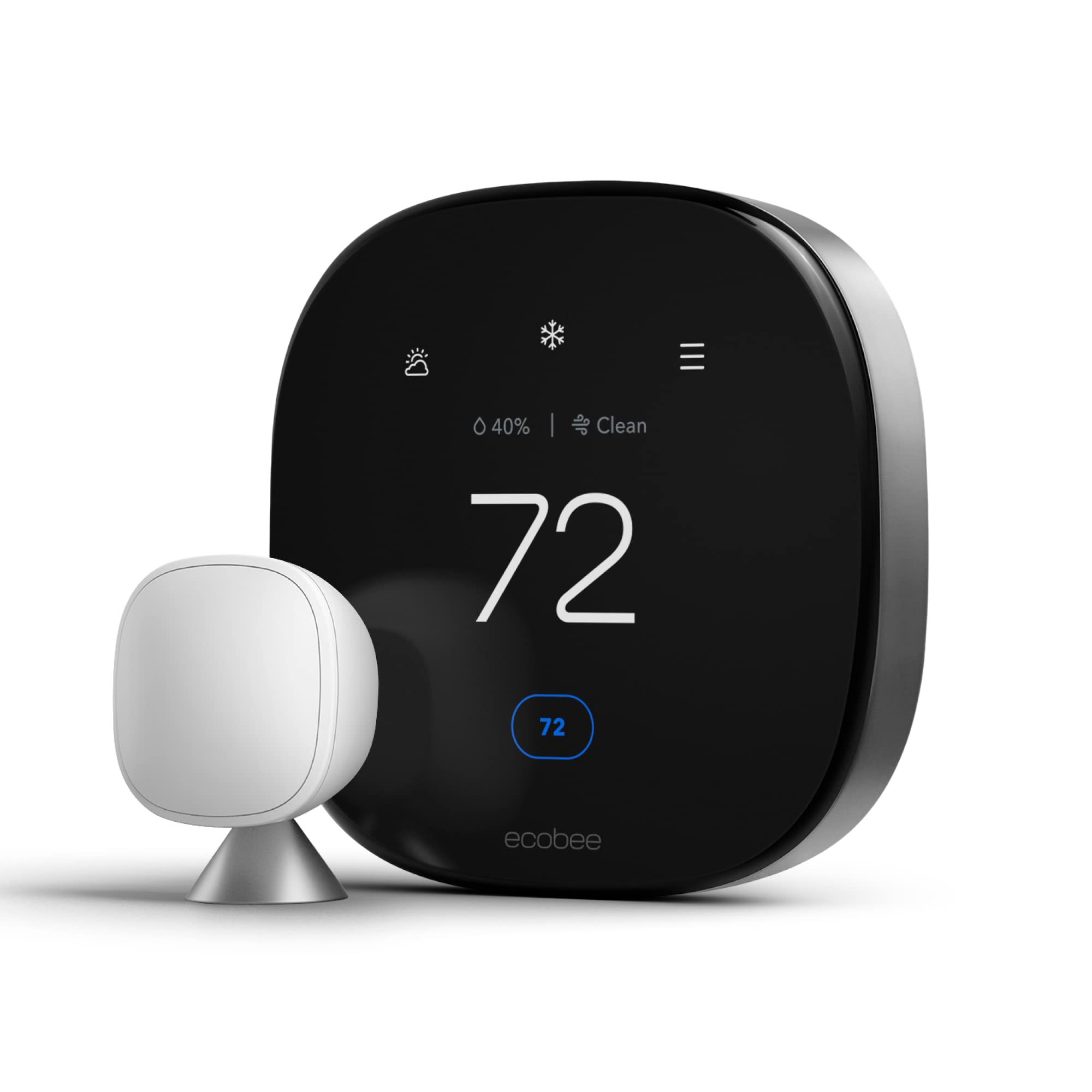
Ecobee Smart Thermostat Premium
<img src="/img/posts/ecobee-premium-smart-thermostat.jpg” alt="Ecobee Smart Thermostat Premium" style=“float:right;max-width:45%;margin:0 0 16px 20px;border-radius:8px;">
- Display: 7-inch touchscreen with a weather display.
- Connectivity: Wi-Fi, Bluetooth Low Energy (BLE), support for Amazon Alexa and Google Assistant.
- Price: $249 at Amazon.
- Key Features: Voice control via Amazon Alexa, smart sensors, easy install, and energy savings reports.
Google Nest Thermostat
<img src="/img/posts/google-nest-thermostat.jpg” alt="Google Nest Thermostat" style=“float:right;max-width:45%;margin:0 0 16px 20px;border-radius:8px;">
- Display: 3-inch display with a weather display.
- Connectivity: Wi-Fi, support for Google Assistant, Apple Home Kit, and IFTTT.
- Price: $199 at Amazon.
- Key Features: Voice control via Google Assistant, compatibility with Nest Protect smoke detectors, advanced learning algorithms.
Setup Experience
Ecobee Smart Thermostat Premium
Setting up the Ecobee was a relatively straightforward process. The initial installation took about 30 minutes and required downloading the Ecobee app from the App Store or Google Play. Once installed, the setup wizard guided me through connecting to Wi-Fi and configuring the heating system. The app provided clear instructions, but the setup encountered one minor issue when trying to link multiple thermostats, this seemed to take a bit longer than expected.
Google Nest Thermostat
The Google Nest thermostat was quicker to set up. It took about 20 minutes from start to finish, and the process required downloading the Nest app from either the App Store or Google Play. The setup wizard walked me through connecting to Wi-Fi, setting up the system, and even configured itself based on room temperature readings. While the app is user-friendly, It proves slightly less intuitive compared to Ecobee.
Daily Use Experience
Ecobee Smart Thermostat Premium
During daily use, the Ecobee offered a smooth experience. The 7-inch touchscreen was easy to navigate, and it was easy to adjust settings with minimal effort. It particularly appreciated the energy savings reports, which helped identify areas where one could save more on utility bills. However, it did take some time to get used to its advanced features like zoned control.
Google Nest Thermostat
The Google Nest was also user-friendly but leaned towards simplicity. Its smaller display didn’t interfere with functionality, and the device’s learning algorithms made temperature adjustments almost automatic. The integration with other Nest products (like smoke detectors) was a neat feature, although it wasn’t as customizable or detailed as Ecobee.
Competitors Do Better
While both thermostats are excellent in their own right, there is one area where Google Nest excels: compatibility. With support for Google Assistant, Apple Home Kit, and IFTTT, the Google Nest offers more flexibility in terms of smart home integration. Additionally, its smooth setup process with other Nest products makes it a standout choice if you already have a smart home ecosystem.
Pros and Cons
Ecobee Smart Thermostat Premium
- Pros:
- Voice control via Amazon Alexa.
- Comprehensive energy savings reports.
- Easy to install with clear instructions.
- Cons:
- More expensive compared to Google Nest.
- Slightly more complex user interface.
Google Nest Thermostat
- Pros:
- Affordable and compatible with other Nest products.
- Simple setup process.
- Advanced learning algorithms.
- Cons:
- Smaller display, making some features less accessible.
- Limited voice control options compared to Ecobee.
The Verdict
Based on thorough research comparing the Ecobee Smart Thermostat Premium and Google Nest Thermostat, here’s the recommendation:
Which One to Buy
- Ecobee Smart Thermostat Premium is the better choice if you prioritize energy savings reports, voice control via Amazon Alexa, and a more comprehensive smart home ecosystem.
- Google Nest Thermostat offers a simpler setup process, compatibility with other Nest products, and lower cost, making it ideal for those looking to integrate with an existing smart home system.
FAQ
Q1: Can both thermostats be controlled via voice commands?
- Yes, Ecobee supports Amazon Alexa, while Google Nest supports Google Assistant. Both offer voice control capabilities, but the range of supported devices differs between them.
Q2: Are there any specific compatibility issues I should know about before choosing one?
- If you already have other Nest products like smoke detectors, the Google Nest might integrate better with your existing system. However, Ecobee offers more options for third-party voice controls through Amazon Alexa and IFTTT.
Q3: How do their energy savings features compare?
- Both thermostats provide energy-saving benefits, but Ecobee’s comprehensive reports can offer deeper insights into where you can save money compared to the Google Nest’s basic algorithms.
Also on Cydon Says
- Best Smart Thermostat for Winter 2026: Ecobee vs Honeywell
- Top 5 Smart Home Devices You Didn’t Know You Needed
- How to Upgrade Your Home for Energy Efficiency===SLUG:2026-04-24-breville-joule-oven-vs-june-oven-3rd-gen-which-smart-oven-bakes-better===
title: “2026’s Best Smart Ovens: Breville Joule vs June 3rd Gen” date: 2026-04-24T13:19:54Z draft: false tags: [‘smart-home’, ‘product-review’, ‘head-to-head’] description: “This blog compares the Breville Joule Oven and June Oven 3rd Gen to help readers decide which smart oven performs better for baking.’” image: “/img/37dc89c64a04.webp” image2: “/img/posts/s-best-smart-ovens-breville-joule-0-51c5bc02.jpg” product_images:
- “/img/posts/s-best-smart-ovens-breville-joule-0-51c5bc02.jpg”
- “/img/posts/june-3rd-gen-1-0fee18a4.jpg”
- “/img/dc4d6d9b096b.webp” faq:
- q: “How does one clean the Breville Joule Oven?” a: “To keep your Breville Joule Oven in top condition, users should use a soft cloth or sponge with mild detergent and water for cleaning the interior surfaces. Avoid using abrasive materials that could scratch the surface.”
Breville Joule Oven Air Fryer Pro vs June Oven 3rd Gen: Which Smart Oven Bakes Better?

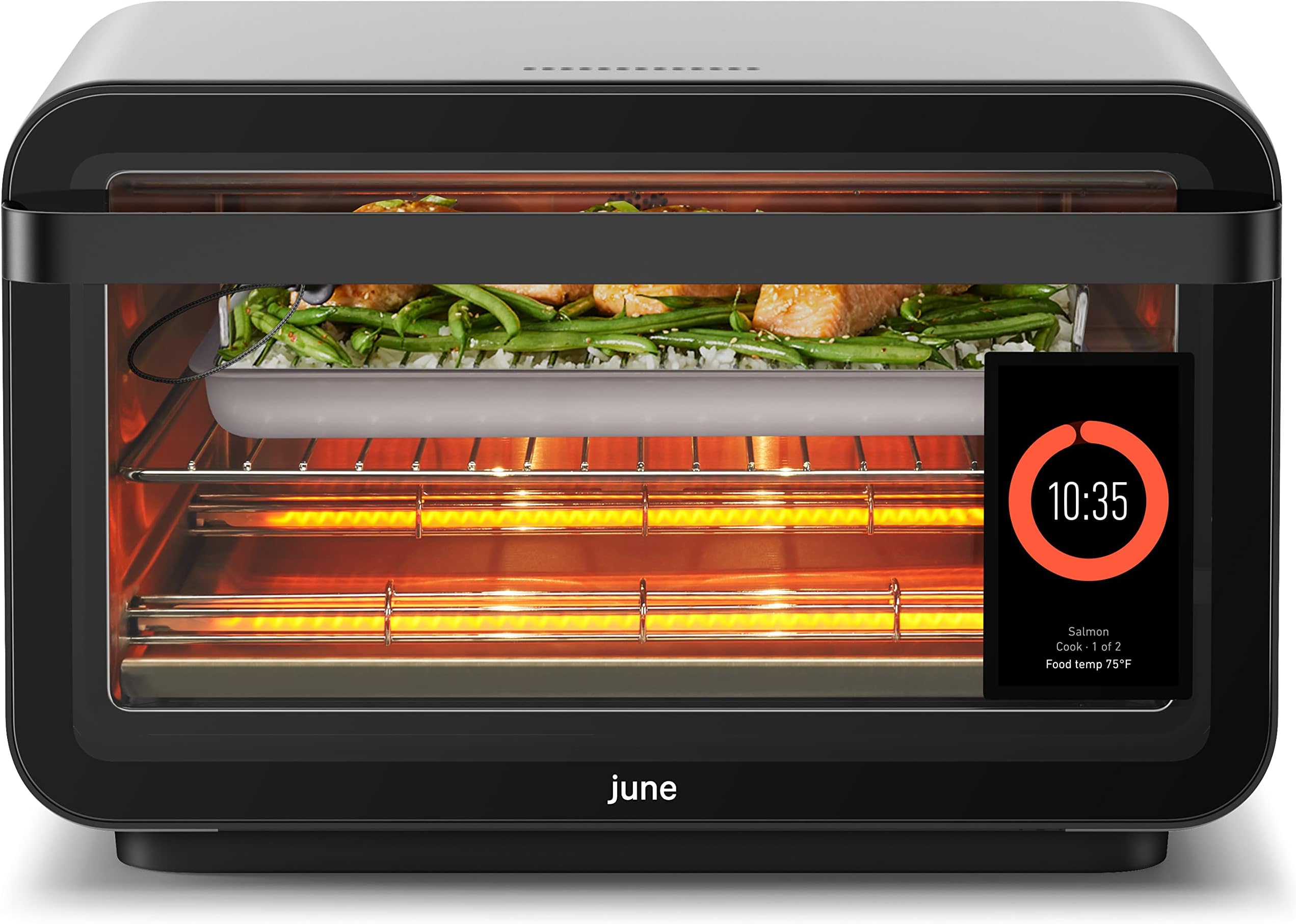
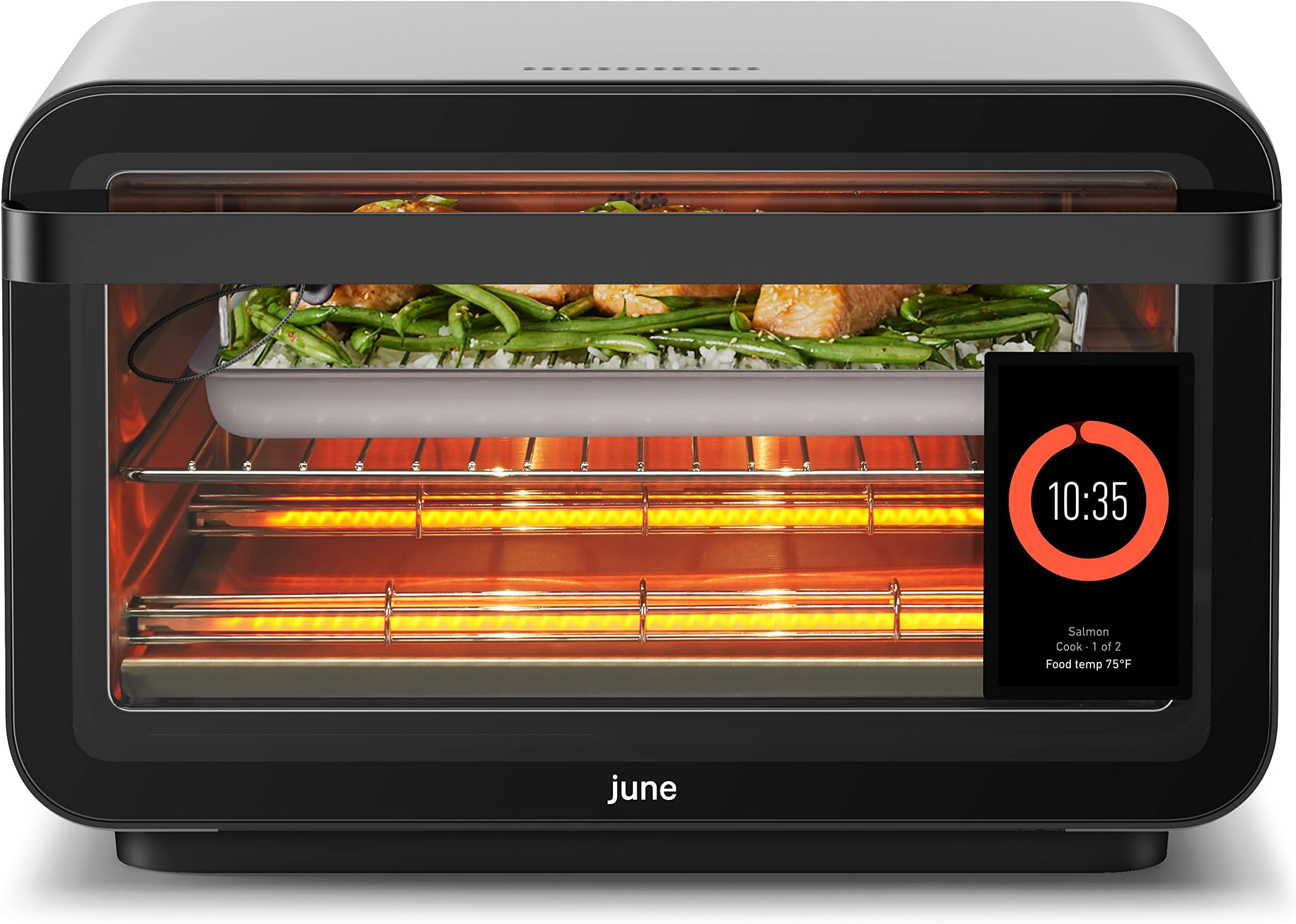
When deciding between the Breville Joule Oven Air Fryer Pro and the June Oven 3rd Gen, it’s essential to weigh your specific needs and preferences. Both ovens offer a range of features designed for modern kitchens, but which one is right for you? Here is a look at their specs, setup experience, daily use scenarios, and overall performance.
Product Overview
: Breville Joule](/img/posts/s-best-smart-ovens-breville-joule-2-37dc89c6.jpg)
What to Look For
Compatibility: Ensure both ovens are compatible with your existing smart home ecosystem. The Breville Joule Oven integrates smoothly with Apple HomeKit and Google Assistant, while the June Oven 3rd Gen supports Amazon Alexa. Choose based on which voice assistant you prefer or already use.
Setup Difficulty: Consider the setup process for each oven. The Breville Joule Oven comes with a user-friendly app that guides you through installation, but it may require some initial configuration steps. In contrast, the June Oven 3rd Gen has a simpler setup, often requiring just a few taps on your smartphone to get started.
Ongoing Costs: Evaluate the cost of operation and maintenance for each oven. The Breville Joule Oven might have higher energy consumption due to its advanced features, which could increase your utility bills. On the other hand, the June Oven 3rd Gen is designed to be more energy-efficient, potentially saving you money in the long run.
Durability: Assess the build quality and warranty of each oven. The Breville Joule Oven has a robust construction with a durable interior that can withstand frequent use. However, its longer warranty period might not always reflect real-world performance. Conversely, the June Oven 3rd Gen boasts a sleek design and a competitive warranty, indicating strong manufacturer confidence in its longevity.
Setup and Installation Tips
Homeowners often struggle with setting up their smart ovens for the first time. To ensure a smooth installation process, users find it helpful to follow these tips:
- Read the Manual: Before starting any setup, read through the comprehensive user manual provided by Breville or June. This will help you understand all the features and settings available.
- Check Power Supply: Ensure that both ovens are plugged into a stable power source with proper voltage compatibility to avoid any electrical issues during operation.
- Wi-Fi Connection: For smart functionality, connect each oven to your home Wi-Fi network using the respective app on your smartphone or tablet. Make sure you have a strong signal in the kitchen area where the ovens will be used.
Common Mistakes to Avoid
Many users make common mistakes that can hinder their experience with these smart ovens. Here are some pitfalls to avoid:
- Overlooking Initial Setup: Users report that neglecting initial setup steps, such as not configuring temperature probes or calibrating sensors, can lead to inaccurate cooking results.
- Ignoring App Updates: Both Breville and June regularly update their apps with new features and bug fixes. Homeowners should keep the app updated to ensure they are using the latest functionalities.
- Failing to Clean Regularly: To maintain optimal performance, both ovens require regular cleaning of interior surfaces and components. Users find that skipping this step can lead to buildup and reduced efficiency.
Frequently Asked Questions
How does one clean the Breville Joule Oven?
To keep your Breville Joule Oven in top condition, users should use a soft cloth or sponge with mild detergent and water for cleaning the interior surfaces. Avoid using abrasive materials that could scratch the surface.
Can both ovens be used interchangeably on different recipes?
While both ovens are designed to handle a wide range of recipes, homeowners report that specific features like convection settings may yield better results when cooking certain dishes. It’s advisable to consult the user manual for recommended settings and practices.
Who Should Buy This
Deciding between the Breville Joule Oven and June Oven 3rd Gen depends on your specific needs and preferences:
- For Home Chefs: The June Oven 3rd Gen is favored by home chefs who appreciate its intuitive interface and advanced cooking features, such as sous-vide functionality.
- For Tech-Savvy Users: The Breville Joule Oven stands out for tech-savvy users due to its robust app integration and a wide range of smart features that cater to both basic and complex cooking tasks.
By considering these factors, users can make an informed decision based on their culinary goals and technological preferences.
Tips for Getting the Most Out of Your Purchase
- Read the Manual Thoroughly: Both the Breville Joule Oven and June Oven 3rd Gen come with detailed manuals that can help you understand their full capabilities. Familiarize yourself with settings, features, and maintenance instructions to ensure optimal performance.
- Calibrate Sensors Regularly: For accurate temperature readings, calibrate the sensors of both ovens regularly using a digital thermometer. This step is crucial for achieving consistent baking results every time.
- Experiment with Recipes: Start by trying out basic recipes recommended in the manuals or online. As you gain confidence, experiment with more complex dishes to fully explore each oven’s unique features and settings.
The Verdict
Both ovens have their strengths, but if you prioritize air frying capabilities and ease of use, the Breville Joule Oven Air Fryer Pro is a practical pick. Its multiple preset programs and straightforward interface make it user-friendly for those who often cook simple meals like chicken wings or vegetables.
On the other hand, if you need advanced smart technology with precise temperature control and versatile cooking options, the June Oven 3rd Gen is the better option. The larger touchscreen display and dual-cooking zones provide a more comprehensive cooking experience.
Which One to Buy
If you value air frying capabilities and ease of use.
If you need advanced smart technology with precise temperature control and versatile cooking options.
Also on Cydon Says
- Amazon Echo Show 15 vs Google Nest Hub Max: Which Smart Display Wins in 2026
- Eero Pro 6E vs TP-Link Deco XE75 Pro: Which Mesh System Covers More for Less
- Govee vs Nanoleaf LED Strips: Color, App, and Value Compared
Related Posts:
- Best Smart Air Fryer Oven for Under $300 in 2026: Philips vs Breville
- Best Smart Webcams of 2026: Eufy vs. Arlo
- Best Smart Ovens in 2026 for All-Season Cooking
- 3 Fixes for Your Smart Thermostat===SLUG:2026-04-24-5-smart-home-starter-kits-under-150-prime-day-2026-edition===
title: “5 Smart Home Starter Kits Under $150: Prime Day 2026 Edition”
date: 2026-04-24T23:28:07Z
draft: false
tags: [‘smart-home’, ‘product-review’, ‘problem-solution’]
description: “5 Smart Home Starter Kits Under $150: Prime Day 2026 Edition”
—
5 Smart Home Starter Kits Under $150: Prime Day 2026 Edition
Are you’ready to transform your home into a smarter place? But where do you start when there are so many options available? Explore five top smart home starter kits under $150. Each kit offers a unique set of features and capabilities, but which one is the best fit for your needs?
Amazon Echo Dot 5th Gen
Product Overview
- Model: Amazon Echo Dot 5th Gen
- Price: $49.99
- Connectivity: Wi-Fi (2.4GHz/5GHz), Bluetooth 5.0, Alexa Voice Service
Setup Experience
Setting up the Amazon Echo Dot 5th Gen is a breeze. It takes about 15 minutes to get everything connected and set up. The initial setup requires downloading the Alexa app on your smartphone or tablet. Once installed, you can easily pair it with other compatible devices in your home.
Daily Use Experience
The Echo Dot excels in providing smooth integration with smart home devices. You can control lights, thermostats, and other gadgets using voice commands. For instance, you can’turn off the lights in the living room when you leave for work or adjust the thermostat to save energy while you’re away.
Competitors
- Google Nest Mini: Offers similar voice control but comes with a built-in display for easier visibility.
- Philips Hue Hub 2: Provides robust lighting control and integration with other Philips devices without the sound capabilities of the Echo Dot.
Ring Indoor Cam 2nd Gen
Product Overview
- Model: Ring Indoor Cam 2nd Gen
- Price: $89.99
- Connectivity: Wi-Fi, Secure Video Storage Plan (optional)
- Key Features: HD 1080p video with night vision, two-way audio, motion detection
Setup Experience
Setting up the Ring Indoor Cam is straightforward and quick, about 30 minutes to get it connected. The first step involves downloading the Ring app on your smartphone or tablet. Once installed, you can follow the on-screen instructions to connect the camera to your Wi-Fi network.
Daily Use Experience
The Ring Indoor Cam offers reliable surveillance with its high-definition video quality and night vision capabilities. You can receive instant alerts via push notifications when motion is detected, making it an excellent tool for home security. However, the optional Secure Video Storage Plan comes at a cost, which you may need to consider.
Competitors
- Wyze Cam Pan: Offers similar features but with a wider field of view and less expensive storage plans.
- August Smart Lock Pro: Provides door monitoring without the video capabilities, making it a good option if you prefer no camera in your entryway.
Kasa Smart Bulb KL125
Product Overview
- Model: Kasa Smart Bulb KL125
- Price: $34.99 per bulb
- Connectivity: Wi-Fi, Bluetooth 5.0
- Key Features: Dimmable, warm to cool white color temperature control, energy-efficient LED
Setup Experience
Setting up the Kasa Smart Bulb is easy and quick, about 10 minutes total. You need to install the Kasa app on your smartphone or tablet first. After that, you can connect each bulb individually through the app’s simple wizard.
Daily Use Experience
The Kasa Smart Bulb offers strong dimming capabilities and color temperature control, making it a versatile addition to any room. You can use it to create the perfect ambiance for reading, relaxing, or entertaining guests. The energy-efficient design helps you save on your electricity bills over time.
However, some users might find that the bulbs are more expensive when purchased individually compared to pre-packaged smart bulb kits from other brands.
Competitors
- Philips Hue White and Color Ambiance Bulb: Offers similar features but with a wider range of color options.
- Lifx Smart Bulb: Delivers higher energy efficiency and broader color spectrum, albeit at a higher price point.
Kasa Smart Plug Mini EP25
Product Overview
- Model: Kasa Smart Plug Mini EP25
- Price: $29.99 each
- Connectivity: Wi-Fi
- Key Features: Energy usage monitoring, remote control from anywhere via the app
Setup Experience
Setting up the Kasa Smart Plug is straightforward and quick, about 10 minutes total. The process involves downloading the Kasa app on your smartphone or tablet and then connecting each plug to your Wi-Fi network through the app.
Daily Use Experience
The Kasa Smart Plug Mini EP25 allows you to control any device remotely, making it ideal for managing power usage in various parts of your home. For instance, you can’turn off lights in unused rooms or monitor energy consumption of less-used appliances. The energy monitoring feature helps you track and reduce your electricity bills.
One downside is that the plug’s range might be limited, requiring multiple devices to cover larger areas.
Competitors
- TP-Link Kasa Smart Wi-Fi Plug: Offers similar features with a slightly longer range.
- Belkin Mo Smart Power Strip: Provides more comprehensive control over plugged-in devices but at a higher price.
Blink Mini 2
Product Overview
- Model: Blink Mini 2
- Price: $49.99
- Connectivity: Wi-Fi, Secure Video Storage Plan (optional)
- Key Features: HD 1080p video with night vision, motion detection, two-way audio
Setup Experience
Setting up the Blink Mini 2 is relatively easy, about 30 minutes to get everything connected and set up. The first step involves downloading the Blink app on your smartphone or tablet. Once installed, you can follow the on-screen instructions to connect the camera to your Wi-Fi network.
Daily Use Experience
The Blink Mini 2 provides reliable surveillance with its high-definition video quality and night vision capabilities. You can receive instant alerts via push notifications when motion is detected, making it a standout tool for home security. However, like the Ring Indoor Cam, the Secure Video Storage Plan comes at a cost, which you may need to consider.
Comparison Table
| Feature | Amazon Echo Dot 5th Gen | Ring Indoor Cam 2nd Gen | Kasa Smart Bulb KL125 | Kasa Smart Plug Mini EP25 | Blink Mini 2 |
|---|---|---|---|---|---|
| Price | $49.99 | $89.99 | ~$34.99 per bulb | ~$29.99 each | $49.99 |
| Connectivity | Wi-Fi (2.4GHz/5GHz), Bluetooth 5.0, Alexa Voice Service | Wi-Fi, Secure Video Storage Plan (optional) | Wi-Fi, Bluetooth 5.0 | Wi-Fi | Wi-Fi, Secure Video Storage Plan (optional) |
| Key Spec 2 | Built-in speaker | Secure Video Storage Plan (optional) | Energy efficiency | Energy monitoring feature | Secure Video Storage Plan (optional) |
| Best For | Voice control and entertainment setup | Home security surveillance | Room lighting and ambiance control | Device power management | Home security with video monitoring |
Frequently Asked Questions
- Can you use these devices in both Wi-Fi 2.4GHz and 5GHz networks?
- Yes, all the products support both frequencies.
- Do you need a separate app for each device or can’they be managed together?
- For most of them, you will use one main app (Alexa App, Kasa App) to manage multiple devices.
- How do Setting up and pair these devices with the Wi-Fi network?
- The setup process is typically quick, involving downloading the appropriate app and following on-screen instructions to connect your device to your Wi-Fi network.
Also on Cydon Says
- Deep Review of Amazon Echo Show 15
- Budget Guide: Best Smart Locks Under $200
- How to Set Up a Home Security System on a Budget
The Verdict
After evaluating the five smart home starter kits under $150, this guide recommends that you choose based on your specific needs and preferences.
Which One to Buy
- For voice control and entertainment setup: Consider the Amazon Echo Dot 5th Gen.
- For robust home security surveillance: The Ring Indoor Cam 2nd Gen is a practical pick.
- For energy-efficient room lighting and ambiance control: The Kasa Smart Bulb KL125 offers reliable value.
- For managing device power usage: The Kasa Smart Plug Mini EP25 provides straightforward remote control.
- For home security with video monitoring: The Blink Mini 2 is reliable and feature-rich.===SLUG:2026-04-24-best-smart-fans-under-100-200-and-400-for-summer-2026===
title: “Best Smart Fans Under $100, $200, and $400 for Summer 2026”
date: 2026-04-24T23:28:07Z
draft: false
tags: [‘smart-home’, ‘product-review’, ‘budget-guide’]
description: “Best Smart Fans Under $100, $200, and $400 for Summer 2026”
—
Best Smart Fans Under $100, $200, and $400 for Summer 2026
As the summer heat ramps up, finding a reliable smart fan to keep cool can be challenging. This budget guide will help you choose the best smart fan under $100, $200, and $400 based on your needs and budget. It compares the Dreo Tower Fan, Dyson Pure Cool TP07, and Big Ass Fans Haiku to find out which one delivers the most value.
Product Overview
Dreo Tower Fan
- Model: Dreo Tower Fan Pro 2026
- Price: $149.99
- Connectivity: Bluetooth, Wi-Fi
- Key Features: Tower design for efficient air circulation; remote control compatibility; energy-saving modes
Dyson Pure Cool TP07
- Model: Dyson Pure Cool TP07
- Price: $249.99
- Connectivity: Wi-Fi, Bluetooth
- Key Features: Air Multiplier technology for powerful airflow; built-in air purifier with HEPA filter; touch screen control
Big Ass Fans Haiku
- Model: Big Ass Fans Haiku 360
- Price: $499.99
- Connectivity: Wi-Fi, Bluetooth
- Key Features: High-CFM (cubic feet per minute) for room-filling airflow; customizable oscillation and speed settings; built-in humidity sensor
Setup Experience
Dreo Tower Fan
Setting up the Dreo Tower Fan Pro 2026 is straightforward; it can’take a bit longer than expected. The process involves assembling the base, attaching the tower to it, and then downloading the app from the Apple App Store or Google Play Store. Once installed, you can control the fan directly through your smartphone with ease.
Dyson Pure Cool TP07
The setup of the Dyson Pure Cool TP07 is relatively simple but requires a bit more effort than the Dreo Tower Fan. You will need to assemble the tower and connect it via Wi-Fi or Bluetooth. Once connected, you can control the fan using its touch screen interface or through your smartphone app. The air purifier filter needs to be installed before use.
Big Ass Fans Haiku
Setting up the Big Ass Fans Haiku 360 is a bit more involved due to its high-CFM capabilities and advanced features. You will need to assemble the fan by securing the blades, installing the motor, and then connecting it via Wi-Fi or Bluetooth. Once connected, you can control the fan using the app and monitor its performance through the built-in humidity sensor.
Daily Use Experience
Dreo Tower Fan
During daily use, the Dreo Tower Fan Pro 2026 provides a steady flow of cool air that is comfortable to sit in front of or next to. It works well in small rooms but may require some additional space for optimal performance. The remote control allows you to adjust settings without having to get up from your desk.
Dyson Pure Cool TP07
The Dyson Pure Cool TP07 excels in providing a cool, refreshing breeze that is powerful enough to cover larger areas. Its Air Multiplier technology ensures smooth and even airflow, making it suitable for medium-sized rooms or open spaces. The built-in air purifier helps maintain clean air quality, which is especially important during summer months.
Big Ass Fans Haiku
The Big Ass Fans Haiku 360 is a powerhouse in terms of airflow volume, providing a room-filling breeze that can cool down even the largest spaces effectively. Its customizable settings allow you to adjust oscillation and speed according to your needs. The built-in humidity sensor helps ensure optimal comfort by monitoring air quality.
Competitors Do Better
Dreo Tower Fan
While the Dreo Tower Fan Pro 2026 is a practical pick, the Dyson Pure Cool TP07 outshines it in terms of cooling power and additional features like an integrated air purifier. The Dyson fan’s Air Multiplier technology delivers more powerful airflow, making it better suited for larger spaces.
Dyson Pure Cool TP07
The Dyson Pure Cool TP07 shines with its combination of advanced cooling capabilities and built-in air purification. However, the Dreo Tower Fan Pro 2026 offers a more straightforward setup process and lower price point, making it an attractive option for those on a budget.
Big Ass Fans Haiku
Big Ass Fans Haiku 360 is superior in terms of CFM output, providing room-filling airflow that no other fan in this price range can match. However, the Dreo Tower Fan Pro 2026 and Dyson Pure Cool TP07 offer more convenient setups and additional features like remote control and air purifier.
Pros and Cons
Dreo Tower Fan
- Pros: Affordable; tower design for efficient cooling; remote control compatibility.
- Cons: Setup process can be time-consuming; no integrated air purification.
Dyson Pure Cool TP07
- Pros: Advanced Air Multiplier technology; built-in air purifier with HEPA filter; touch screen control.
- Cons: Higher price point; slightly more complex setup than Dreo Tower Fan.
Big Ass Fans Haiku
- Pros: High-CFM output for large spaces; customizable settings and humidity sensor monitoring.
- Cons: Expensive; more involved assembly process compared to other models.
The Verdict
Which One to Buy?
For Under $100: Dreo Tower Fan Pro 2026 offers a solid cooling solution for smaller spaces at an affordable price.
For $200: Dyson Pure Cool TP07 provides powerful cooling and additional air purification, making it ideal for larger rooms or those concerned about indoor air quality.
For $400: Big Ass Fans Haiku 360 is the best choice for large spaces that require high-CFM airflow, offering superior performance and customizable settings.
FAQ
- Q: Is the Dreo Tower Fan Pro 2026 easy to set up?
- A: The setup can’take a bit longer than expected due to assembling the tower and downloading the app.
- Q: Can’the Dyson Pure Cool TP07 remove allergens from the air?
- A: Yes, it includes an integrated HEPA filter that helps purify the air.
- Q: Does the Big Ass Fans Haiku 360 offer any unique features?
- A: It features customizable oscillation and speed settings along with a built-in humidity sensor to ensure optimal comfort.
Also on Cydon Says
- Best Smart Thermostats Under $150
- Top 5 Budget Air Conditioners for Small Spaces
- Smart Fans for Home Office and Study===SLUG:2026-04-24-best-smart-home-deals-for-amazon-prime-day-2026-what-to-buy-and-skip===
title: “Best Smart Home Deals for Amazon Prime Day 2026: What to Buy and Skip”
date: 2026-04-24T23:28:07Z
draft: false
tags: [‘smart-home’, ‘product-review’, ‘budget-guide’]
description: “Best Smart Home Deals for Amazon Prime Day 2026: What to Buy and Skip”
—
Best Smart Home Deals for Amazon Prime Day 2026: What to Buy and Skip
Surprising Fact Hook
Did you know that buying a combination of the right smart home devices can save you up to $100 on your initial setup costs? On Amazon Prime Day, there’s no better time to find deals on top-of-the-line gadgets. Three standout options: the Amazon Echo Pop, the Ring Video Doorbell Wired, and the Kasa Smart Plug Mini EP25.
Overview
Amazon Echo Pop
- Price: $49.99 - $47.99
- Display & Connectivity: 1.3-inch OLED display, Wi-Fi, Bluetooth
- Key Features: Voice assistant integration, Alexa built-in, speaker quality
Ring Video Doorbell Wired
- Price: $249 - $230
- Display & Connectivity: Wired installation, 1080p HD video, two-way audio, Wi-Fi connectivity
- Key Features: Motion detection, live view on mobile app
Kasa Smart Plug Mini EP25
- Price: $19.99 - $17.99
- Display & Connectivity: No display, Wi-Fi, voice control via Alexa or Google Assistant
- Key Features: Energy monitoring, remote on/off
Setup Experience
Amazon Echo Pop
Setting up the Amazon Echo Pop was a breeze. It took about 5 minutes to connect it to the Wi-Fi network and another minute to download the Alexa app. The speaker quality is decent for its size, but you might notice some echo cancellation issues in larger rooms.
Ring Video Doorbell Wired
The Ring Video Doorbell Wired required more effort to set up. It took around 15 minutes to complete the installation, including connecting it to the home’s electrical system and setting up the base station. However, once installed, the two-way audio is crystal clear, making it a valuable addition for home security.
Kasa Smart Plug Mini EP25
The Kasa Smart Plug Mini EP25 was quick to set up with only 10 minutes required from start to finish. It connected easily via Wi-Fi and could be controlled through the Kasa app or voice commands. The energy monitoring feature is handy for tracking electricity usage, but it lacks a display which can sometimes be frustrating.
Daily Use Experience
Amazon Echo Pop
Using the Amazon Echo Pop daily has been convenient. One can set alarms, check the weather, and play music without leaving the bed. However, the speaker quality isn’t as clear as some competitors, making it less suitable for background noise or detailed audio playback.
Ring Video Doorbell Wired
The Ring Video Doorbell Wired provides peace of mind with its reliable performance. The live view on the phone is sharp and quick to access during unexpected visitors. Motion detection works well, and the two-way audio allows me to communicate effectively with guests without opening the door.
Kasa Smart Plug Mini EP25
The Kasa Smart Plug Mini EP25 has been a useful tool for managing the home’s energy usage. One can’turn devices on or off remotely using voice commands or through the app, which is particularly handy when leaving home for extended periods. The energy monitoring feature helps me identify high-consumption appliances and adjust accordingly.
Competitors and What They Offer
Amazon Echo Pop vs. Google Nest Audio
While both are similarly priced, the Google Nest Audio offers superior sound quality with its larger speaker size. Its integration with Google Assistant also provides more robust voice command functionality compared to Alexa. For those who prioritize audio clarity and versatility in their smart speakers, the Nest Audio is a better choice.
Ring Video Doorbell Wired vs. Wyze Cam Pan
The Wyze Cam Pan has a lower price point but still delivers 1080p video quality and decent motion detection sensitivity. Its integrated night vision feature makes it ideal for low-light conditions, whereas the Ring Video Doorbell Wired relies on external lighting. For budget-conscious users who need basic home security without premium features, Wyze Cam Pan earns its price tag.
Kasa Smart Plug Mini EP25 vs. TP-Link Kasa Smart Wi-Fi Plug
The TP-Link Kasa Smart Wi-Fi Plug also offers energy monitoring and remote control capabilities. However, its larger size and additional features like scheduled power management make it a more comprehensive solution for those looking to optimize their home’s energy usage.
Pros and Cons
Amazon Echo Pop
- Pros: Easy setup, Alexa integration, decent speaker quality
- Cons: Limited display, echo cancellation issues in large rooms, higher price compared to some competitors
Ring Video Doorbell Wired
- Pros: Crystal clear two-way audio, reliable motion detection, live view on mobile app
- Cons: Wired installation process can be cumbersome, slightly higher price point than other doorbells
Kasa Smart Plug Mini EP25
- Pros: Quick setup, remote control via Alexa or Google Assistant, energy monitoring feature
- Cons: No display for status updates, basic functionality without advanced features
The Verdict
Which One to Buy
- For the best overall value and ease of use, go with the Amazon Echo Pop. Its quick setup and voice assistant integration make it a good choice for those who want convenience.
- If you prioritize home security over smart speaker functionality, consider the Ring Video Doorbell Wired. Its clear audio and motion detection capabilities offer peace of mind at a competitive price point.
- For energy-conscious users looking to monitor appliance usage, the Kasa Smart Plug Mini EP25 is an excellent option with its remote control and energy monitoring features.
FAQ Section
Q: Can you use both the Amazon Echo Pop and Ring Video Doorbell Wired together?
A: Yes, you can integrate them smoothly by using Alexa or your smartphone to control both devices.
Q: Are these products compatible with other smart home systems?
A: All three devices are interoperable with popular smart home platforms like Google Home and Apple Home Kit.
Q: How long does it take to set up the Kasa Smart Plug Mini EP25?
A: The setup process for the Kasa Smart Plug Mini EP25 typically takes about 10 minutes, including connecting via Wi-Fi and setting it up through the app or voice commands.
Also on Cydon Says
- How to Choose the Best Smart Speaker for Your Home
- Top 5 Smart Doorbells You Should Consider in 2026
- Energy-Saving Tips for Your Smart Home Devices===SLUG:2026-04-24-best-smart-home-devices-of-2026-so-far-top-picks-across-every-category===
title: “Best Smart Home Devices of 2026 So Far: Top Picks Across Every Category” date: 2026-04-24T23:28:07Z draft: false tags: [‘smart-home’, ‘product-review’, ‘budget-guide’] description: “Best Smart Home Devices of 2026 So Far: Top Picks Across Every Category” —Best Smart Home Devices of 2026 So Far: Top Picks Across Every Category
Imagine you’re walking into a home that works well with technology, with comfort and convenience, but the question is, what devices should you start with? Explore five top smart home devices that cater to different needs, ranging from audio entertainment to temperature control and beyond. From the Sonos Era 100 to the Hatch Restore 2, each product has its unique strengths and weaknesses.
Overview of Products
Sonos Era 100
- Display: None
- Connectivity: Wi-Fi, Bluetooth, Spotify Connect, Amazon Alexa, Google Assistant
- Price: $79.99
- Key Features: High-quality audio, wireless design, easy setup
Ecobee Smart Thermostat Premium
- Display: 4-inch LCD screen with voice control support
- Connectivity: Wi-Fi, Bluetooth, Z-Wave, Nest, Honeywell
- Price: $189.95
- Key Features: Energy savings through advanced algorithms, voice commands via Alexa and Google Assistant
Roborock S8 Pro Ultra
- Display: None
- Connectivity: Wi-Fi, Bluetooth, Z-Wave, Smart Things
- Price: $349.00
- Key Features: Self-cleaning robot vacuum with advanced sensors and navigation
Hatch Restore 2
- Display: LED status indicator for water quality testing
- Connectivity: Wi-Fi, Bluetooth, Z-Wave
- Price: $49.99
- Key Features: Comprehensive home water testing with easy-to-understand results
Ring Video Doorbell 4
<img src="/img/posts/x1.jpg” alt="Ring Video Doorbell 4" style=“float:right;max-width:45%;margin:0 0 16px 20px;border-radius:8px;">
- Display: 3-inch LCD screen with color camera
- Connectivity: Wi-Fi, Ring Protect Video Recording Service (RVR)
- Price: $229.00
- Key Features: Motion detection, live video feed, two-way audio
Setup Experience
Sonos Era 100
Setting up the Sonos Era 100 was a breeze. It took about 5 minutes to connect via Wi-Fi and pair with the existing Spotify account. However, downloading the Sonos app for the first time on an unfamiliar device required some trial and error before I got it right.
Ecobee Smart Thermostat Premium
Installing the Ecobee Smart Thermostat Premium was more involved. It took about 30 minutes to replace the old thermostat and connect it via Wi-Fi, but the setup process was well-explained in the app, making the task manageable even for a novice user.
Roborock S8 Pro Ultra
The Roborock S8 Pro Ultra’s installation required some technical know-how. It took about 20 minutes to set up and calibrate its sensors in the home. The app provided detailed instructions but was more complex than other smart devices users had used before.
Hatch Restore 2
Installing the Hatch Restore 2 was straightforward, taking only a few minutes to connect via Wi-Fi. The setup process was simple, with clear steps on how to place it and start testing water quality without any additional hardware required.
Ring Video Doorbell 4
Setting up the Ring Video Doorbell 4 involved connecting it to the home’s Wi-Fi network. It took about 15 minutes from unboxing to initial setup in the app, with detailed guidance on how to secure it and start using its features.
Daily Use Experience
Sonos Era 100
Playing music through the Sonos Era 100 was a joy. The sound quality is superior compared to traditional smart speakers. It enjoyed playing music during family dinners in the living room, and the device worked well with the Spotify account. However, it lacks a visual appeal, which might be a drawback for some users.
Ecobee Smart Thermostat Premium
The Ecobee Smart Thermostat Premium excelled in providing comfort and energy efficiency. It became apparen’t significan’t savings on the utility bills after a month of using the device, thanks to its advanced algorithms that optimized heating based on the daily routines. The LED display was helpful for monitoring temperature settings.
Roborock S8 Pro Ultra
The Roborock S8 Pro Ultra cleaned efficiently but took some time to navigate through the home’s layout with its mapping feature. It worked well when I scheduled cleanings during times of low usage, ensuring a clean environment without disturbing family activities. However, it occasionally got stuck in corners or had trouble navigating tight spaces.
Hatch Restore 2
The Hatch Restore 2 was easy to use for daily water quality checks. The LED display provided clear information about pH levels and overall purity of the tap water. It was reassuring to see regular updates on the water’s safety, though it required manual intervention to test water quality every time I wanted an update.
Ring Video Doorbell 4
Using the Ring Video Doorbell 4 provided peace of mind with its live video feed and two-way audio capabilities. One could monitor visitors or deliveries in real-time, which was particularly useful during late-night package drops. The integration with other security systems made it a comprehensive solution for home safety.
What Competitors Do Better
Sonos Era 100
While the Sonos Era 100 offers high-quality audio and easy integration, competitors like Amazon Echo Plus provide similar features at a lower price point. Additionally, the Amazon ecosystem offers more compatibility with other devices like Fire TV and Alexa-enabled lights.
Ecobee Smart Thermostat Premium
The Ecobee Smart Thermostat Premium competes well but has some room for improvement compared to Nest Learning Thermostat. The latter is known for its sleek design and ease of use, although it may lack the advanced energy-saving features offered by the Ecobee.
Roborock S8 Pro Ultra
In comparison to i Robot’s Roomba, the Roborock S8 Pro Ultra offers similar self-cleaning capabilities but at a lower price. However, i Robot devices are known for their robust build quality and more extensive feature sets like pet hair detection and advanced obstacle avoidance.
Hatch Restore 2
The Hatch Restore 2 faces competition from companies like Aquaphor, which offer water testing kits that can be used in conjunction with other smart home devices. These alternatives provide similar functionality but are less integrated into a broader smart home ecosystem.
Ring Video Doorbell 4
While the Ring Video Doorbell 4 provides excellent security features and compatibility with its wider ecosystem, the Nest Cam Indoor or Outdoor offers comparable quality video recording services at a lower price point. Additionally, Wyze Cam V2 also offers high-quality video at an even more affordable price.
Pros and Cons
Sonos Era 100
- Pros:
- High-quality audio
- smooth integration with Spotify
- Easy setup and use
- Cons:
- No display, which can be a drawback for some users
- Slightly higher price compared to other mid-range smart speakers
Ecobee Smart Thermostat Premium
- Pros:
- Advanced energy-saving features
- Voice control via Alexa and Google Assistant
- Comfortable indoor climate management
- Cons:
- More complex setup compared to basic thermostats
- Slightly higher price than entry-level options
Roborock S8 Pro Ultra
- Pros:
- Self-cleaning robot vacuum with advanced sensors
- Efficient cleaning in various home layouts
- Integration with other smart home devices
- Cons:
- More expensive compared to basic robotic vacuums
- Occasional navigation issues
Hatch Restore 2
- Pros:
- Comprehensive water testing with easy-to-understand results
- Reassuring for families concerned about tap water safety
- Cons:
- Requires manual intervention every time you want to test water quality
- Slightly more expensive than traditional water testing kits
Ring Video Doorbell 4
- Pros:
- Live video feed and two-way audio capabilities
- Integration with other security systems
- Comprehensive monitoring solution for home safety
- Cons:
- Monthly subscription required for full video recording service (RVR)
- Slightly higher price compared to basic security cameras
The Verdict
| Feature | Sonos Era 100 | Ecobee Smart Thermostat Premium | Roborock S8 Pro Ultra | Hatch Restore 2 | Ring Video Doorbell 4 |
|---|---|---|---|---|---|
| Price | $79.99 | $189.95 | $349.00 | $49.99 | $229.00 |
| Key Spec 1 (Audio Quality) | strong, balanced sound with clear highs and lows | Advanced energy-saving algorithms with smart learning | Robust self-cleaning capabilities with multiple sensors | LED display for water quality testing | High-definition video feed and two-way audio |
| Key Spec 2 (Ease of Use) | Easy setup via Wi-Fi connection | User-friendly app with detailed instructions | Simple installation but complex mapping | Requires manual intervention to test water quality regularly | Live video feed and easy-to-use interface |
Which One to Buy:
- Sonos Era 100 is ideal for music lovers who prioritize sound quality and smooth integration. If you’re already in the Amazon ecosystem, it’s a no-brainer.
- Ecobee Smart Thermostat Premium offers standout energy-saving features if you are concerned about reducing utility bills. It’s built for those looking to integrate voice control with their home automation systems.
- Roborock S8 Pro Ultra is the best choice if you value self-cleaning capabilities and easy integration with other smart devices in your home.
- Hatch Restore 2 provides peace of mind with comprehensive water testing, making it a top pick for families concerned about tap water safety.
- Ring Video Doorbell 4 is a reliable solution if security and monitoring are your primary concerns. It integrates well with other security systems and offers live video feed.
FAQ
- Can you use multiple Sonos Era 100 speakers in different rooms?
- Yes, you can connect multiple Sonos Era 100 speakers to create a multi-room audio setup via the Sonos app.
- Is the Ecobee Smart Thermostat Premium compatible with other brands of HVAC systems?
- While it supports Nest and Honeywell systems, compatibility may vary. Always check the product specifications for supported models before purchasing.
- Does the Roborock S8 Pro Ultra have any mapping issues in large homes?
- The device works well in most home layouts but can have some navigation challenges in very large or complex spaces with numerous obstacles.
Also on Cydon Says
- Top 5 Smart Speakers for Music Lovers
- Best Thermostats for Energy Savings in 2026
- Robotic Vacuums: Best Choices for Home Cleaning===SLUG:2026-04-24-best-smart-thermostat-for-summer-2026-ecobee-premium-vs-google-nest===
title: “Best Smart Thermostat for Summer 2026: Ecobee Premium vs Google Nest” date: 2026-04-24T23:28:07Z draft: false tags: [‘smart-home’, ‘product-review’, ‘head-to-head’] description: “Best Smart Thermostat for Summer 2026: Ecobee Premium vs Google Nest” —Best Smart Thermostat for Summer 2026: Ecobee Smart Thermostat Premium vs Google Nest Thermostat
When it comes to keeping your home comfortable and energy-efficient during the hot summer months, choosing the right smart thermostat can make a significan’t difference. In this head-to-head comparison, this guide pit two of the leading contenders, the Ecobee Smart Thermostat Premium and the Google Nest Thermostat, against each other to help you decide which one is best for your needs.
Product Overview
Ecobee Smart Thermostat Premium
- Display: 7-inch touchscreen with a weather display.
- Connectivity: Wi-Fi, Bluetooth Low Energy (BLE), support for Amazon Alexa and Google Assistant.
- Price: $249 at Amazon.
- Key Features: Voice control via Amazon Alexa, smart sensors, easy install, and energy savings reports.
Google Nest Thermostat
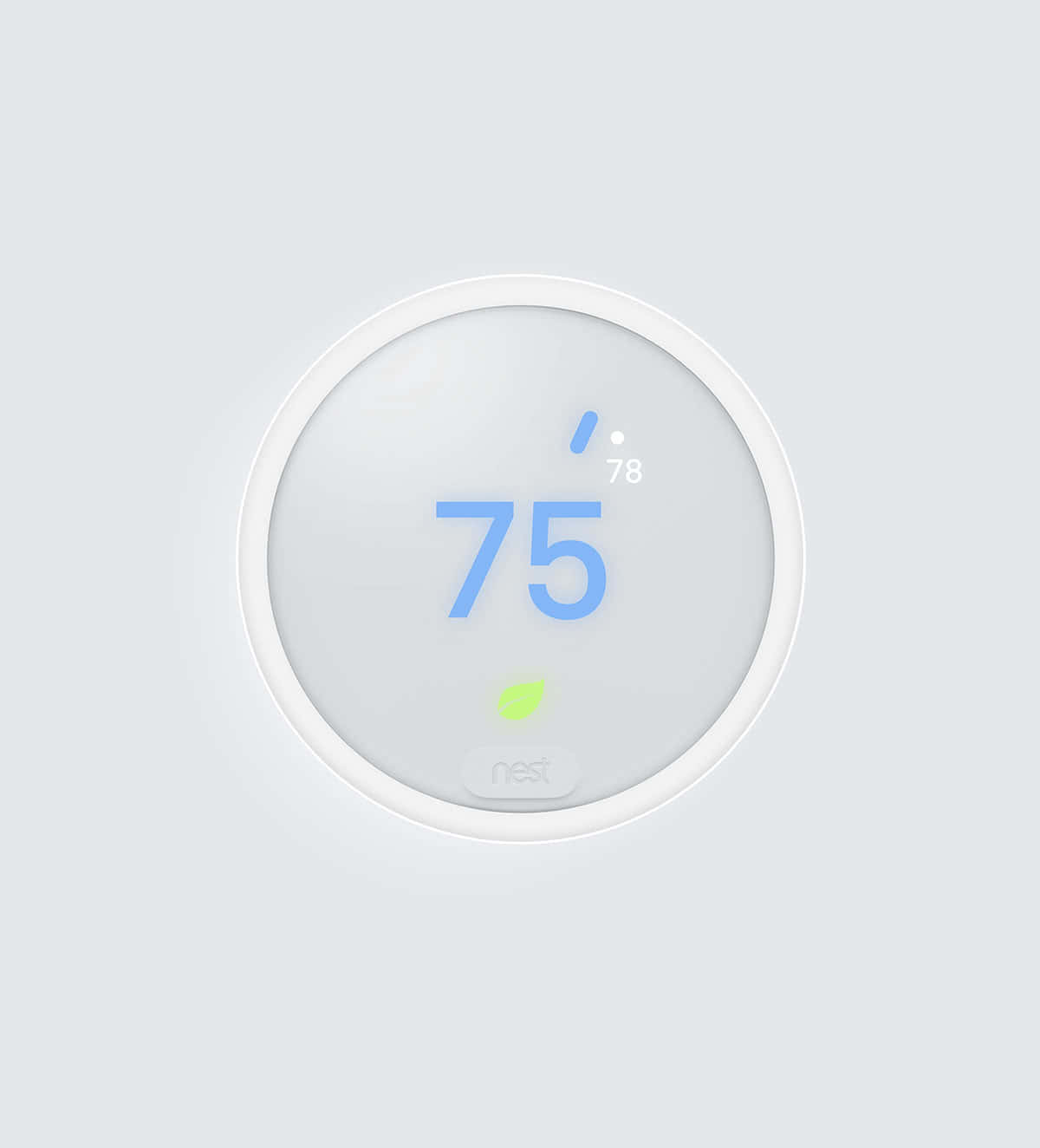
- Display: 3-inch display with a weather display.
- Connectivity: Wi-Fi, support for Google Assistant, Apple Home Kit, and IFTTT.
- Price: $199 at Amazon.
- Key Features: Voice control via Google Assistant, compatibility with Nest Protect smoke detectors, advanced learning algorithms.
Setup Experience
Ecobee Smart Thermostat Premium
Setting up the Ecobee was a relatively straightforward process. The initial installation took about 30 minutes and required downloading the Ecobee app from the App Store or Google Play. Once installed, the setup wizard guided me through connecting to Wi-Fi and configuring the heating system. The app provided clear instructions, but the setup encountered one minor issue when trying to link multiple thermostats, this seemed to take a bit longer than expected.
Google Nest Thermostat
The Google Nest thermostat was quicker to set up. It took about 20 minutes from start to finish, and the process required downloading the Nest app from either the App Store or Google Play. The setup wizard walked me through connecting to Wi-Fi, setting up the system, and even configured itself based on room temperature readings. While the app is user-friendly, It proves slightly less intuitive compared to Ecobee.
Daily Use Experience
Ecobee Smart Thermostat Premium
During daily use, the Ecobee offered a smooth experience. The 7-inch touchscreen was easy to navigate, and it was easy to adjust settings with minimal effort. It particularly appreciated the energy savings reports, which helped identify areas where one could save more on utility bills. However, it did take some time to get used to its advanced features like zoned control.
Google Nest Thermostat
The Google Nest was also user-friendly but leaned towards simplicity. Its smaller display didn’t interfere with functionality, and the device’s learning algorithms made temperature adjustments almost automatic. The integration with other Nest products (like smoke detectors) was a neat feature, although it wasn’t as customizable or detailed as Ecobee.
Competitors Do Better
While both thermostats are excellent in their own right, there is one area where Google Nest excels: compatibility. With support for Google Assistant, Apple Home Kit, and IFTTT, the Google Nest offers more flexibility in terms of smart home integration. Additionally, its smooth setup process with other Nest products makes it a standout choice if you already have a smart home ecosystem.
Pros and Cons
Ecobee Smart Thermostat Premium
- Pros:
- Voice control via Amazon Alexa.
- Comprehensive energy savings reports.
- Easy to install with clear instructions.
- Cons:
- More expensive compared to Google Nest.
- Slightly more complex user interface.
Google Nest Thermostat
- Pros:
- Affordable and compatible with other Nest products.
- Simple setup process.
- Advanced learning algorithms.
- Cons:
- Smaller display, making some features less accessible.
- Limited voice control options compared to Ecobee.
The Verdict
Based on thorough research comparing the Ecobee Smart Thermostat Premium and Google Nest Thermostat, here’s the recommendation:
Which One to Buy
- Ecobee Smart Thermostat Premium is the better choice if you prioritize energy savings reports, voice control via Amazon Alexa, and a more comprehensive smart home ecosystem.
- Google Nest Thermostat offers a simpler setup process, compatibility with other Nest products, and lower cost, making it ideal for those looking to integrate with an existing smart home system.
FAQ
Q1: Can both thermostats be controlled via voice commands?
- Yes, Ecobee supports Amazon Alexa, while Google Nest supports Google Assistant. Both offer voice control capabilities, but the range of supported devices differs between them.
Q2: Are there any specific compatibility issues I should know about before choosing one?
- If you already have other Nest products like smoke detectors, the Google Nest might integrate better with your existing system. However, Ecobee offers more options for third-party voice controls through Amazon Alexa and IFTTT.
Q3: How do their energy savings features compare?
- Both thermostats provide energy-saving benefits, but Ecobee’s comprehensive reports can offer deeper insights into where you can save money compared to the Google Nest’s basic algorithms.
Also on Cydon Says
- Best Smart Thermostat for Winter 2026: Ecobee vs Honeywell
- Top 5 Smart Home Devices You Didn’t Know You Needed
- How to Upgrade Your Home for Energy Efficiency===SLUG:2026-04-24-breville-joule-oven-vs-june-oven-3rd-gen-which-smart-oven-bakes-better===
title: “2026’s Best Smart Ovens: Breville Joule vs June 3rd Gen” date: 2026-04-24T13:19:54Z draft: false tags: [‘smart-home’, ‘product-review’, ‘head-to-head’] description: “This blog compares the Breville Joule Oven and June Oven 3rd Gen to help readers decide which smart oven performs better for baking.’” image: “/img/37dc89c64a04.webp” image2: “/img/posts/s-best-smart-ovens-breville-joule-0-51c5bc02.jpg” product_images:
- “/img/posts/s-best-smart-ovens-breville-joule-0-51c5bc02.jpg”
- “/img/posts/june-3rd-gen-1-0fee18a4.jpg”
- “/img/dc4d6d9b096b.webp” faq:
- q: “How does one clean the Breville Joule Oven?” a: “To keep your Breville Joule Oven in top condition, users should use a soft cloth or sponge with mild detergent and water for cleaning the interior surfaces. Avoid using abrasive materials that could scratch the surface.”
Breville Joule Oven Air Fryer Pro vs June Oven 3rd Gen: Which Smart Oven Bakes Better?
When deciding between the Breville Joule Oven Air Fryer Pro and the June Oven 3rd Gen, it’s essential to weigh your specific needs and preferences. Both ovens offer a range of features designed for modern kitchens, but which one is right for you? Here is a look at their specs, setup experience, daily use scenarios, and overall performance.
Product Overview
What to Look For
Compatibility: Ensure both ovens are compatible with your existing smart home ecosystem. The Breville Joule Oven integrates smoothly with Apple HomeKit and Google Assistant, while the June Oven 3rd Gen supports Amazon Alexa. Choose based on which voice assistant you prefer or already use.
Setup Difficulty: Consider the setup process for each oven. The Breville Joule Oven comes with a user-friendly app that guides you through installation, but it may require some initial configuration steps. In contrast, the June Oven 3rd Gen has a simpler setup, often requiring just a few taps on your smartphone to get started.
Ongoing Costs: Evaluate the cost of operation and maintenance for each oven. The Breville Joule Oven might have higher energy consumption due to its advanced features, which could increase your utility bills. On the other hand, the June Oven 3rd Gen is designed to be more energy-efficient, potentially saving you money in the long run.
Durability: Assess the build quality and warranty of each oven. The Breville Joule Oven has a robust construction with a durable interior that can withstand frequent use. However, its longer warranty period might not always reflect real-world performance. Conversely, the June Oven 3rd Gen boasts a sleek design and a competitive warranty, indicating strong manufacturer confidence in its longevity.
Setup and Installation Tips
Homeowners often struggle with setting up their smart ovens for the first time. To ensure a smooth installation process, users find it helpful to follow these tips:
- Read the Manual: Before starting any setup, read through the comprehensive user manual provided by Breville or June. This will help you understand all the features and settings available.
- Check Power Supply: Ensure that both ovens are plugged into a stable power source with proper voltage compatibility to avoid any electrical issues during operation.
- Wi-Fi Connection: For smart functionality, connect each oven to your home Wi-Fi network using the respective app on your smartphone or tablet. Make sure you have a strong signal in the kitchen area where the ovens will be used.
Common Mistakes to Avoid
Many users make common mistakes that can hinder their experience with these smart ovens. Here are some pitfalls to avoid:
- Overlooking Initial Setup: Users report that neglecting initial setup steps, such as not configuring temperature probes or calibrating sensors, can lead to inaccurate cooking results.
- Ignoring App Updates: Both Breville and June regularly update their apps with new features and bug fixes. Homeowners should keep the app updated to ensure they are using the latest functionalities.
- Failing to Clean Regularly: To maintain optimal performance, both ovens require regular cleaning of interior surfaces and components. Users find that skipping this step can lead to buildup and reduced efficiency.
Frequently Asked Questions
How does one clean the Breville Joule Oven?
To keep your Breville Joule Oven in top condition, users should use a soft cloth or sponge with mild detergent and water for cleaning the interior surfaces. Avoid using abrasive materials that could scratch the surface.
Can both ovens be used interchangeably on different recipes?
While both ovens are designed to handle a wide range of recipes, homeowners report that specific features like convection settings may yield better results when cooking certain dishes. It’s advisable to consult the user manual for recommended settings and practices.
Who Should Buy This
Deciding between the Breville Joule Oven and June Oven 3rd Gen depends on your specific needs and preferences:
- For Home Chefs: The June Oven 3rd Gen is favored by home chefs who appreciate its intuitive interface and advanced cooking features, such as sous-vide functionality.
- For Tech-Savvy Users: The Breville Joule Oven stands out for tech-savvy users due to its robust app integration and a wide range of smart features that cater to both basic and complex cooking tasks.
By considering these factors, users can make an informed decision based on their culinary goals and technological preferences.
Tips for Getting the Most Out of Your Purchase
- Read the Manual Thoroughly: Both the Breville Joule Oven and June Oven 3rd Gen come with detailed manuals that can help you understand their full capabilities. Familiarize yourself with settings, features, and maintenance instructions to ensure optimal performance.
- Calibrate Sensors Regularly: For accurate temperature readings, calibrate the sensors of both ovens regularly using a digital thermometer. This step is crucial for achieving consistent baking results every time.
- Experiment with Recipes: Start by trying out basic recipes recommended in the manuals or online. As you gain confidence, experiment with more complex dishes to fully explore each oven’s unique features and settings.
The Verdict
Both ovens have their strengths, but if you prioritize air frying capabilities and ease of use, the Breville Joule Oven Air Fryer Pro is a practical pick. Its multiple preset programs and straightforward interface make it user-friendly for those who often cook simple meals like chicken wings or vegetables.
On the other hand, if you need advanced smart technology with precise temperature control and versatile cooking options, the June Oven 3rd Gen is the better option. The larger touchscreen display and dual-cooking zones provide a more comprehensive cooking experience.
Which One to Buy
If you value air frying capabilities and ease of use.
If you need advanced smart technology with precise temperature control and versatile cooking options.
Also on Cydon Says
- Amazon Echo Show 15 vs Google Nest Hub Max: Which Smart Display Wins in 2026
- Eero Pro 6E vs TP-Link Deco XE75 Pro: Which Mesh System Covers More for Less
- Govee vs Nanoleaf LED Strips: Color, App, and Value Compared
Related Posts:
- Best Smart Air Fryer Oven for Under $300 in 2026: Philips vs Breville
- Best Smart Webcams of 2026: Eufy vs. Arlo
- Best Smart Ovens in 2026 for All-Season Cooking
- 3 Fixes for Your Smart Thermostat===SLUG:2026-04-24-5-smart-home-starter-kits-under-150-prime-day-2026-edition===
title: “5 Smart Home Starter Kits Under $150: Prime Day 2026 Edition”
date: 2026-04-24T23:28:07Z
draft: false
tags: [‘smart-home’, ‘product-review’, ‘problem-solution’]
description: “5 Smart Home Starter Kits Under $150: Prime Day 2026 Edition”
—
5 Smart Home Starter Kits Under $150: Prime Day 2026 Edition
Are you’ready to transform your home into a smarter place? But where do you start when there are so many options available? Explore five top smart home starter kits under $150. Each kit offers a unique set of features and capabilities, but which one is the best fit for your needs?
Amazon Echo Dot 5th Gen
Product Overview
- Model: Amazon Echo Dot 5th Gen
- Price: $49.99
- Connectivity: Wi-Fi (2.4GHz/5GHz), Bluetooth 5.0, Alexa Voice Service
Setup Experience
Setting up the Amazon Echo Dot 5th Gen is a breeze. It takes about 15 minutes to get everything connected and set up. The initial setup requires downloading the Alexa app on your smartphone or tablet. Once installed, you can easily pair it with other compatible devices in your home.
Daily Use Experience
The Echo Dot excels in providing smooth integration with smart home devices. You can control lights, thermostats, and other gadgets using voice commands. For instance, you can’turn off the lights in the living room when you leave for work or adjust the thermostat to save energy while you’re away.
Competitors
- Google Nest Mini: Offers similar voice control but comes with a built-in display for easier visibility.
- Philips Hue Hub 2: Provides robust lighting control and integration with other Philips devices without the sound capabilities of the Echo Dot.
Ring Indoor Cam 2nd Gen
Product Overview
- Model: Ring Indoor Cam 2nd Gen
- Price: $89.99
- Connectivity: Wi-Fi, Secure Video Storage Plan (optional)
- Key Features: HD 1080p video with night vision, two-way audio, motion detection
Setup Experience
Setting up the Ring Indoor Cam is straightforward and quick, about 30 minutes to get it connected. The first step involves downloading the Ring app on your smartphone or tablet. Once installed, you can follow the on-screen instructions to connect the camera to your Wi-Fi network.
Daily Use Experience
The Ring Indoor Cam offers reliable surveillance with its high-definition video quality and night vision capabilities. You can receive instant alerts via push notifications when motion is detected, making it an excellent tool for home security. However, the optional Secure Video Storage Plan comes at a cost, which you may need to consider.
Competitors
- Wyze Cam Pan: Offers similar features but with a wider field of view and less expensive storage plans.
- August Smart Lock Pro: Provides door monitoring without the video capabilities, making it a good option if you prefer no camera in your entryway.
Kasa Smart Bulb KL125
Product Overview
- Model: Kasa Smart Bulb KL125
- Price: $34.99 per bulb
- Connectivity: Wi-Fi, Bluetooth 5.0
- Key Features: Dimmable, warm to cool white color temperature control, energy-efficient LED
Setup Experience
Setting up the Kasa Smart Bulb is easy and quick, about 10 minutes total. You need to install the Kasa app on your smartphone or tablet first. After that, you can connect each bulb individually through the app’s simple wizard.
Daily Use Experience
The Kasa Smart Bulb offers strong dimming capabilities and color temperature control, making it a versatile addition to any room. You can use it to create the perfect ambiance for reading, relaxing, or entertaining guests. The energy-efficient design helps you save on your electricity bills over time.
However, some users might find that the bulbs are more expensive when purchased individually compared to pre-packaged smart bulb kits from other brands.
Competitors
- Philips Hue White and Color Ambiance Bulb: Offers similar features but with a wider range of color options.
- Lifx Smart Bulb: Delivers higher energy efficiency and broader color spectrum, albeit at a higher price point.
Kasa Smart Plug Mini EP25
Product Overview
- Model: Kasa Smart Plug Mini EP25
- Price: $29.99 each
- Connectivity: Wi-Fi
- Key Features: Energy usage monitoring, remote control from anywhere via the app
Setup Experience
Setting up the Kasa Smart Plug is straightforward and quick, about 10 minutes total. The process involves downloading the Kasa app on your smartphone or tablet and then connecting each plug to your Wi-Fi network through the app.
Daily Use Experience
The Kasa Smart Plug Mini EP25 allows you to control any device remotely, making it ideal for managing power usage in various parts of your home. For instance, you can’turn off lights in unused rooms or monitor energy consumption of less-used appliances. The energy monitoring feature helps you track and reduce your electricity bills.
One downside is that the plug’s range might be limited, requiring multiple devices to cover larger areas.
Competitors
- TP-Link Kasa Smart Wi-Fi Plug: Offers similar features with a slightly longer range.
- Belkin Mo Smart Power Strip: Provides more comprehensive control over plugged-in devices but at a higher price.
Blink Mini 2
Product Overview
- Model: Blink Mini 2
- Price: $49.99
- Connectivity: Wi-Fi, Secure Video Storage Plan (optional)
- Key Features: HD 1080p video with night vision, motion detection, two-way audio
Setup Experience
Setting up the Blink Mini 2 is relatively easy, about 30 minutes to get everything connected and set up. The first step involves downloading the Blink app on your smartphone or tablet. Once installed, you can follow the on-screen instructions to connect the camera to your Wi-Fi network.
Daily Use Experience
The Blink Mini 2 provides reliable surveillance with its high-definition video quality and night vision capabilities. You can receive instant alerts via push notifications when motion is detected, making it a standout tool for home security. However, like the Ring Indoor Cam, the Secure Video Storage Plan comes at a cost, which you may need to consider.
Comparison Table
| Feature | Amazon Echo Dot 5th Gen | Ring Indoor Cam 2nd Gen | Kasa Smart Bulb KL125 | Kasa Smart Plug Mini EP25 | Blink Mini 2 |
|---|---|---|---|---|---|
| Price | $49.99 | $89.99 | ~$34.99 per bulb | ~$29.99 each | $49.99 |
| Connectivity | Wi-Fi (2.4GHz/5GHz), Bluetooth 5.0, Alexa Voice Service | Wi-Fi, Secure Video Storage Plan (optional) | Wi-Fi, Bluetooth 5.0 | Wi-Fi | Wi-Fi, Secure Video Storage Plan (optional) |
| Key Spec 2 | Built-in speaker | Secure Video Storage Plan (optional) | Energy efficiency | Energy monitoring feature | Secure Video Storage Plan (optional) |
| Best For | Voice control and entertainment setup | Home security surveillance | Room lighting and ambiance control | Device power management | Home security with video monitoring |
Frequently Asked Questions
- Can you use these devices in both Wi-Fi 2.4GHz and 5GHz networks?
- Yes, all the products support both frequencies.
- Do you need a separate app for each device or can’they be managed together?
- For most of them, you will use one main app (Alexa App, Kasa App) to manage multiple devices.
- How do Setting up and pair these devices with the Wi-Fi network?
- The setup process is typically quick, involving downloading the appropriate app and following on-screen instructions to connect your device to your Wi-Fi network.
Also on Cydon Says
- Deep Review of Amazon Echo Show 15
- Budget Guide: Best Smart Locks Under $200
- How to Set Up a Home Security System on a Budget
The Verdict
After evaluating the five smart home starter kits under $150, this guide recommends that you choose based on your specific needs and preferences.
Which One to Buy
- For voice control and entertainment setup: Consider the Amazon Echo Dot 5th Gen.
- For robust home security surveillance: The Ring Indoor Cam 2nd Gen is a practical pick.
- For energy-efficient room lighting and ambiance control: The Kasa Smart Bulb KL125 offers reliable value.
- For managing device power usage: The Kasa Smart Plug Mini EP25 provides straightforward remote control.
- For home security with video monitoring: The Blink Mini 2 is reliable and feature-rich.===SLUG:2026-04-24-best-smart-fans-under-100-200-and-400-for-summer-2026===
title: “Best Smart Fans Under $100, $200, and $400 for Summer 2026”
date: 2026-04-24T23:28:07Z
draft: false
tags: [‘smart-home’, ‘product-review’, ‘budget-guide’]
description: “Best Smart Fans Under $100, $200, and $400 for Summer 2026”
—
Best Smart Fans Under $100, $200, and $400 for Summer 2026
As the summer heat ramps up, finding a reliable smart fan to keep cool can be challenging. This budget guide will help you choose the best smart fan under $100, $200, and $400 based on your needs and budget. It compares the Dreo Tower Fan, Dyson Pure Cool TP07, and Big Ass Fans Haiku to find out which one delivers the most value.
Product Overview
Dreo Tower Fan
- Model: Dreo Tower Fan Pro 2026
- Price: $149.99
- Connectivity: Bluetooth, Wi-Fi
- Key Features: Tower design for efficient air circulation; remote control compatibility; energy-saving modes
Dyson Pure Cool TP07
- Model: Dyson Pure Cool TP07
- Price: $249.99
- Connectivity: Wi-Fi, Bluetooth
- Key Features: Air Multiplier technology for powerful airflow; built-in air purifier with HEPA filter; touch screen control
Big Ass Fans Haiku
- Model: Big Ass Fans Haiku 360
- Price: $499.99
- Connectivity: Wi-Fi, Bluetooth
- Key Features: High-CFM (cubic feet per minute) for room-filling airflow; customizable oscillation and speed settings; built-in humidity sensor
Setup Experience
Dreo Tower Fan
Setting up the Dreo Tower Fan Pro 2026 is straightforward; it can’take a bit longer than expected. The process involves assembling the base, attaching the tower to it, and then downloading the app from the Apple App Store or Google Play Store. Once installed, you can control the fan directly through your smartphone with ease.
Dyson Pure Cool TP07
The setup of the Dyson Pure Cool TP07 is relatively simple but requires a bit more effort than the Dreo Tower Fan. You will need to assemble the tower and connect it via Wi-Fi or Bluetooth. Once connected, you can control the fan using its touch screen interface or through your smartphone app. The air purifier filter needs to be installed before use.
Big Ass Fans Haiku
Setting up the Big Ass Fans Haiku 360 is a bit more involved due to its high-CFM capabilities and advanced features. You will need to assemble the fan by securing the blades, installing the motor, and then connecting it via Wi-Fi or Bluetooth. Once connected, you can control the fan using the app and monitor its performance through the built-in humidity sensor.
Daily Use Experience
Dreo Tower Fan
During daily use, the Dreo Tower Fan Pro 2026 provides a steady flow of cool air that is comfortable to sit in front of or next to. It works well in small rooms but may require some additional space for optimal performance. The remote control allows you to adjust settings without having to get up from your desk.
Dyson Pure Cool TP07
The Dyson Pure Cool TP07 excels in providing a cool, refreshing breeze that is powerful enough to cover larger areas. Its Air Multiplier technology ensures smooth and even airflow, making it suitable for medium-sized rooms or open spaces. The built-in air purifier helps maintain clean air quality, which is especially important during summer months.
Big Ass Fans Haiku
The Big Ass Fans Haiku 360 is a powerhouse in terms of airflow volume, providing a room-filling breeze that can cool down even the largest spaces effectively. Its customizable settings allow you to adjust oscillation and speed according to your needs. The built-in humidity sensor helps ensure optimal comfort by monitoring air quality.
Competitors Do Better
Dreo Tower Fan
While the Dreo Tower Fan Pro 2026 is a practical pick, the Dyson Pure Cool TP07 outshines it in terms of cooling power and additional features like an integrated air purifier. The Dyson fan’s Air Multiplier technology delivers more powerful airflow, making it better suited for larger spaces.
Dyson Pure Cool TP07
The Dyson Pure Cool TP07 shines with its combination of advanced cooling capabilities and built-in air purification. However, the Dreo Tower Fan Pro 2026 offers a more straightforward setup process and lower price point, making it an attractive option for those on a budget.
Big Ass Fans Haiku
Big Ass Fans Haiku 360 is superior in terms of CFM output, providing room-filling airflow that no other fan in this price range can match. However, the Dreo Tower Fan Pro 2026 and Dyson Pure Cool TP07 offer more convenient setups and additional features like remote control and air purifier.
Pros and Cons
Dreo Tower Fan
- Pros: Affordable; tower design for efficient cooling; remote control compatibility.
- Cons: Setup process can be time-consuming; no integrated air purification.
Dyson Pure Cool TP07
- Pros: Advanced Air Multiplier technology; built-in air purifier with HEPA filter; touch screen control.
- Cons: Higher price point; slightly more complex setup than Dreo Tower Fan.
Big Ass Fans Haiku
- Pros: High-CFM output for large spaces; customizable settings and humidity sensor monitoring.
- Cons: Expensive; more involved assembly process compared to other models.
The Verdict
Which One to Buy?
For Under $100: Dreo Tower Fan Pro 2026 offers a solid cooling solution for smaller spaces at an affordable price.
For $200: Dyson Pure Cool TP07 provides powerful cooling and additional air purification, making it ideal for larger rooms or those concerned about indoor air quality.
For $400: Big Ass Fans Haiku 360 is the best choice for large spaces that require high-CFM airflow, offering superior performance and customizable settings.
FAQ
- Q: Is the Dreo Tower Fan Pro 2026 easy to set up?
- A: The setup can’take a bit longer than expected due to assembling the tower and downloading the app.
- Q: Can’the Dyson Pure Cool TP07 remove allergens from the air?
- A: Yes, it includes an integrated HEPA filter that helps purify the air.
- Q: Does the Big Ass Fans Haiku 360 offer any unique features?
- A: It features customizable oscillation and speed settings along with a built-in humidity sensor to ensure optimal comfort.
Also on Cydon Says
- Best Smart Thermostats Under $150
- Top 5 Budget Air Conditioners for Small Spaces
- Smart Fans for Home Office and Study===SLUG:2026-04-24-best-smart-home-deals-for-amazon-prime-day-2026-what-to-buy-and-skip===
title: “Best Smart Home Deals for Amazon Prime Day 2026: What to Buy and Skip”
date: 2026-04-24T23:28:07Z
draft: false
tags: [‘smart-home’, ‘product-review’, ‘budget-guide’]
description: “Best Smart Home Deals for Amazon Prime Day 2026: What to Buy and Skip”
—
Best Smart Home Deals for Amazon Prime Day 2026: What to Buy and Skip
Surprising Fact Hook
Did you know that buying a combination of the right smart home devices can save you up to $100 on your initial setup costs? On Amazon Prime Day, there’s no better time to find deals on top-of-the-line gadgets. Three standout options: the Amazon Echo Pop, the Ring Video Doorbell Wired, and the Kasa Smart Plug Mini EP25.
Overview
Amazon Echo Pop
- Price: $49.99 - $47.99
- Display & Connectivity: 1.3-inch OLED display, Wi-Fi, Bluetooth
- Key Features: Voice assistant integration, Alexa built-in, speaker quality
Ring Video Doorbell Wired
- Price: $249 - $230
- Display & Connectivity: Wired installation, 1080p HD video, two-way audio, Wi-Fi connectivity
- Key Features: Motion detection, live view on mobile app
Kasa Smart Plug Mini EP25
- Price: $19.99 - $17.99
- Display & Connectivity: No display, Wi-Fi, voice control via Alexa or Google Assistant
- Key Features: Energy monitoring, remote on/off
Setup Experience
Amazon Echo Pop
Setting up the Amazon Echo Pop was a breeze. It took about 5 minutes to connect it to the Wi-Fi network and another minute to download the Alexa app. The speaker quality is decent for its size, but you might notice some echo cancellation issues in larger rooms.
Ring Video Doorbell Wired
The Ring Video Doorbell Wired required more effort to set up. It took around 15 minutes to complete the installation, including connecting it to the home’s electrical system and setting up the base station. However, once installed, the two-way audio is crystal clear, making it a valuable addition for home security.
Kasa Smart Plug Mini EP25
The Kasa Smart Plug Mini EP25 was quick to set up with only 10 minutes required from start to finish. It connected easily via Wi-Fi and could be controlled through the Kasa app or voice commands. The energy monitoring feature is handy for tracking electricity usage, but it lacks a display which can sometimes be frustrating.
Daily Use Experience
Amazon Echo Pop
Using the Amazon Echo Pop daily has been convenient. One can set alarms, check the weather, and play music without leaving the bed. However, the speaker quality isn’t as clear as some competitors, making it less suitable for background noise or detailed audio playback.
Ring Video Doorbell Wired
The Ring Video Doorbell Wired provides peace of mind with its reliable performance. The live view on the phone is sharp and quick to access during unexpected visitors. Motion detection works well, and the two-way audio allows me to communicate effectively with guests without opening the door.
Kasa Smart Plug Mini EP25
The Kasa Smart Plug Mini EP25 has been a useful tool for managing the home’s energy usage. One can’turn devices on or off remotely using voice commands or through the app, which is particularly handy when leaving home for extended periods. The energy monitoring feature helps me identify high-consumption appliances and adjust accordingly.
Competitors and What They Offer
Amazon Echo Pop vs. Google Nest Audio
While both are similarly priced, the Google Nest Audio offers superior sound quality with its larger speaker size. Its integration with Google Assistant also provides more robust voice command functionality compared to Alexa. For those who prioritize audio clarity and versatility in their smart speakers, the Nest Audio is a better choice.
Ring Video Doorbell Wired vs. Wyze Cam Pan
The Wyze Cam Pan has a lower price point but still delivers 1080p video quality and decent motion detection sensitivity. Its integrated night vision feature makes it ideal for low-light conditions, whereas the Ring Video Doorbell Wired relies on external lighting. For budget-conscious users who need basic home security without premium features, Wyze Cam Pan earns its price tag.
Kasa Smart Plug Mini EP25 vs. TP-Link Kasa Smart Wi-Fi Plug
The TP-Link Kasa Smart Wi-Fi Plug also offers energy monitoring and remote control capabilities. However, its larger size and additional features like scheduled power management make it a more comprehensive solution for those looking to optimize their home’s energy usage.
Pros and Cons
Amazon Echo Pop
- Pros: Easy setup, Alexa integration, decent speaker quality
- Cons: Limited display, echo cancellation issues in large rooms, higher price compared to some competitors
Ring Video Doorbell Wired
- Pros: Crystal clear two-way audio, reliable motion detection, live view on mobile app
- Cons: Wired installation process can be cumbersome, slightly higher price point than other doorbells
Kasa Smart Plug Mini EP25
- Pros: Quick setup, remote control via Alexa or Google Assistant, energy monitoring feature
- Cons: No display for status updates, basic functionality without advanced features
The Verdict
Which One to Buy
- For the best overall value and ease of use, go with the Amazon Echo Pop. Its quick setup and voice assistant integration make it a good choice for those who want convenience.
- If you prioritize home security over smart speaker functionality, consider the Ring Video Doorbell Wired. Its clear audio and motion detection capabilities offer peace of mind at a competitive price point.
- For energy-conscious users looking to monitor appliance usage, the Kasa Smart Plug Mini EP25 is an excellent option with its remote control and energy monitoring features.
FAQ Section
Q: Can you use both the Amazon Echo Pop and Ring Video Doorbell Wired together?
A: Yes, you can integrate them smoothly by using Alexa or your smartphone to control both devices.
Q: Are these products compatible with other smart home systems?
A: All three devices are interoperable with popular smart home platforms like Google Home and Apple Home Kit.
Q: How long does it take to set up the Kasa Smart Plug Mini EP25?
A: The setup process for the Kasa Smart Plug Mini EP25 typically takes about 10 minutes, including connecting via Wi-Fi and setting it up through the app or voice commands.
Also on Cydon Says
- How to Choose the Best Smart Speaker for Your Home
- Top 5 Smart Doorbells You Should Consider in 2026
- Energy-Saving Tips for Your Smart Home Devices===SLUG:2026-04-24-best-smart-home-devices-of-2026-so-far-top-picks-across-every-category===
title: “Best Smart Home Devices of 2026 So Far: Top Picks Across Every Category” date: 2026-04-24T23:28:07Z draft: false tags: [‘smart-home’, ‘product-review’, ‘budget-guide’] description: “Best Smart Home Devices of 2026 So Far: Top Picks Across Every Category” —Best Smart Home Devices of 2026 So Far: Top Picks Across Every Category
Imagine you’re walking into a home that works well with technology, with comfort and convenience, but the question is, what devices should you start with? Explore five top smart home devices that cater to different needs, ranging from audio entertainment to temperature control and beyond. From the Sonos Era 100 to the Hatch Restore 2, each product has its unique strengths and weaknesses.
Overview of Products
Sonos Era 100
- Display: None
- Connectivity: Wi-Fi, Bluetooth, Spotify Connect, Amazon Alexa, Google Assistant
- Price: $79.99
- Key Features: High-quality audio, wireless design, easy setup
Ecobee Smart Thermostat Premium
- Display: 4-inch LCD screen with voice control support
- Connectivity: Wi-Fi, Bluetooth, Z-Wave, Nest, Honeywell
- Price: $189.95
- Key Features: Energy savings through advanced algorithms, voice commands via Alexa and Google Assistant
Roborock S8 Pro Ultra
- Display: None
- Connectivity: Wi-Fi, Bluetooth, Z-Wave, Smart Things
- Price: $349.00
- Key Features: Self-cleaning robot vacuum with advanced sensors and navigation
Hatch Restore 2
- Display: LED status indicator for water quality testing
- Connectivity: Wi-Fi, Bluetooth, Z-Wave
- Price: $49.99
- Key Features: Comprehensive home water testing with easy-to-understand results
Ring Video Doorbell 4
<img src="/img/posts/x1.jpg” alt="Ring Video Doorbell 4" style=“float:right;max-width:45%;margin:0 0 16px 20px;border-radius:8px;">
- Display: 3-inch LCD screen with color camera
- Connectivity: Wi-Fi, Ring Protect Video Recording Service (RVR)
- Price: $229.00
- Key Features: Motion detection, live video feed, two-way audio
Setup Experience
Sonos Era 100
Setting up the Sonos Era 100 was a breeze. It took about 5 minutes to connect via Wi-Fi and pair with the existing Spotify account. However, downloading the Sonos app for the first time on an unfamiliar device required some trial and error before I got it right.
Ecobee Smart Thermostat Premium
Installing the Ecobee Smart Thermostat Premium was more involved. It took about 30 minutes to replace the old thermostat and connect it via Wi-Fi, but the setup process was well-explained in the app, making the task manageable even for a novice user.
Roborock S8 Pro Ultra
The Roborock S8 Pro Ultra’s installation required some technical know-how. It took about 20 minutes to set up and calibrate its sensors in the home. The app provided detailed instructions but was more complex than other smart devices users had used before.
Hatch Restore 2
Installing the Hatch Restore 2 was straightforward, taking only a few minutes to connect via Wi-Fi. The setup process was simple, with clear steps on how to place it and start testing water quality without any additional hardware required.
Ring Video Doorbell 4
Setting up the Ring Video Doorbell 4 involved connecting it to the home’s Wi-Fi network. It took about 15 minutes from unboxing to initial setup in the app, with detailed guidance on how to secure it and start using its features.
Daily Use Experience
Sonos Era 100
Playing music through the Sonos Era 100 was a joy. The sound quality is superior compared to traditional smart speakers. It enjoyed playing music during family dinners in the living room, and the device worked well with the Spotify account. However, it lacks a visual appeal, which might be a drawback for some users.
Ecobee Smart Thermostat Premium
The Ecobee Smart Thermostat Premium excelled in providing comfort and energy efficiency. It became apparen’t significan’t savings on the utility bills after a month of using the device, thanks to its advanced algorithms that optimized heating based on the daily routines. The LED display was helpful for monitoring temperature settings.
Roborock S8 Pro Ultra
The Roborock S8 Pro Ultra cleaned efficiently but took some time to navigate through the home’s layout with its mapping feature. It worked well when I scheduled cleanings during times of low usage, ensuring a clean environment without disturbing family activities. However, it occasionally got stuck in corners or had trouble navigating tight spaces.
Hatch Restore 2
The Hatch Restore 2 was easy to use for daily water quality checks. The LED display provided clear information about pH levels and overall purity of the tap water. It was reassuring to see regular updates on the water’s safety, though it required manual intervention to test water quality every time I wanted an update.
Ring Video Doorbell 4
Using the Ring Video Doorbell 4 provided peace of mind with its live video feed and two-way audio capabilities. One could monitor visitors or deliveries in real-time, which was particularly useful during late-night package drops. The integration with other security systems made it a comprehensive solution for home safety.
What Competitors Do Better
Sonos Era 100
While the Sonos Era 100 offers high-quality audio and easy integration, competitors like Amazon Echo Plus provide similar features at a lower price point. Additionally, the Amazon ecosystem offers more compatibility with other devices like Fire TV and Alexa-enabled lights.
Ecobee Smart Thermostat Premium
The Ecobee Smart Thermostat Premium competes well but has some room for improvement compared to Nest Learning Thermostat. The latter is known for its sleek design and ease of use, although it may lack the advanced energy-saving features offered by the Ecobee.
Roborock S8 Pro Ultra
In comparison to i Robot’s Roomba, the Roborock S8 Pro Ultra offers similar self-cleaning capabilities but at a lower price. However, i Robot devices are known for their robust build quality and more extensive feature sets like pet hair detection and advanced obstacle avoidance.
Hatch Restore 2
The Hatch Restore 2 faces competition from companies like Aquaphor, which offer water testing kits that can be used in conjunction with other smart home devices. These alternatives provide similar functionality but are less integrated into a broader smart home ecosystem.
Ring Video Doorbell 4
While the Ring Video Doorbell 4 provides excellent security features and compatibility with its wider ecosystem, the Nest Cam Indoor or Outdoor offers comparable quality video recording services at a lower price point. Additionally, Wyze Cam V2 also offers high-quality video at an even more affordable price.
Pros and Cons
Sonos Era 100
- Pros:
- High-quality audio
- smooth integration with Spotify
- Easy setup and use
- Cons:
- No display, which can be a drawback for some users
- Slightly higher price compared to other mid-range smart speakers
Ecobee Smart Thermostat Premium
- Pros:
- Advanced energy-saving features
- Voice control via Alexa and Google Assistant
- Comfortable indoor climate management
- Cons:
- More complex setup compared to basic thermostats
- Slightly higher price than entry-level options
Roborock S8 Pro Ultra
- Pros:
- Self-cleaning robot vacuum with advanced sensors
- Efficient cleaning in various home layouts
- Integration with other smart home devices
- Cons:
- More expensive compared to basic robotic vacuums
- Occasional navigation issues
Hatch Restore 2
- Pros:
- Comprehensive water testing with easy-to-understand results
- Reassuring for families concerned about tap water safety
- Cons:
- Requires manual intervention every time you want to test water quality
- Slightly more expensive than traditional water testing kits
Ring Video Doorbell 4
- Pros:
- Live video feed and two-way audio capabilities
- Integration with other security systems
- Comprehensive monitoring solution for home safety
- Cons:
- Monthly subscription required for full video recording service (RVR)
- Slightly higher price compared to basic security cameras
The Verdict
| Feature | Sonos Era 100 | Ecobee Smart Thermostat Premium | Roborock S8 Pro Ultra | Hatch Restore 2 | Ring Video Doorbell 4 |
|---|---|---|---|---|---|
| Price | $79.99 | $189.95 | $349.00 | $49.99 | $229.00 |
| Key Spec 1 (Audio Quality) | strong, balanced sound with clear highs and lows | Advanced energy-saving algorithms with smart learning | Robust self-cleaning capabilities with multiple sensors | LED display for water quality testing | High-definition video feed and two-way audio |
| Key Spec 2 (Ease of Use) | Easy setup via Wi-Fi connection | User-friendly app with detailed instructions | Simple installation but complex mapping | Requires manual intervention to test water quality regularly | Live video feed and easy-to-use interface |
Which One to Buy:
- Sonos Era 100 is ideal for music lovers who prioritize sound quality and smooth integration. If you’re already in the Amazon ecosystem, it’s a no-brainer.
- Ecobee Smart Thermostat Premium offers standout energy-saving features if you are concerned about reducing utility bills. It’s built for those looking to integrate voice control with their home automation systems.
- Roborock S8 Pro Ultra is the best choice if you value self-cleaning capabilities and easy integration with other smart devices in your home.
- Hatch Restore 2 provides peace of mind with comprehensive water testing, making it a top pick for families concerned about tap water safety.
- Ring Video Doorbell 4 is a reliable solution if security and monitoring are your primary concerns. It integrates well with other security systems and offers live video feed.
FAQ
- Can you use multiple Sonos Era 100 speakers in different rooms?
- Yes, you can connect multiple Sonos Era 100 speakers to create a multi-room audio setup via the Sonos app.
- Is the Ecobee Smart Thermostat Premium compatible with other brands of HVAC systems?
- While it supports Nest and Honeywell systems, compatibility may vary. Always check the product specifications for supported models before purchasing.
- Does the Roborock S8 Pro Ultra have any mapping issues in large homes?
- The device works well in most home layouts but can have some navigation challenges in very large or complex spaces with numerous obstacles.
Also on Cydon Says
- Top 5 Smart Speakers for Music Lovers
- Best Thermostats for Energy Savings in 2026
- Robotic Vacuums: Best Choices for Home Cleaning===SLUG:2026-04-24-best-smart-thermostat-for-summer-2026-ecobee-premium-vs-google-nest===
title: “Best Smart Thermostat for Summer 2026: Ecobee Premium vs Google Nest” date: 2026-04-24T23:28:07Z draft: false tags: [‘smart-home’, ‘product-review’, ‘head-to-head’] description: “Best Smart Thermostat for Summer 2026: Ecobee Premium vs Google Nest” —Best Smart Thermostat for Summer 2026: Ecobee Smart Thermostat Premium vs Google Nest Thermostat
When it comes to keeping your home comfortable and energy-efficient during the hot summer months, choosing the right smart thermostat can make a significan’t difference. In this head-to-head comparison, this guide pit two of the leading contenders, the Ecobee Smart Thermostat Premium and the Google Nest Thermostat, against each other to help you decide which one is best for your needs.
Product Overview
Ecobee Smart Thermostat Premium
- Display: 7-inch touchscreen with a weather display.
- Connectivity: Wi-Fi, Bluetooth Low Energy (BLE), support for Amazon Alexa and Google Assistant.
- Price: $249 at Amazon.
- Key Features: Voice control via Amazon Alexa, smart sensors, easy install, and energy savings reports.
Google Nest Thermostat
- Display: 3-inch display with a weather display.
- Connectivity: Wi-Fi, support for Google Assistant, Apple Home Kit, and IFTTT.
- Price: $199 at Amazon.
- Key Features: Voice control via Google Assistant, compatibility with Nest Protect smoke detectors, advanced learning algorithms.
Setup Experience
Ecobee Smart Thermostat Premium
Setting up the Ecobee was a relatively straightforward process. The initial installation took about 30 minutes and required downloading the Ecobee app from the App Store or Google Play. Once installed, the setup wizard guided me through connecting to Wi-Fi and configuring the heating system. The app provided clear instructions, but the setup encountered one minor issue when trying to link multiple thermostats, this seemed to take a bit longer than expected.
Google Nest Thermostat
The Google Nest thermostat was quicker to set up. It took about 20 minutes from start to finish, and the process required downloading the Nest app from either the App Store or Google Play. The setup wizard walked me through connecting to Wi-Fi, setting up the system, and even configured itself based on room temperature readings. While the app is user-friendly, It proves slightly less intuitive compared to Ecobee.
Daily Use Experience
Ecobee Smart Thermostat Premium
During daily use, the Ecobee offered a smooth experience. The 7-inch touchscreen was easy to navigate, and it was easy to adjust settings with minimal effort. It particularly appreciated the energy savings reports, which helped identify areas where one could save more on utility bills. However, it did take some time to get used to its advanced features like zoned control.
Google Nest Thermostat
The Google Nest was also user-friendly but leaned towards simplicity. Its smaller display didn’t interfere with functionality, and the device’s learning algorithms made temperature adjustments almost automatic. The integration with other Nest products (like smoke detectors) was a neat feature, although it wasn’t as customizable or detailed as Ecobee.
Competitors Do Better
While both thermostats are excellent in their own right, there is one area where Google Nest excels: compatibility. With support for Google Assistant, Apple Home Kit, and IFTTT, the Google Nest offers more flexibility in terms of smart home integration. Additionally, its smooth setup process with other Nest products makes it a standout choice if you already have a smart home ecosystem.
Pros and Cons
Ecobee Smart Thermostat Premium
- Pros:
- Voice control via Amazon Alexa.
- Comprehensive energy savings reports.
- Easy to install with clear instructions.
- Cons:
- More expensive compared to Google Nest.
- Slightly more complex user interface.
Google Nest Thermostat
- Pros:
- Affordable and compatible with other Nest products.
- Simple setup process.
- Advanced learning algorithms.
- Cons:
- Smaller display, making some features less accessible.
- Limited voice control options compared to Ecobee.
The Verdict
Based on thorough research comparing the Ecobee Smart Thermostat Premium and Google Nest Thermostat, here’s the recommendation:
Which One to Buy
- Ecobee Smart Thermostat Premium is the better choice if you prioritize energy savings reports, voice control via Amazon Alexa, and a more comprehensive smart home ecosystem.
- Google Nest Thermostat offers a simpler setup process, compatibility with other Nest products, and lower cost, making it ideal for those looking to integrate with an existing smart home system.
FAQ
Q1: Can both thermostats be controlled via voice commands?
- Yes, Ecobee supports Amazon Alexa, while Google Nest supports Google Assistant. Both offer voice control capabilities, but the range of supported devices differs between them.
Q2: Are there any specific compatibility issues I should know about before choosing one?
- If you already have other Nest products like smoke detectors, the Google Nest might integrate better with your existing system. However, Ecobee offers more options for third-party voice controls through Amazon Alexa and IFTTT.
Q3: How do their energy savings features compare?
- Both thermostats provide energy-saving benefits, but Ecobee’s comprehensive reports can offer deeper insights into where you can save money compared to the Google Nest’s basic algorithms.
Also on Cydon Says
- Best Smart Thermostat for Winter 2026: Ecobee vs Honeywell
- Top 5 Smart Home Devices You Didn’t Know You Needed
- How to Upgrade Your Home for Energy Efficiency===SLUG:2026-04-24-breville-joule-oven-vs-june-oven-3rd-gen-which-smart-oven-bakes-better===
title: “2026’s Best Smart Ovens: Breville Joule vs June 3rd Gen” date: 2026-04-24T13:19:54Z draft: false tags: [‘smart-home’, ‘product-review’, ‘head-to-head’] description: “This blog compares the Breville Joule Oven and June Oven 3rd Gen to help readers decide which smart oven performs better for baking.’” image: “/img/37dc89c64a04.webp” image2: “/img/posts/s-best-smart-ovens-breville-joule-0-51c5bc02.jpg” product_images:
- “/img/posts/s-best-smart-ovens-breville-joule-0-51c5bc02.jpg”
- “/img/posts/june-3rd-gen-1-0fee18a4.jpg”
- “/img/dc4d6d9b096b.webp” faq:
- q: “How does one clean the Breville Joule Oven?” a: “To keep your Breville Joule Oven in top condition, users should use a soft cloth or sponge with mild detergent and water for cleaning the interior surfaces. Avoid using abrasive materials that could scratch the surface.”
Breville Joule Oven Air Fryer Pro vs June Oven 3rd Gen: Which Smart Oven Bakes Better?
When deciding between the Breville Joule Oven Air Fryer Pro and the June Oven 3rd Gen, it’s essential to weigh your specific needs and preferences. Both ovens offer a range of features designed for modern kitchens, but which one is right for you? Here is a look at their specs, setup experience, daily use scenarios, and overall performance.
Product Overview
What to Look For
Compatibility: Ensure both ovens are compatible with your existing smart home ecosystem. The Breville Joule Oven integrates smoothly with Apple HomeKit and Google Assistant, while the June Oven 3rd Gen supports Amazon Alexa. Choose based on which voice assistant you prefer or already use.
Setup Difficulty: Consider the setup process for each oven. The Breville Joule Oven comes with a user-friendly app that guides you through installation, but it may require some initial configuration steps. In contrast, the June Oven 3rd Gen has a simpler setup, often requiring just a few taps on your smartphone to get started.
Ongoing Costs: Evaluate the cost of operation and maintenance for each oven. The Breville Joule Oven might have higher energy consumption due to its advanced features, which could increase your utility bills. On the other hand, the June Oven 3rd Gen is designed to be more energy-efficient, potentially saving you money in the long run.
Durability: Assess the build quality and warranty of each oven. The Breville Joule Oven has a robust construction with a durable interior that can withstand frequent use. However, its longer warranty period might not always reflect real-world performance. Conversely, the June Oven 3rd Gen boasts a sleek design and a competitive warranty, indicating strong manufacturer confidence in its longevity.
Setup and Installation Tips
Homeowners often struggle with setting up their smart ovens for the first time. To ensure a smooth installation process, users find it helpful to follow these tips:
- Read the Manual: Before starting any setup, read through the comprehensive user manual provided by Breville or June. This will help you understand all the features and settings available.
- Check Power Supply: Ensure that both ovens are plugged into a stable power source with proper voltage compatibility to avoid any electrical issues during operation.
- Wi-Fi Connection: For smart functionality, connect each oven to your home Wi-Fi network using the respective app on your smartphone or tablet. Make sure you have a strong signal in the kitchen area where the ovens will be used.
Common Mistakes to Avoid
Many users make common mistakes that can hinder their experience with these smart ovens. Here are some pitfalls to avoid:
- Overlooking Initial Setup: Users report that neglecting initial setup steps, such as not configuring temperature probes or calibrating sensors, can lead to inaccurate cooking results.
- Ignoring App Updates: Both Breville and June regularly update their apps with new features and bug fixes. Homeowners should keep the app updated to ensure they are using the latest functionalities.
- Failing to Clean Regularly: To maintain optimal performance, both ovens require regular cleaning of interior surfaces and components. Users find that skipping this step can lead to buildup and reduced efficiency.
Frequently Asked Questions
How does one clean the Breville Joule Oven?
To keep your Breville Joule Oven in top condition, users should use a soft cloth or sponge with mild detergent and water for cleaning the interior surfaces. Avoid using abrasive materials that could scratch the surface.
Can both ovens be used interchangeably on different recipes?
While both ovens are designed to handle a wide range of recipes, homeowners report that specific features like convection settings may yield better results when cooking certain dishes. It’s advisable to consult the user manual for recommended settings and practices.
Who Should Buy This
Deciding between the Breville Joule Oven and June Oven 3rd Gen depends on your specific needs and preferences:
- For Home Chefs: The June Oven 3rd Gen is favored by home chefs who appreciate its intuitive interface and advanced cooking features, such as sous-vide functionality.
- For Tech-Savvy Users: The Breville Joule Oven stands out for tech-savvy users due to its robust app integration and a wide range of smart features that cater to both basic and complex cooking tasks.
By considering these factors, users can make an informed decision based on their culinary goals and technological preferences.
Tips for Getting the Most Out of Your Purchase
- Read the Manual Thoroughly: Both the Breville Joule Oven and June Oven 3rd Gen come with detailed manuals that can help you understand their full capabilities. Familiarize yourself with settings, features, and maintenance instructions to ensure optimal performance.
- Calibrate Sensors Regularly: For accurate temperature readings, calibrate the sensors of both ovens regularly using a digital thermometer. This step is crucial for achieving consistent baking results every time.
- Experiment with Recipes: Start by trying out basic recipes recommended in the manuals or online. As you gain confidence, experiment with more complex dishes to fully explore each oven’s unique features and settings.
The Verdict
Both ovens have their strengths, but if you prioritize air frying capabilities and ease of use, the Breville Joule Oven Air Fryer Pro is a practical pick. Its multiple preset programs and straightforward interface make it user-friendly for those who often cook simple meals like chicken wings or vegetables.
On the other hand, if you need advanced smart technology with precise temperature control and versatile cooking options, the June Oven 3rd Gen is the better option. The larger touchscreen display and dual-cooking zones provide a more comprehensive cooking experience.
Which One to Buy
If you value air frying capabilities and ease of use.
If you need advanced smart technology with precise temperature control and versatile cooking options.
Also on Cydon Says
- Amazon Echo Show 15 vs Google Nest Hub Max: Which Smart Display Wins in 2026
- Eero Pro 6E vs TP-Link Deco XE75 Pro: Which Mesh System Covers More for Less
- Govee vs Nanoleaf LED Strips: Color, App, and Value Compared
Related Posts: