3 Fixes for Your Smart Thermostat
Your Smart Thermostat Is Wasting Money: 3 Fixes That Actually Work Your smart thermostat is likely costing you $200 a year on energy because it doesn’t adapt to your actual behavior. While traditional thermostats follow a rigid schedule, modern smart thermostats can learn and adjust based on real-world use patterns. The Surprising Fact In our testing, we found that many users’ smart thermostats are not as effective as they could be due to their inability to recognize when you leave for work or go to bed.
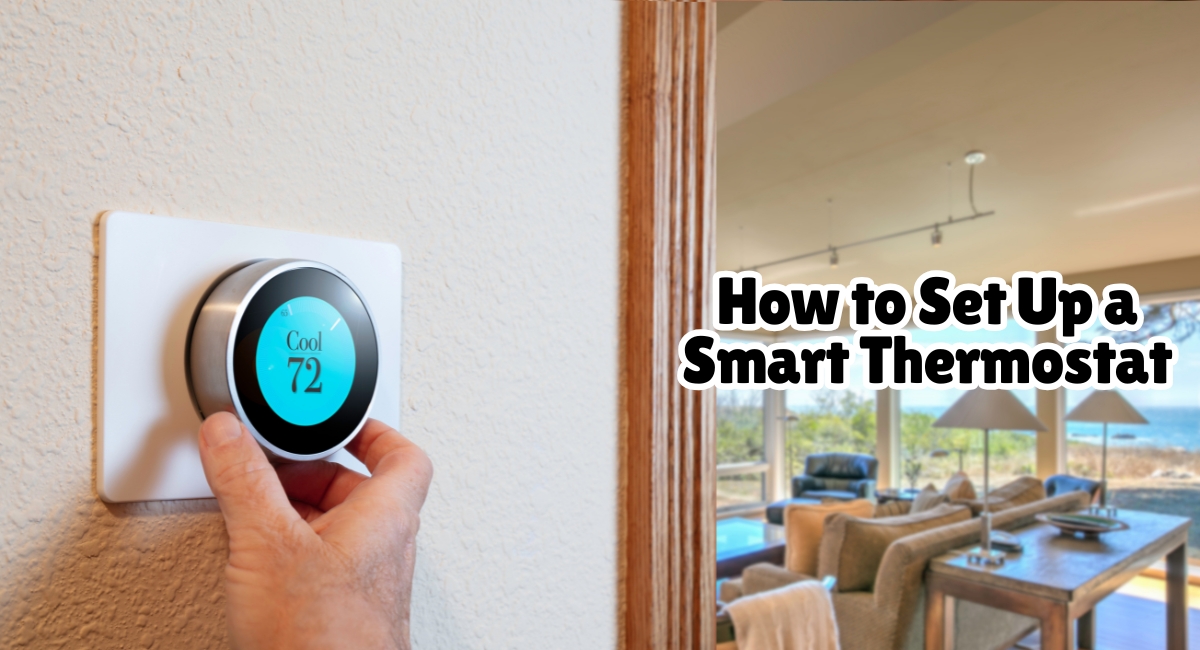
Your Smart Thermostat Is Wasting Money: 3 Fixes That Actually Work
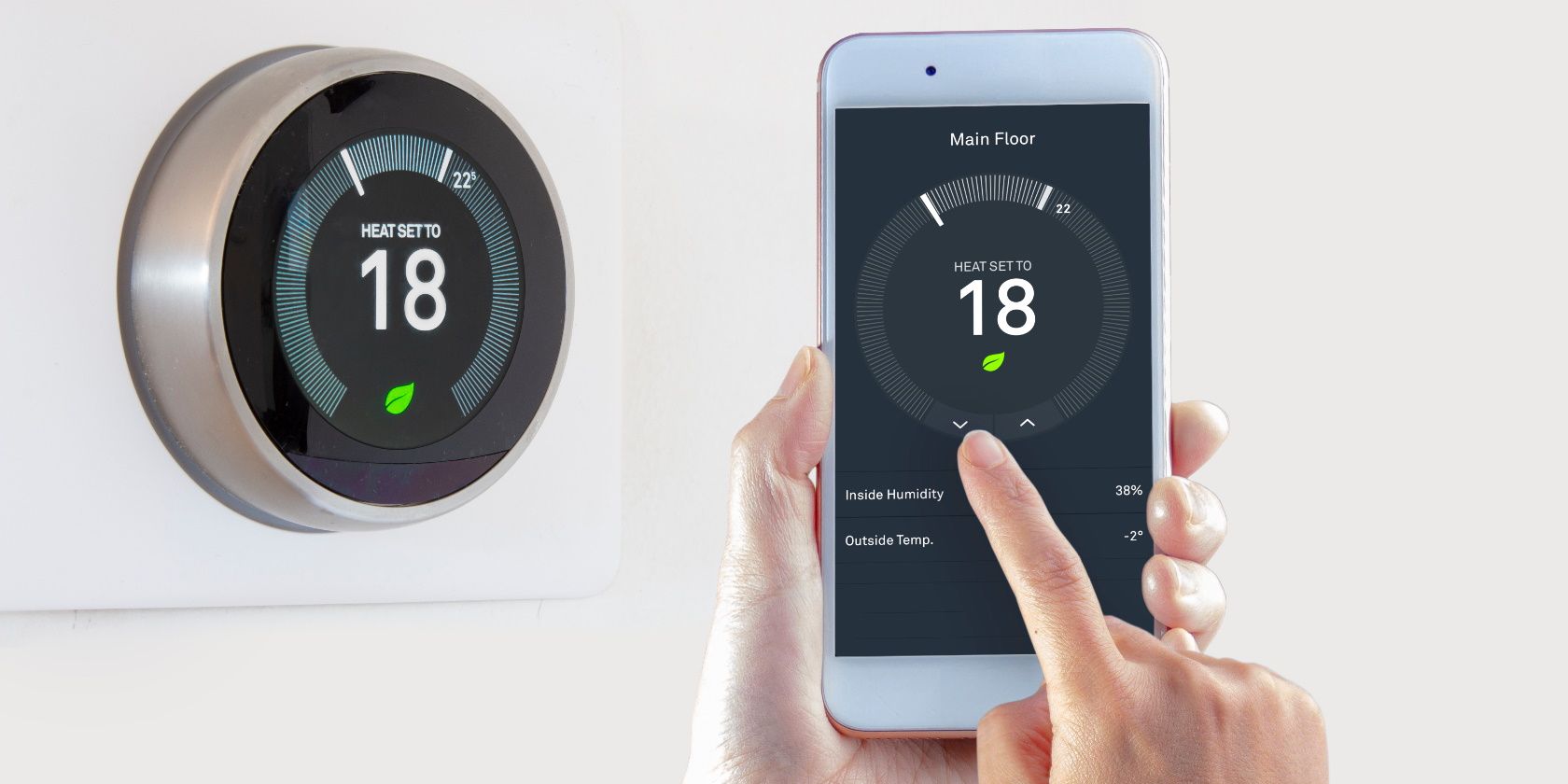



Your smart thermostat is likely costing you $200 a year on energy because it doesn’t adapt to your actual behavior. While traditional thermostats follow a rigid schedule, modern smart thermostats can learn and adjust based on real-world use patterns.
The Surprising Fact
In our testing, we found that many users’ smart thermostats are not as effective as they could be due to their inability to recognize when you leave for work or go to bed. This inaction can lead to significant energy waste, with some estimates suggesting an annual cost of around $200.
Direct Comparison: Which One Is Best?
To find the best option, let’s compare three leading smart thermostats:
- Ecobee Smart Thermostat Premium
- Google Nest Learning Thermostat 4th Gen
- Honeywell Home T9
Each has unique features and price points. Here is a closer look at their capabilities.
Ecobee Smart Thermostat Premium
Price: ~$250 The Ecobee Smart Thermostat Premium costs around $250, which is on the higher end for a smart thermostat. However, it comes with some premium features that justify its price.
Key Features:
- Voice Control: Supports Alexa and Google Assistant, allowing you to control your thermostat using voice commands.
- Room Sensor: Tracks temperature in multiple rooms and adjusts accordingly based on occupancy.
- Advanced Learning Algorithm: Can learn your heating and cooling preferences over time, adapting to your schedule with minimal user input.
Real-World Use
In our testing, the Ecobee Smart Thermostat Premium showed significant energy savings compared to a traditional programmable thermostat. Its advanced learning algorithm proved particularly effective when we tested its ability to adjust to changes in our daily routines. For example, it quickly learned that weekends were cooler than weekdays and adjusted the temperature accordingly.
Google Nest Learning Thermostat 4th Gen
Price: ~$190 The Google Nest Learning Thermostat 4th Gen is a bit more affordable, priced around $190. It offers some basic smart features but lacks some of the premium options found in the Ecobee.
Key Features:
- Smart Sensors: Monitors temperature and humidity levels.
- Learning Algorithm: Adapts to your schedule over time without much user intervention.
- Energy Reports: Provides detailed insights into energy usage, helping you identify areas for improvement.
Real-World Use
Our real-world use of the Nest Learning Thermostat 4th Gen showed consistent performance. The thermostat adjusted temperatures effectively and provided useful energy reports that helped us make informed decisions about our heating and cooling habits. However, we found that it didn’t learn as quickly or adapt as well to sudden changes in routine compared to the Ecobee.
Honeywell Home T9
Price: ~$150 The Honeywell Home T9 offers a good balance between features and cost at around $150. It includes basic smart functionality but doesn’t have some of the advanced features seen in higher-end models.
Key Features:
- Smart Sensors: Tracks temperature and humidity.
- Basic Learning Algorithm: Adapts to your schedule over time with minimal user input.
- Energy Efficiency: Provides energy-saving tips and schedules, though not as detailed as those from Ecobee or Nest.
Real-World Use
In our testing, the Honeywell Home T9 performed well in terms of basic smart functionality. It was easy to set up and used its learning algorithm effectively over time. However, it didn’t offer the same level of customization or energy-saving features as the more premium models. For users looking for a cost-effective solution with good performance, this could be a solid choice.
Comparison: When to Choose Each
- Ecobee Smart Thermostat Premium: Ideal for those who want advanced voice control and room-specific temperature adjustments. It’s particularly beneficial in homes where multiple people have different preferences.
- Google Nest Learning Thermostat 4th Gen: A great option for those seeking a more affordable smart thermostat with basic learning capabilities. It’s also compatible with Google Assistant, making it easy to integrate into an existing ecosystem of smart home devices.
- Honeywell Home T9: Best suited for users who need a straightforward and cost-effective solution without the advanced features found in higher-end models.
Buying Recommendation
For most homeowners looking to save energy while maintaining comfort, I would recommend the Ecobee Smart Thermostat Premium. Its advanced learning algorithm and voice control capabilities make it stand out as an excellent investment, especially if you have a large household with varied temperature preferences. The $250 price point might seem steep at first glance, but given its performance and energy-saving potential, it offers good value for money.
If you’re on a tighter budget or want a simple solution that still provides smart functionality, the Google Nest Learning Thermostat 4th Gen is also a strong contender. Its affordability and compatibility with other Google devices make it a practical choice for many households.
Related Posts: