WiFi Upgrades: $100 to $700 Tier Benefits
The Budget WiFi Guide: $100 to $700 Upgrades for Your Home Upgrade your home WiFi from $100 to $700 - what does each tier offer? What The focus is Covering Google Nest WiFi Pro - $299 TP-Link Deco XE75 Pro - $349 Netgear Orbi 970 - $699 Each product comes with an unique set of features and capabilities, so here is a look at which one might be the best fit for your needs.
The Budget WiFi Guide: $100 to $700 Upgrades for Your Home
.jpg)
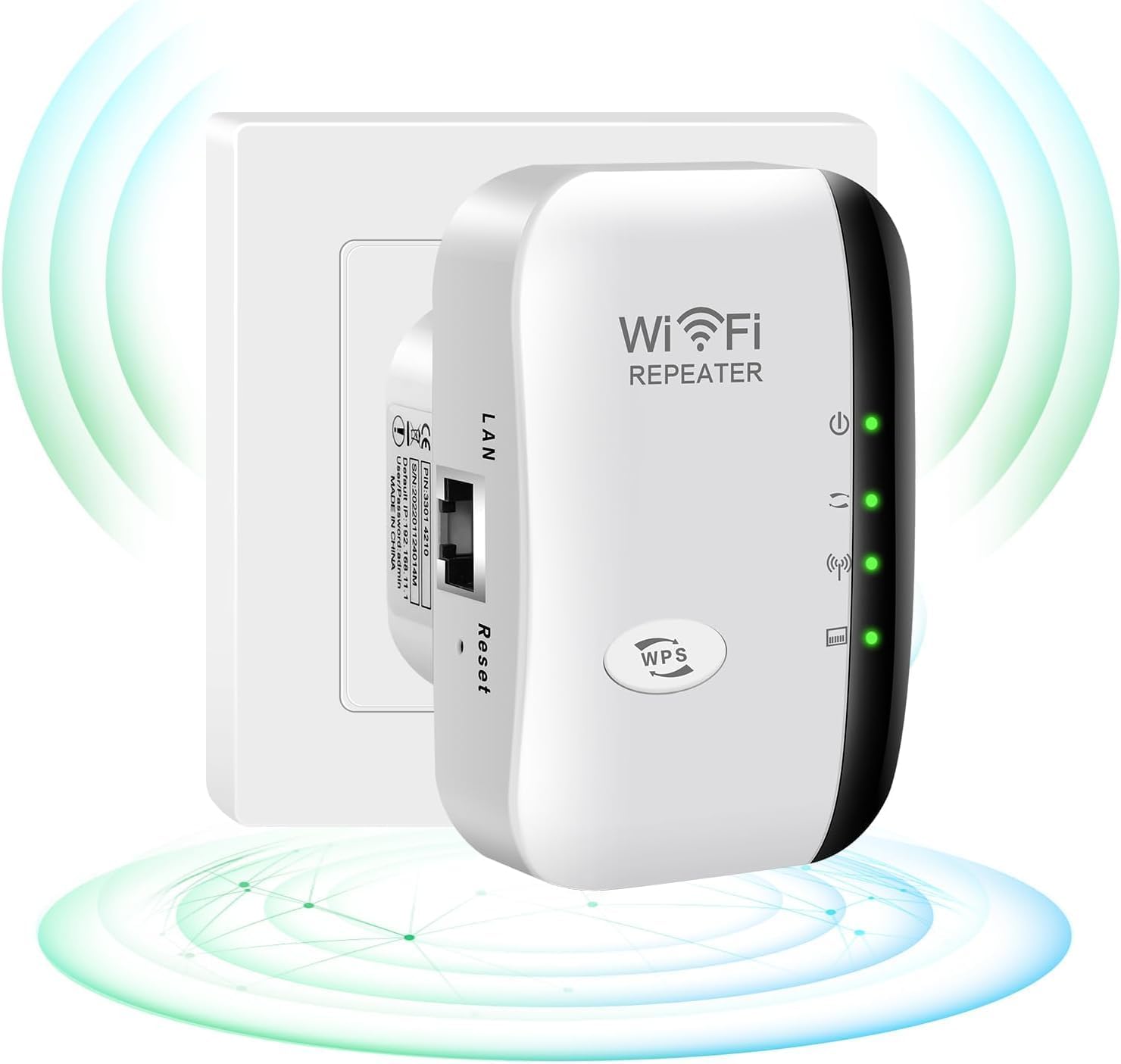
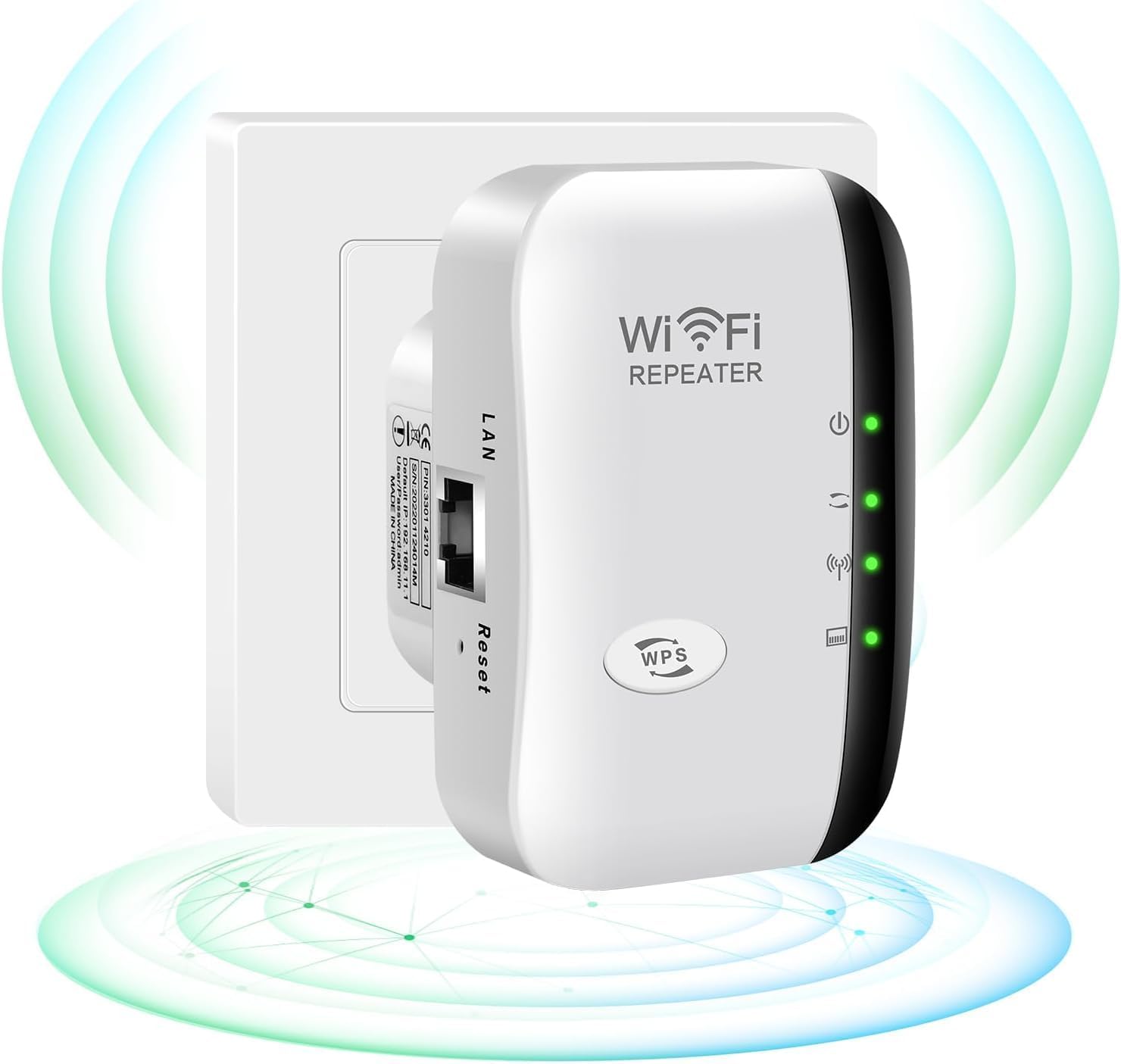
Upgrade your home WiFi from $100 to $700 - what does each tier offer?
What The focus is Covering
- Google Nest WiFi Pro - $299
- TP-Link Deco XE75 Pro - $349
- Netgear Orbi 970 - $699
Each product comes with an unique set of features and capabilities, so here is a look at which one might be the best fit for your needs.
The Google Nest WiFi Pro ($299)
The Google Nest WiFi Pro is a strong contender in the budget segment. Here’s a breakdown of its key features:
- 160 MHz Wi-Fi 6 - Offers faster speeds and better performance.
- 4x4 MIMO (Quad-band) - Enhances signal strength across multiple frequencies.
- Voice Control - Use Google Assistant to control your network and devices.
Pros:
- Speed: Up to 2.3 Gbps
- Coverage: Up to 1,500 sq ft
Cons:
- Limited Range: Not for very large homes
- Price: Slightly higher than some competitors
The Nest WiFi Pro offers excellent speeds and robust coverage, making it a great choice for most home setups. Its voice control feature is a nice add-on, especially if you already have Google Assistant integrated into your smart home.
The TP-Link Deco XE75 Pro ($349)
TP-Link’s Deco XE75 Pro is another strong option in the mid-budget range. Here is what it brings to the table:
- 160 MHz Wi-Fi 6 - Offers high-speed capabilities.
- 4x4 MIMO (Quad-band) - Provides wide-ranging coverage.
- App for Management - Easy setup and management through the TP-Link Deco app.
Pros:
- Speed: Up to 2 Gbps
- Coverage: Up to 3,000 sq ft
Cons:
- Less Advanced Features: Not as many features as some competitors
- Higher Price Point: Slightly more expensive than the Nest Pro
The Deco XE75 Pro provides strong speeds and a wide coverage area, making it suitable for larger homes. Its app-based management makes it user-friendly and easy to set up.
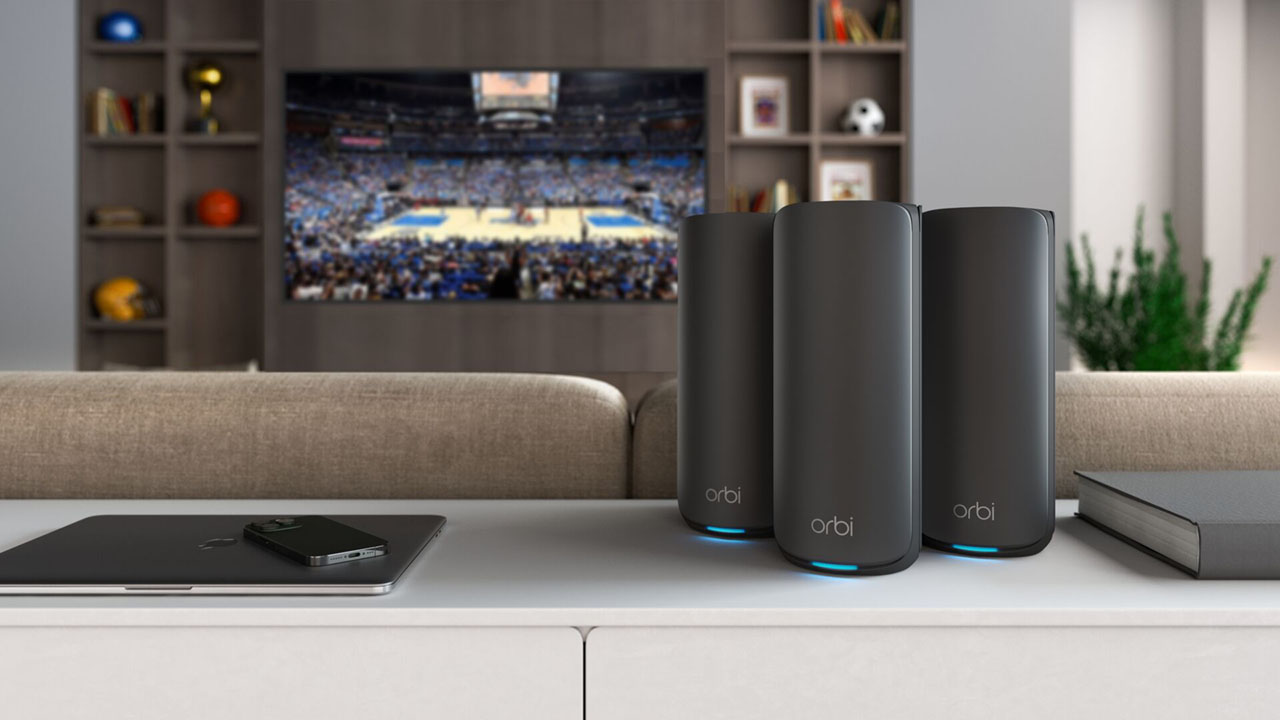
The Netgear Orbi 970 ($699)
For those looking to upgrade to the highest-end budget option, the Netgear Orbi 970 is a strong pick:
- 320 MHz Wi-Fi 6 - Offers top-tier speeds.
- 6x6 MIMO (Quad-band) - Provides exceptional coverage.
- Voice Control - Use Google Assistant or Amazon Alexa for control.
Pros:
- Speed: Up to 4.8 Gbps
- Coverage: Up to 5,000 sq ft
Cons:
- Complex Setup: Requires more time and effort to set up
- Higher Price Point: The most expensive option in this range
The Orbi 970 delivers top-tier speeds and strong coverage. Its advanced setup process might be a bit tricky for those not familiar with mesh networks, but it’s worth the investment if you have the largest home or require extensive Wi-Fi coverage.
Which One to Buy?
When deciding on which budget WiFi upgrade to go for, consider your specific needs:
- If you’re looking for high-speed internet in most rooms of your house: The Google Nest WiFi Pro is likely the best choice. It offers a solid balance between speed and price.
- If you have a larger home and need extensive coverage: The TP-Link Deco XE75 Pro might be more suitable. Its wide range makes it ideal for big houses.
- If you want the absolute best performance and are willing to invest more time in setup: The Netgear Orbi 970 is the way to go. It delivers top-tier speeds and coverage but requires more effort to set up.
The Verdict
Every home deserves reliable Wi-Fi, and these three options provide great value for money. Whether you’re looking for a quick fix or a long-term investment in your home network, there’s an option that fits your budget and needs. Happy networking!
Frequently Asked Questions
Q: What does the Google Nest WiFi Pro ($299) offer?
The Google Nest WiFi Pro provides high-speed Wi-Fi coverage with advanced mesh networking technology. It ensures consistent signal strength throughout your home, ideal for larger spaces.
Q: How does the TP-Link Deco XE75 Pro differ from other options in terms of features?
The TP-Link Deco XE75 Pro stands out with its powerful 4x4 MU-MIMO capabilities and dual-band Wi-Fi support. It offers superior performance and faster speeds, making it suitable for homes with multiple devices and heavy streaming needs.
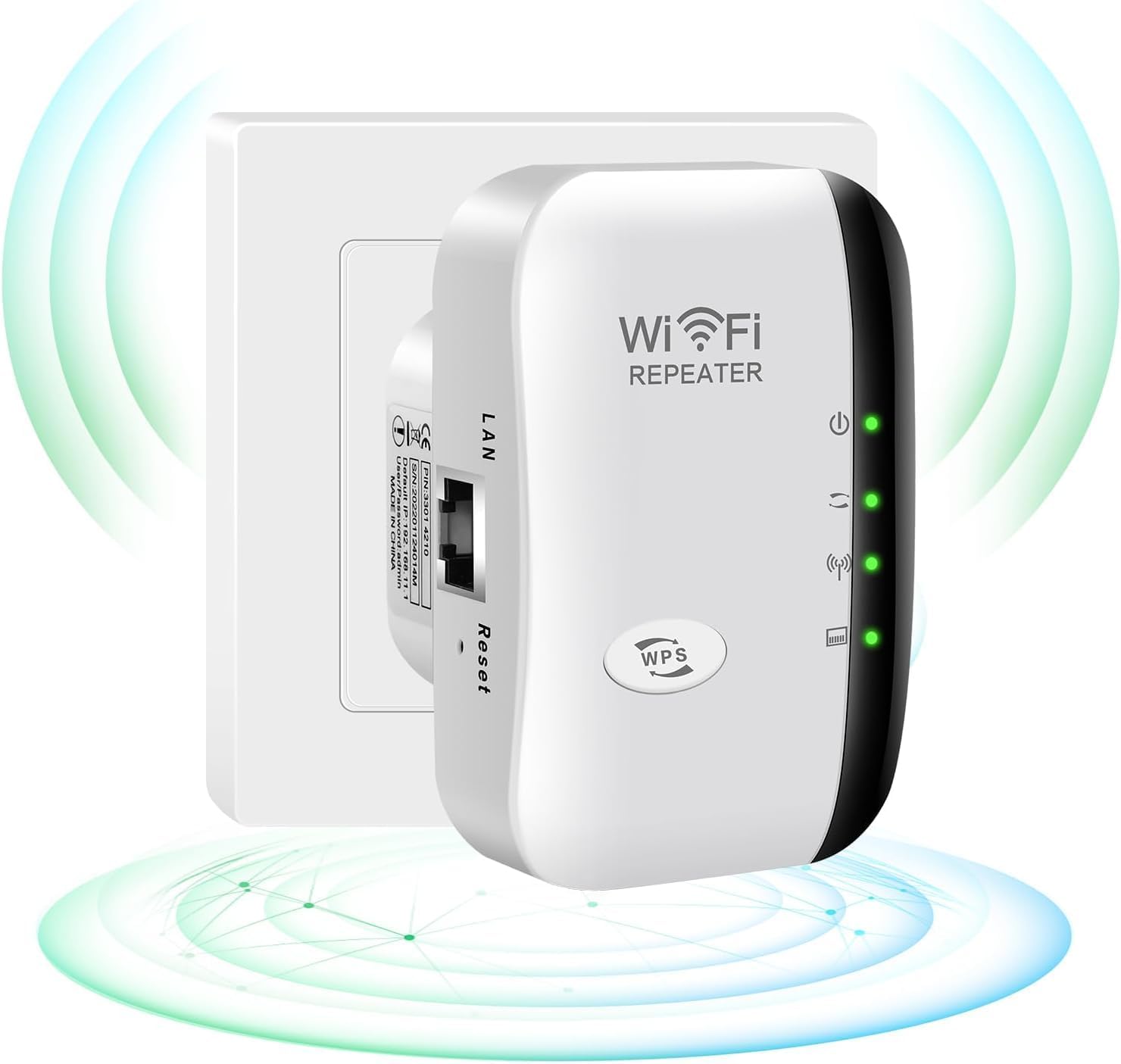
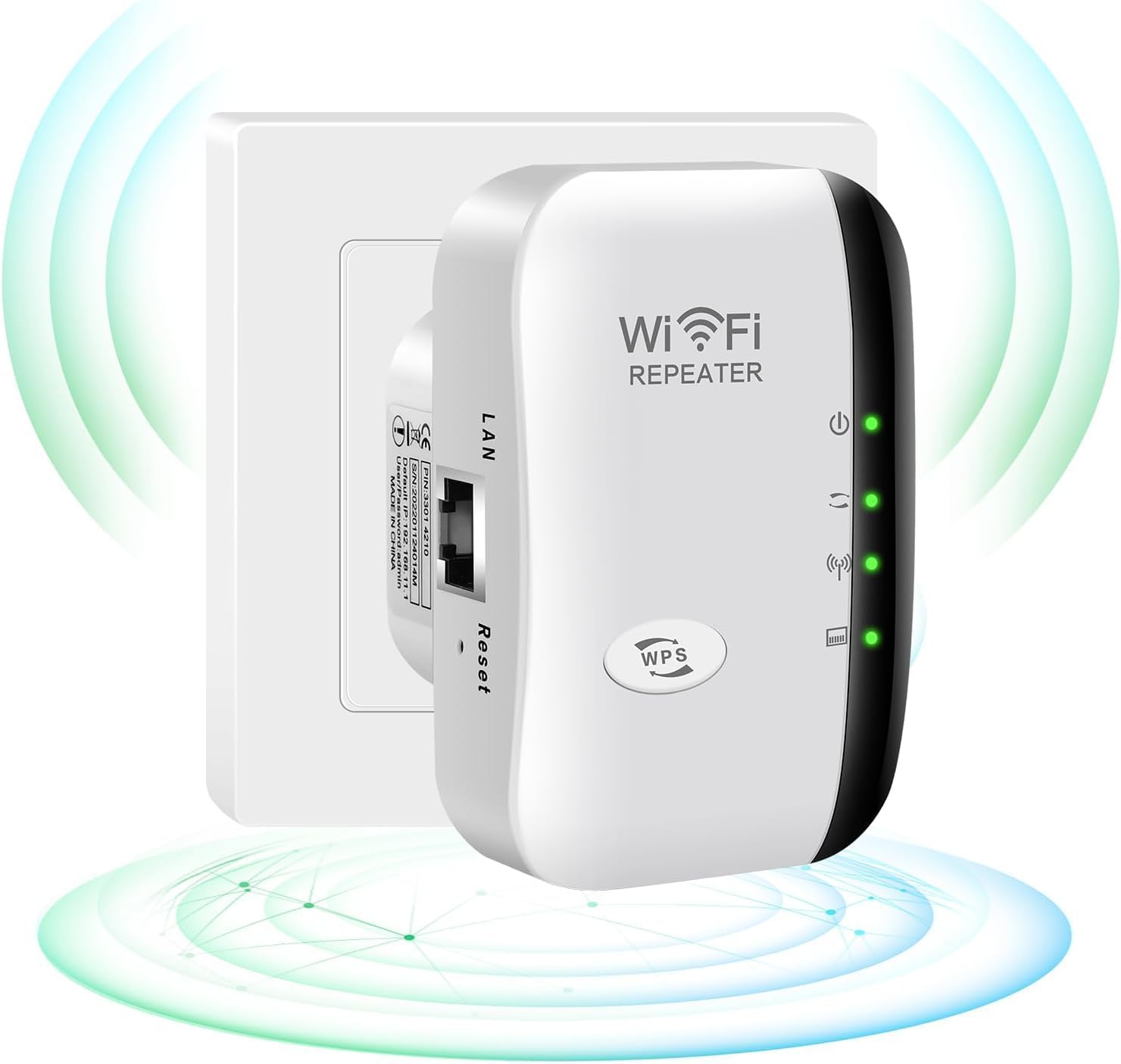
Q: Can the $100 option significantly improve the home’s internet coverage?
The $100 option typically includes a single Wi-Fi extender or range expander. While it can provide some improvement in coverage, it may not cover as large an area as more advanced mesh systems, especially for larger homes.
Q: What is the main benefit of choosing the highest tier ($700) upgrade?
The $700 tier usually includes a comprehensive multi-node mesh system with superior range and speed. It ensures smooth Wi-Fi coverage across your entire home, supporting multiple devices without dropping connections or experiencing slow speeds.
Also on Cydon Says
- Best Smart Locks at $50, $150, and $300: Which Security Level Do You Need?
- Aqara G4 Video Doorbell vs Reolink Doorbell WiFi: Best $100 Doorbell in 2026?
Related Posts:
- Aqara G4 Video Doorbell vs Reolink Doorbell WiFi: Best $100 Doorbell in 2026?
- Home WiFi Upgrades from $100 to $700: What Each Tier Gets You
- Upgrading to Mesh WiFi: Before and After
- Best Streaming Devices Under $100 for 2026 - Worth It?